> ## Documentation Index
> Fetch the complete documentation index at: https://docs.tenderly.co/llms.txt
> Use this file to discover all available pages before exploring further.
# Commenting & Prioritizing Traces
> Comment on any execution trace and set priorities so your team can flag and discuss the calls that matter during debugging.
Collaboration can be complex and time-consuming when you go through various contracts and Execution Traces ([**Function Trace and Call Trace**](/debugger/execution-overview)). That is why you can comment on any trace, as well as set priorities.
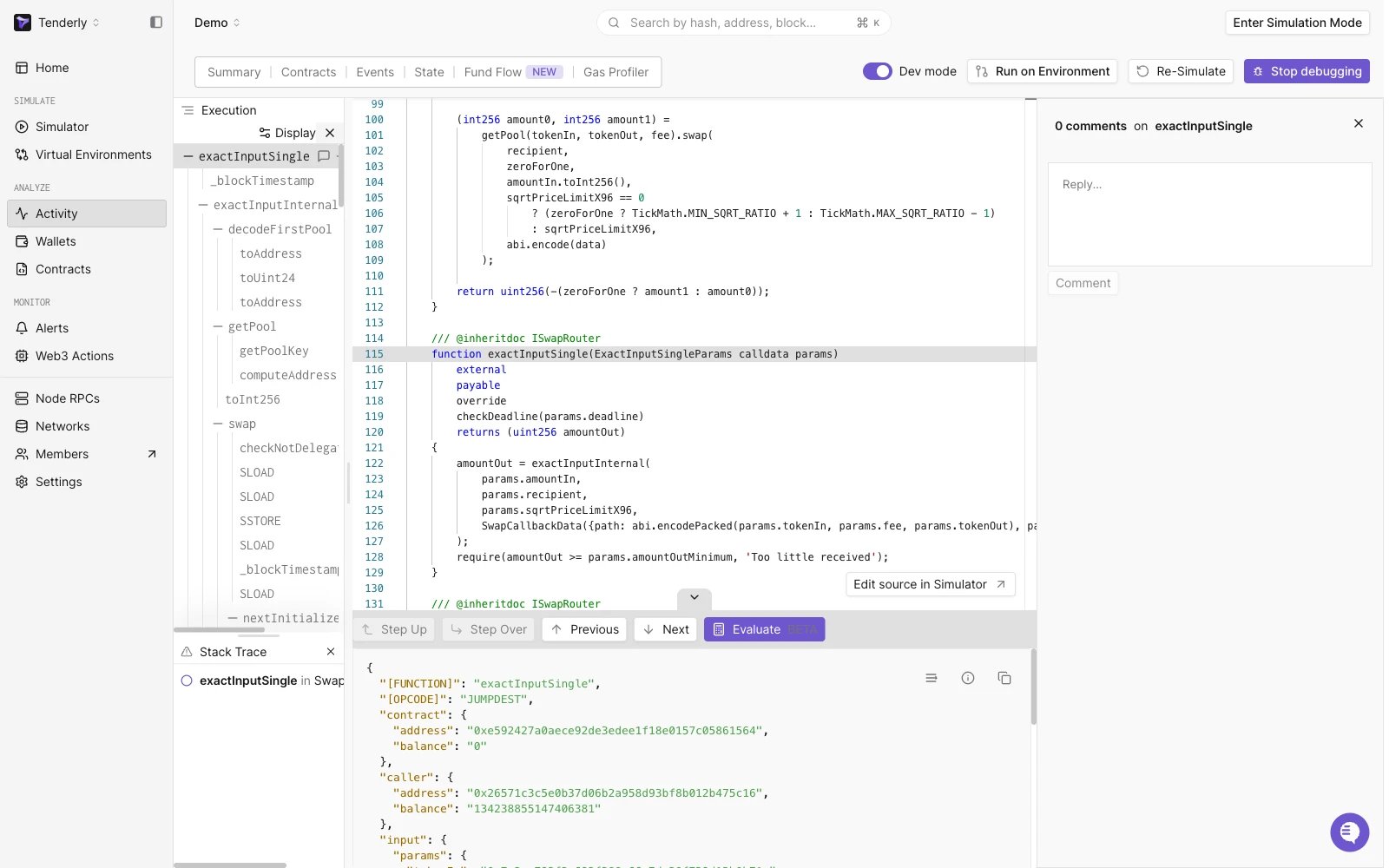
Click the speech-bubble icon next to a trace node in the execution tree to open its comment panel on the right side of the Debugger. The panel header shows the number of comments on that trace (for example, "0 comments on `exactInputSingle`"), and you can post a reply from the box at the bottom of the panel.
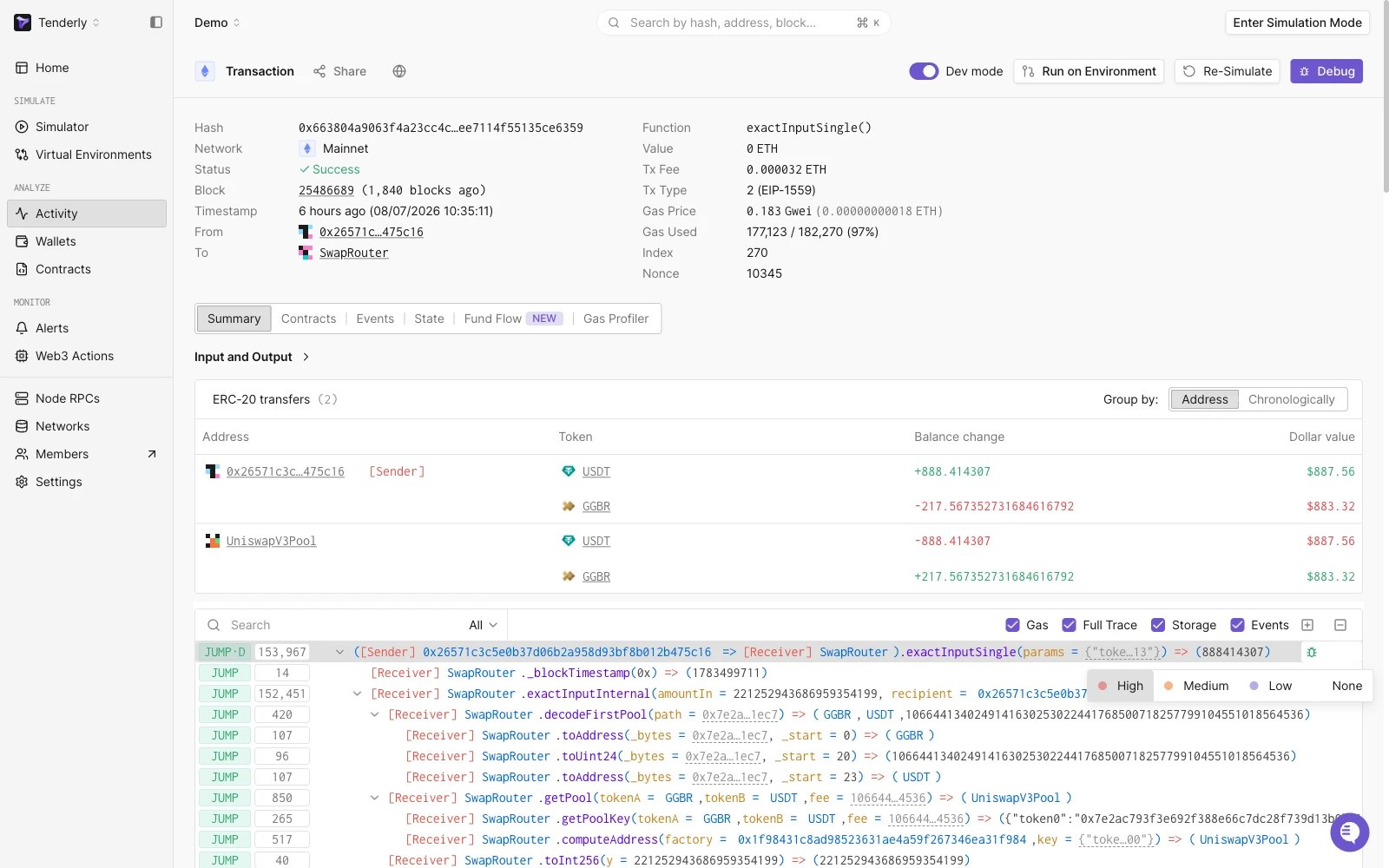
 When you select a trace, you can clearly prioritize it. In the top right of the trace window you can see the option ***Set priority*** right next to [*View in Debugger*](/debugger/overview) button - clicking on it opens a dropdown from which you can select the priority you want for that particular trace and it will stay marked for all users that have access to the project until manually changed. Selecting *None* for the priority of a trace removes the markings.
Lastly, clicking on the three dots next to *Set priority* opens up a dropdown where you can [view the contract source](/simulator-ui/editing-contract-source).
When you select a trace, you can clearly prioritize it. In the top right of the trace window you can see the option ***Set priority*** right next to [*View in Debugger*](/debugger/overview) button - clicking on it opens a dropdown from which you can select the priority you want for that particular trace and it will stay marked for all users that have access to the project until manually changed. Selecting *None* for the priority of a trace removes the markings.
Lastly, clicking on the three dots next to *Set priority* opens up a dropdown where you can [view the contract source](/simulator-ui/editing-contract-source).
 All the comment and priority features persist through both Transaction Overview and Debugger views in your dashboard.
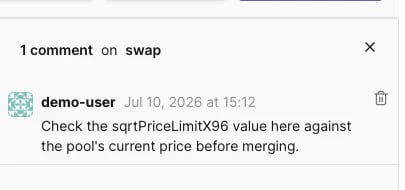
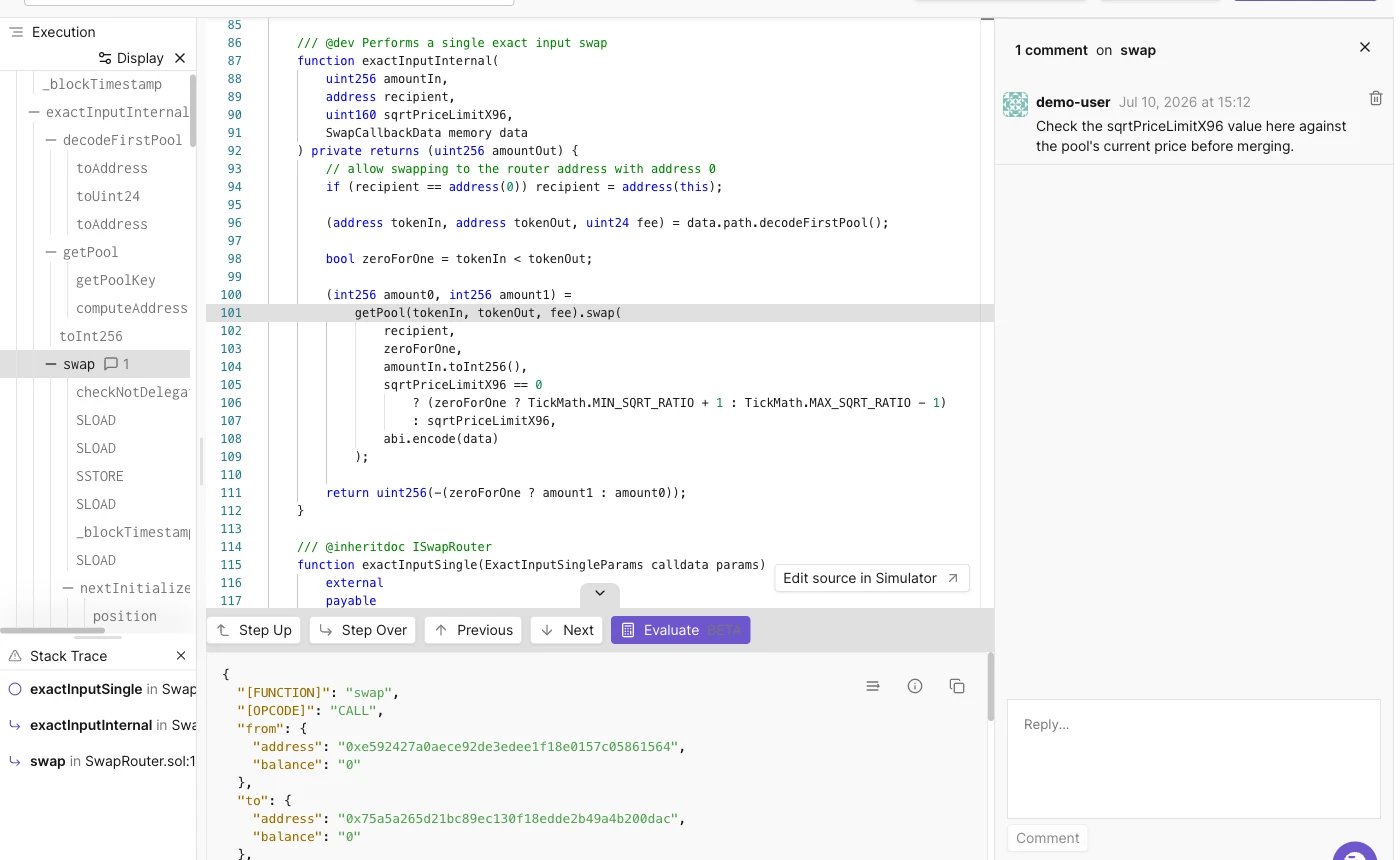 You can delete your own comments from the comment panel.