> ## Documentation Index
> Fetch the complete documentation index at: https://docs.tenderly.co/llms.txt
> Use this file to discover all available pages before exploring further.
# Transaction Listing
> A guide to managing and analyzing transactions in the Tenderly Dashboard for development and monitoring.
Once you add a contract or wallet from any supported network, all the transactions coming from those assets will be displayed in the Dashboard. This makes it easy to keep track of everything in one place. You can also use filters to sort and find the transactions that are most important to you, which can be helpful both during development and monitoring.
[Watch on Loom →](https://www.loom.com/share/ec9c8aac4ca24bb19226b6dd96606f97?sid=07229573-c019-42d8-8a6c-8a89acdefbb3)
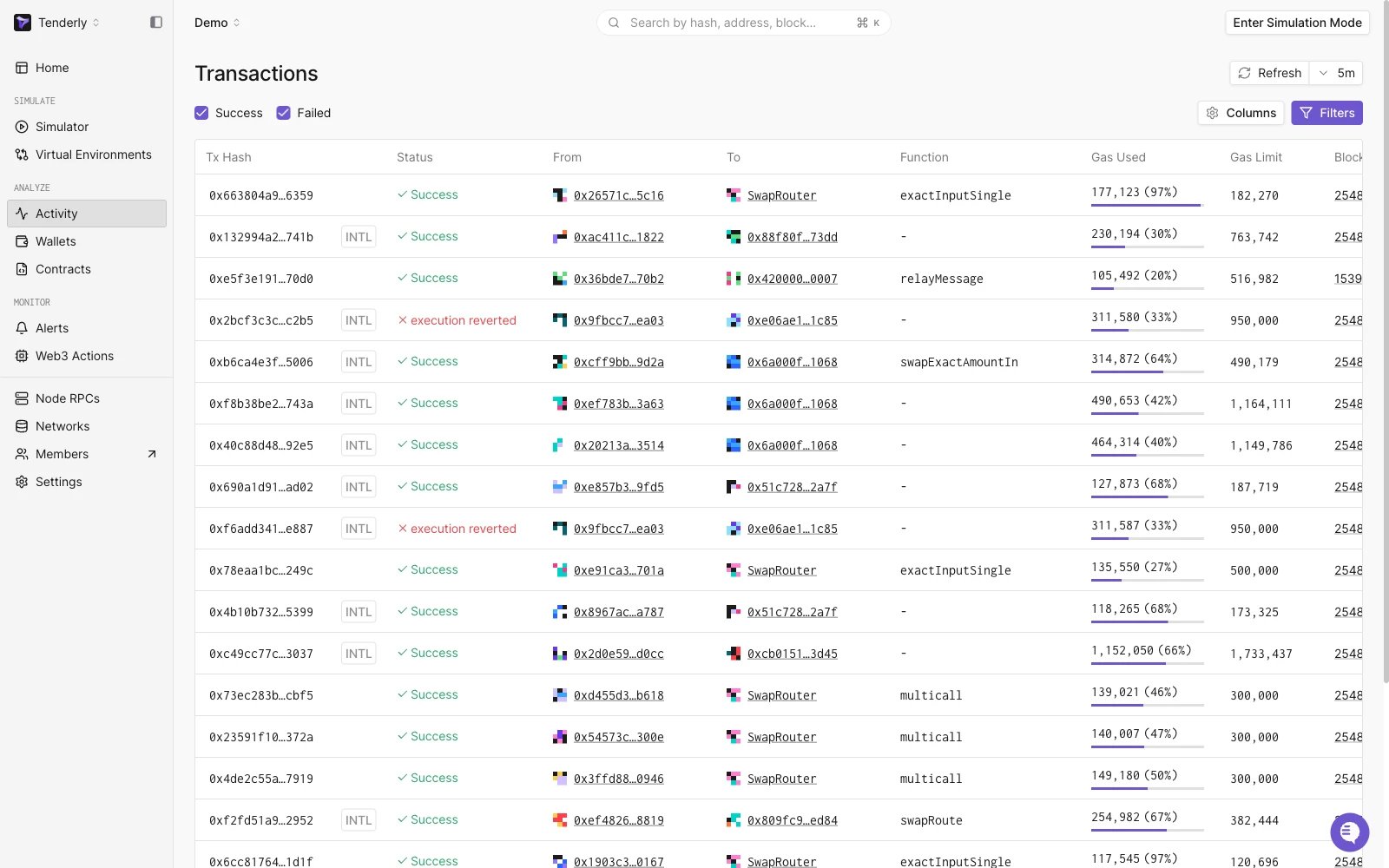
To see all your project's transactions, go to the **Transactions** page. Here, you can apply filters and sort transactions to hone in on the information most relevant to you.
Click on the **Filters** button to access the filtering and sorting options.
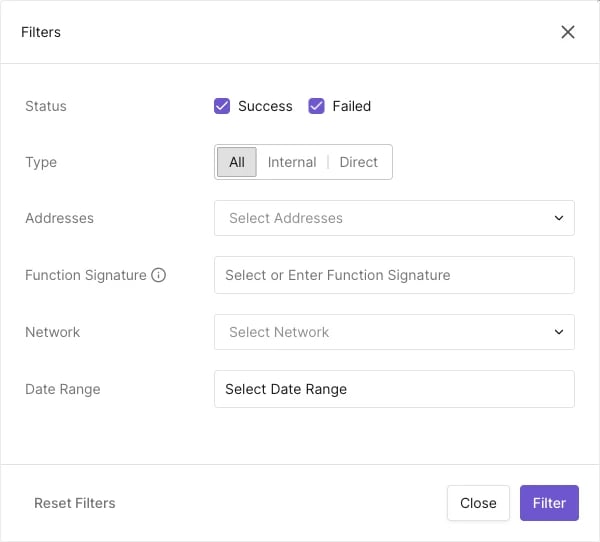
 Transactions can be filtered by their:
* **Status** (success, [pending](/developer-explorer/inspect-transaction/overview#mempool-pending-transactions), failed)
* **Type** (internal and direct)
* **Contract addresses** involved
* **Function** called
* **Network** (104 networks supported)
* **Date** or date range
* **Tag**, matching any [tag you've added](/developer-explorer/wallets#adding-tags-to-wallets) to a contract or wallet
Transactions can be filtered by their:
* **Status** (success, [pending](/developer-explorer/inspect-transaction/overview#mempool-pending-transactions), failed)
* **Type** (internal and direct)
* **Contract addresses** involved
* **Function** called
* **Network** (104 networks supported)
* **Date** or date range
* **Tag**, matching any [tag you've added](/developer-explorer/wallets#adding-tags-to-wallets) to a contract or wallet