> ## Documentation Index
> Fetch the complete documentation index at: https://docs.tenderly.co/llms.txt
> Use this file to discover all available pages before exploring further.
# Advanced Debugger के साथ Expressions का मूल्यांकन
> किसी transaction के execution trace में Solidity expressions का मूल्यांकन करें, Debugger में state variables, mappings, dynamic arrays, और function results का निरीक्षण करें।
Evaluate Expression [Debugger](/debugger/overview) में एक tool है जो आपको execution trace में expressions का मूल्यांकन करने की अनुमति देता है। आप smart contracts में जटिल expressions का आकलन कर सकते हैं, जिसमें dynamic arrays, mappings, state variables, functions, और global और local variables दोनों शामिल हैं। [Evaluate कैसे काम करता है](https://blog.tenderly.co/how-use-evaluate-expression-speed-debugging) के बारे में और जानें।
Evaluate feature तक पहुँचने के लिए, किसी भी transaction पर क्लिक करें, फिर **Debugger** पर जाएँ, और **Evaluate** बटन पर क्लिक करें।
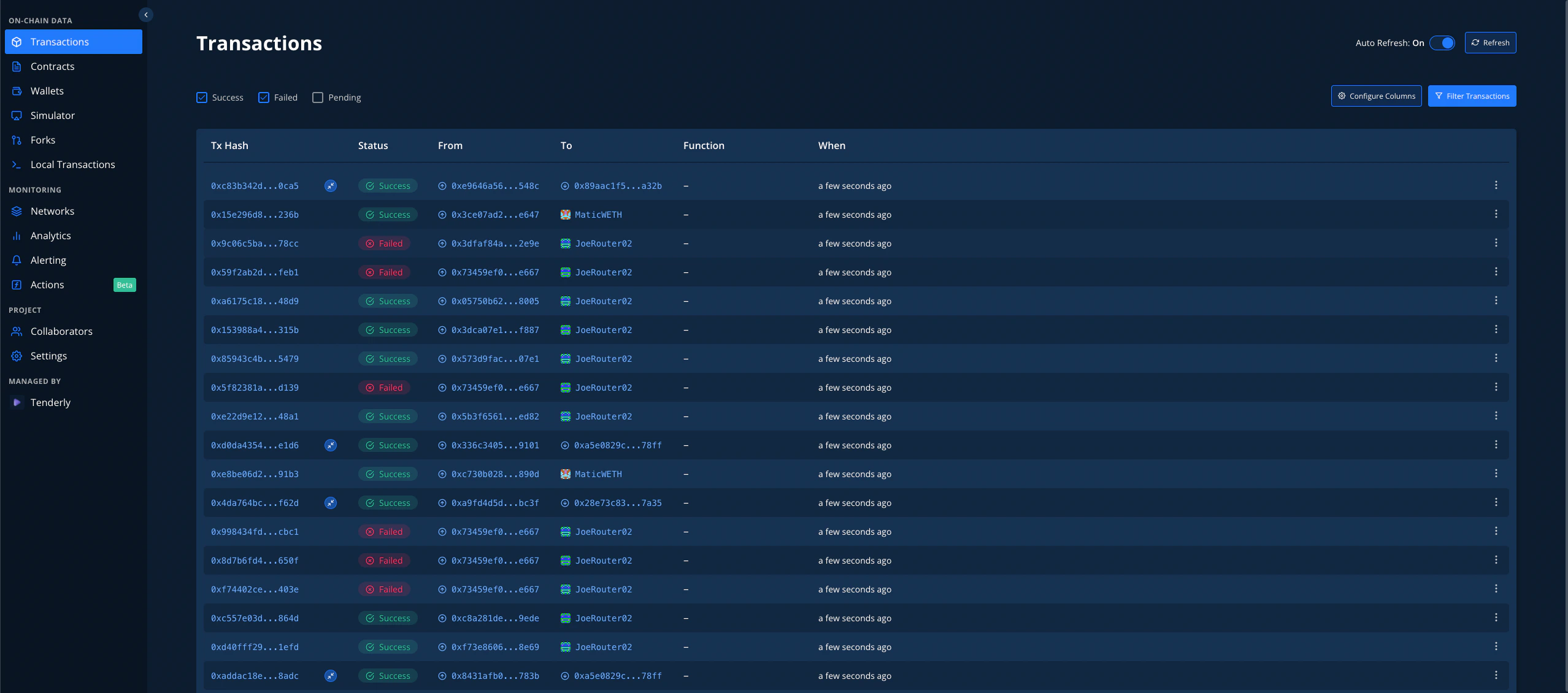
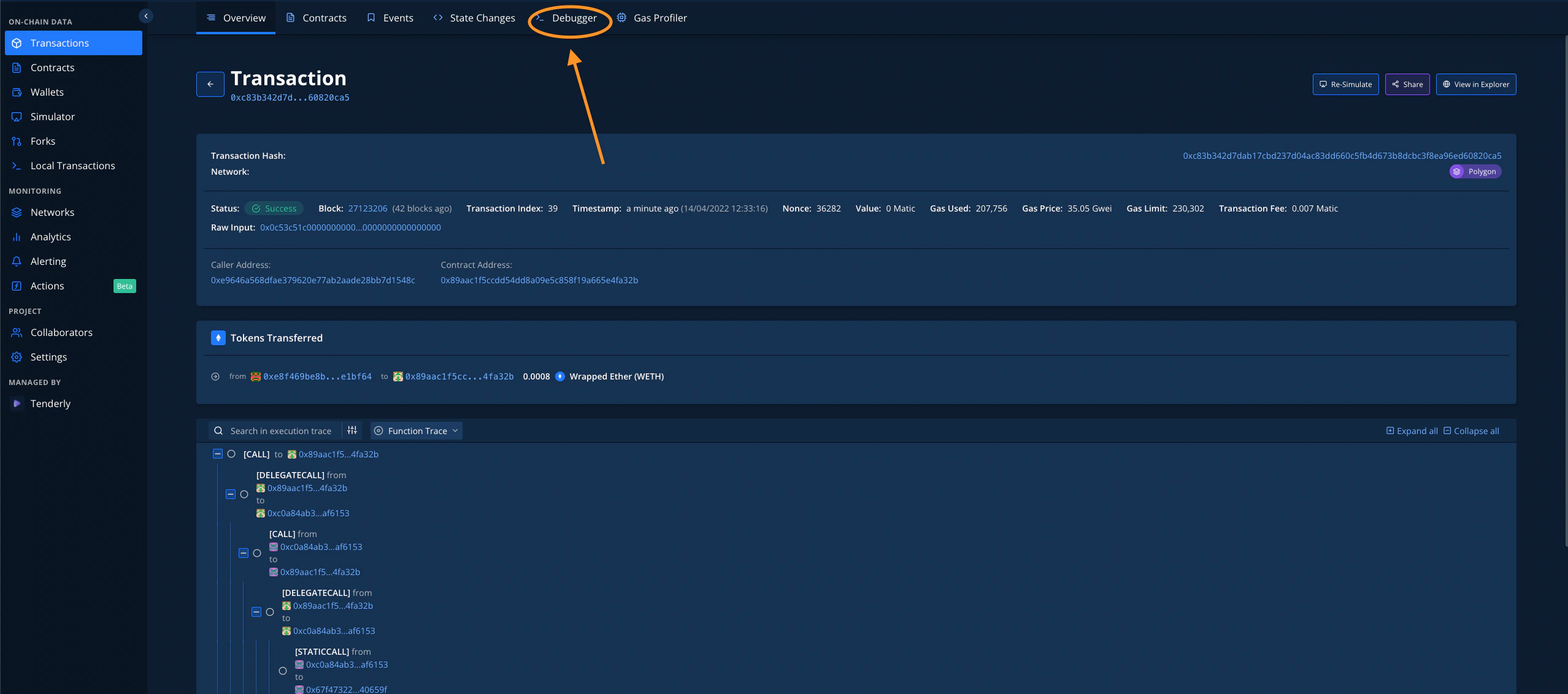
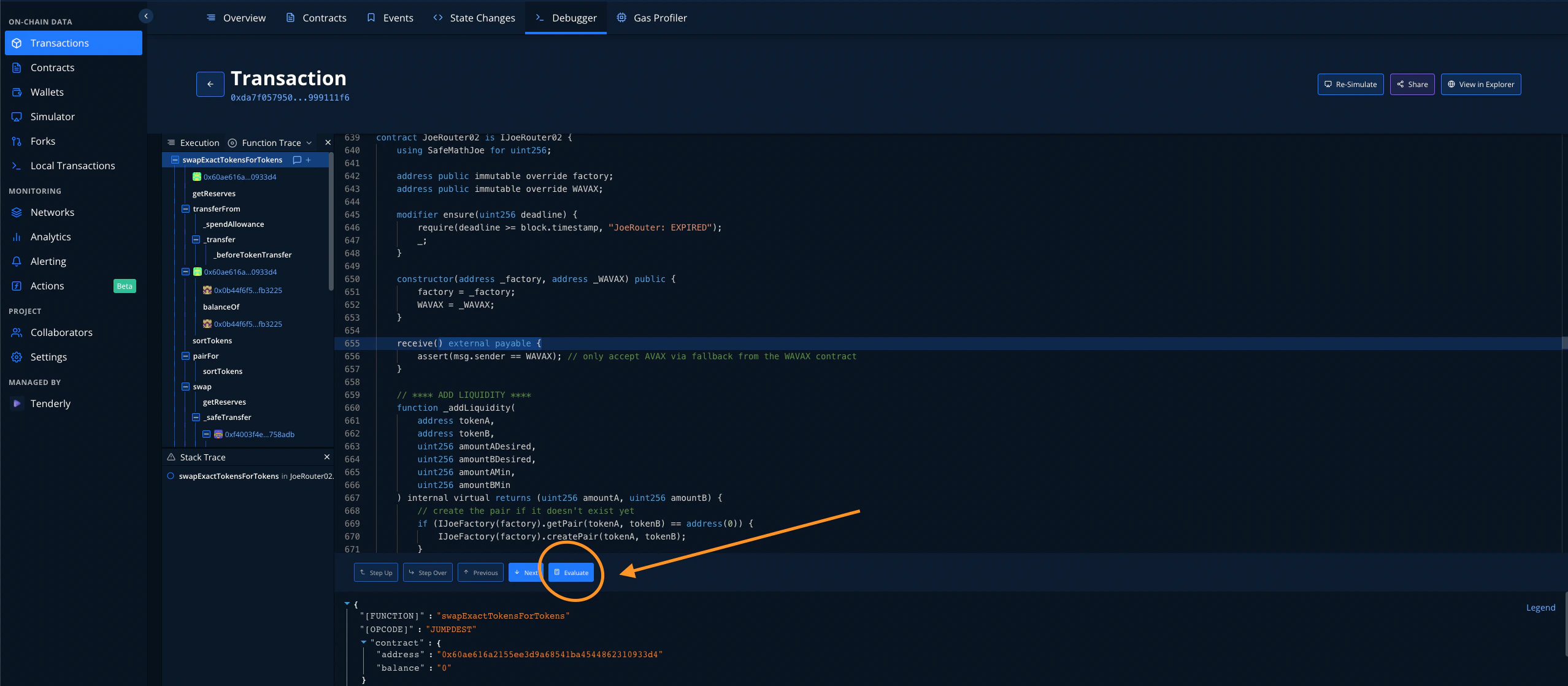 Evaluate feature वर्तमान में केवल Solidity contracts के लिए समर्थित है, और हम Vyper contracts के लिए भी Eval का समर्थन करने पर काम कर रहे हैं। आप जिस भी expression का मूल्यांकन करना चाहते हैं उसे चुनें, इसे बॉक्स में पेस्ट करें और **Evaluate** बटन दबाएँ:
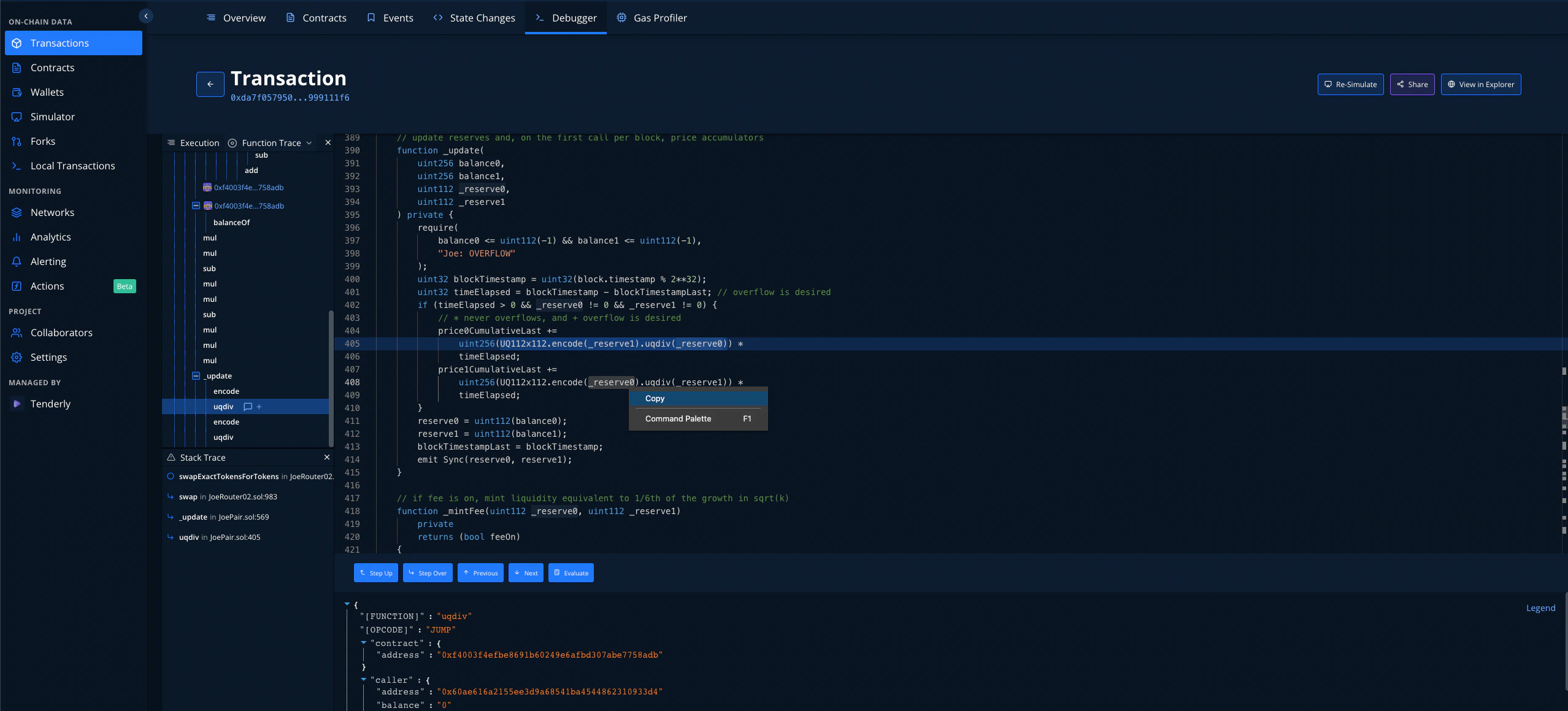
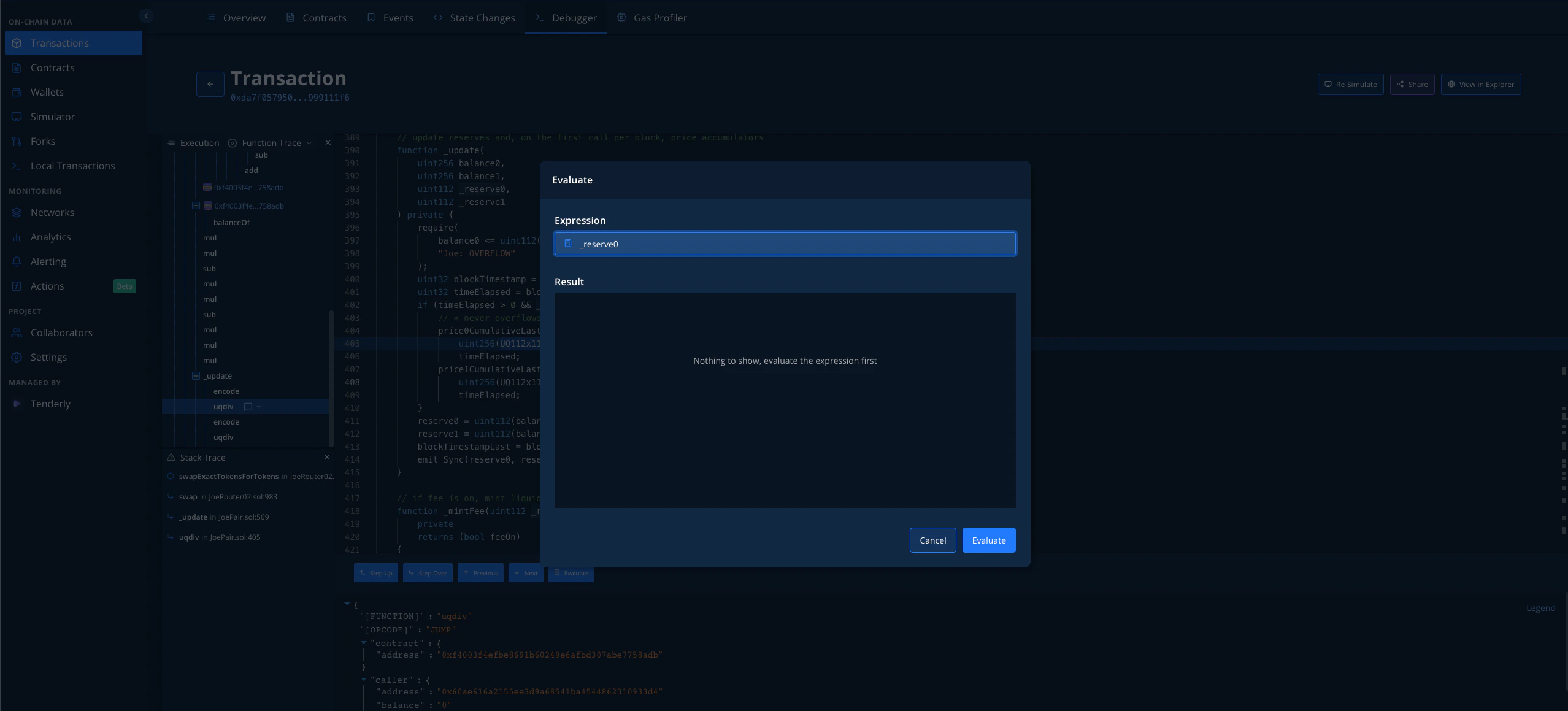
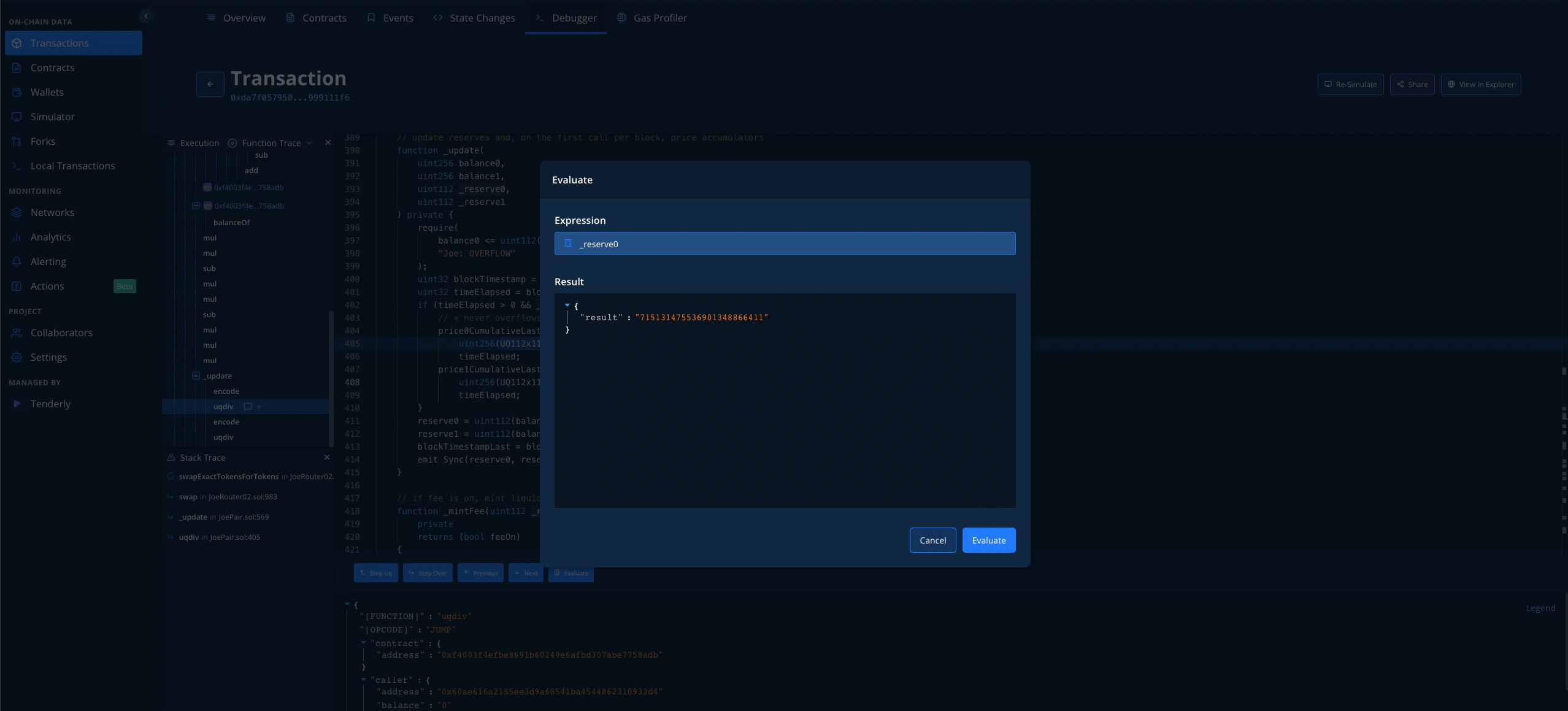 यह सरल और जटिल expressions दोनों के लिए काम करता है:
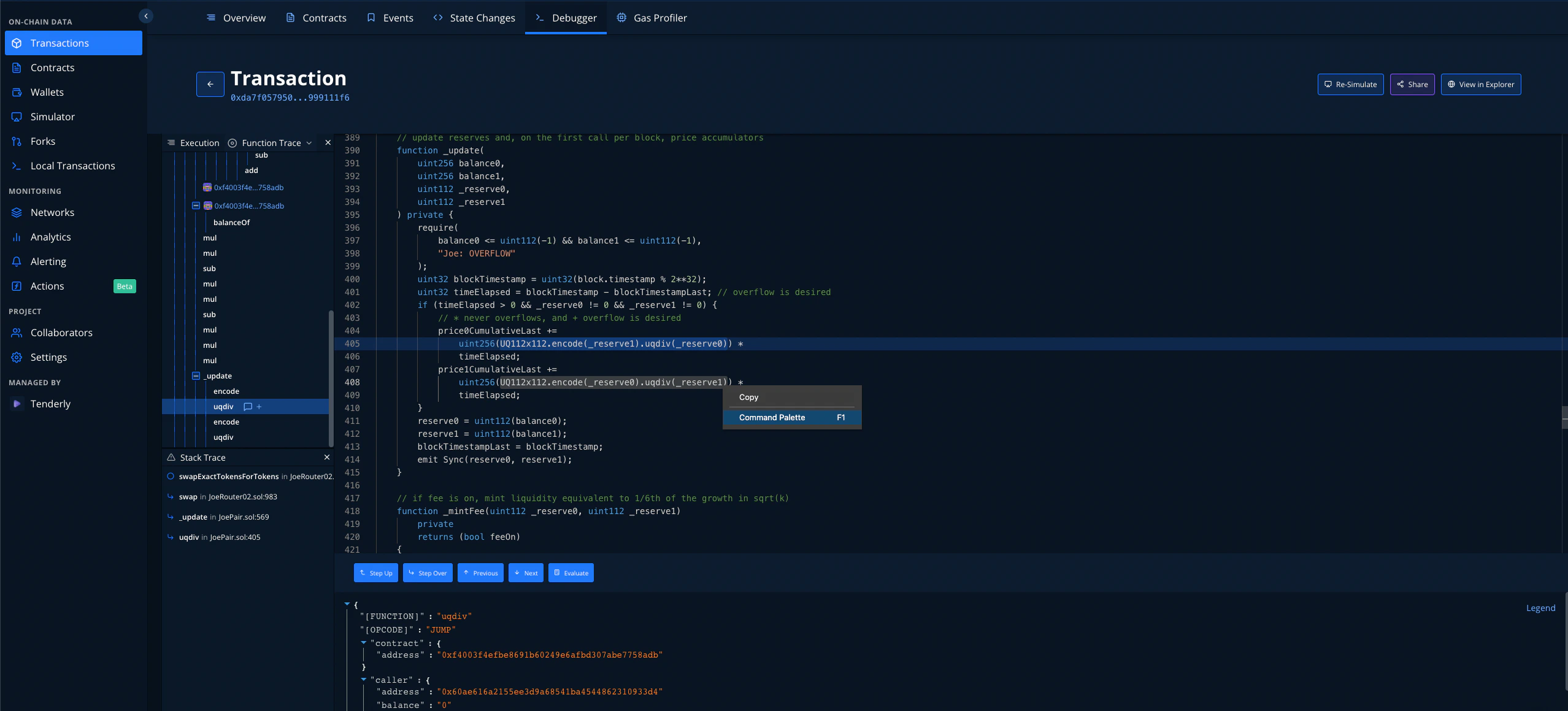
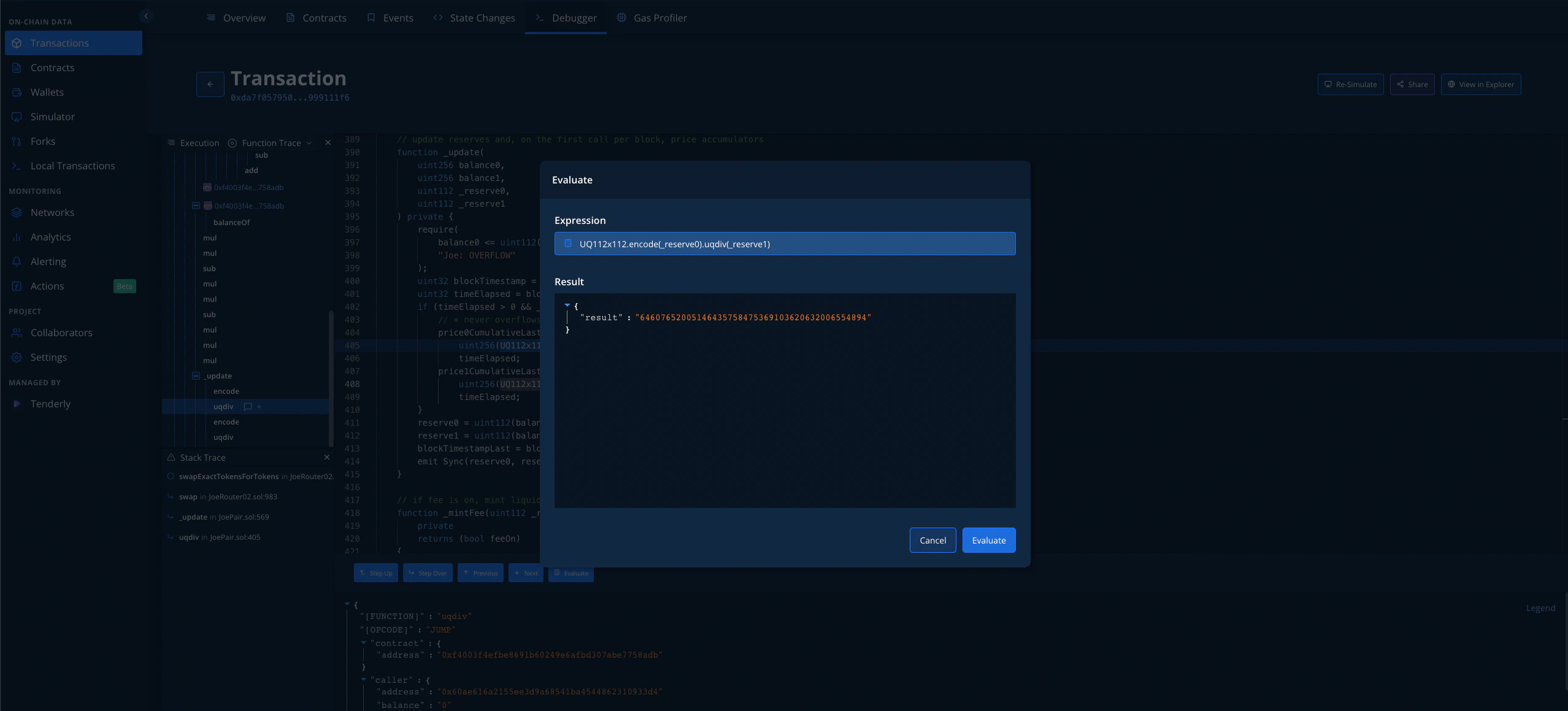 आप **अन्य Debugger सुविधाओं और Advanced Trace Search** के बारे में [**यहाँ**](/debugger/overview#stack-traces) **और** [**यहाँ**](/developer-explorer/transaction-overview#advanced-trace-search) अधिक पढ़ सकते हैं।