> ## Documentation Index
> Fetch the complete documentation index at: https://docs.tenderly.co/llms.txt
> Use this file to discover all available pages before exploring further.
# Error Reporting
> Web3 Action execution incidents के लिए Error Reporting अनुभाग तक पहुँच प्राप्त करें। parameters द्वारा incidents को फ़िल्टर करें और असफल को फिर से चलाएँ।
जब भी आपकी [Web3 Action](/monitoring/web3-actions/introduction) किसी भी कारण से विफल होती है, तो एक **Incident** report बनाई जाएगी। आप इस report को main navigation tree में Actions अनुभाग में, sub-tab **Error Reporting** के माध्यम से access कर सकते हैं:
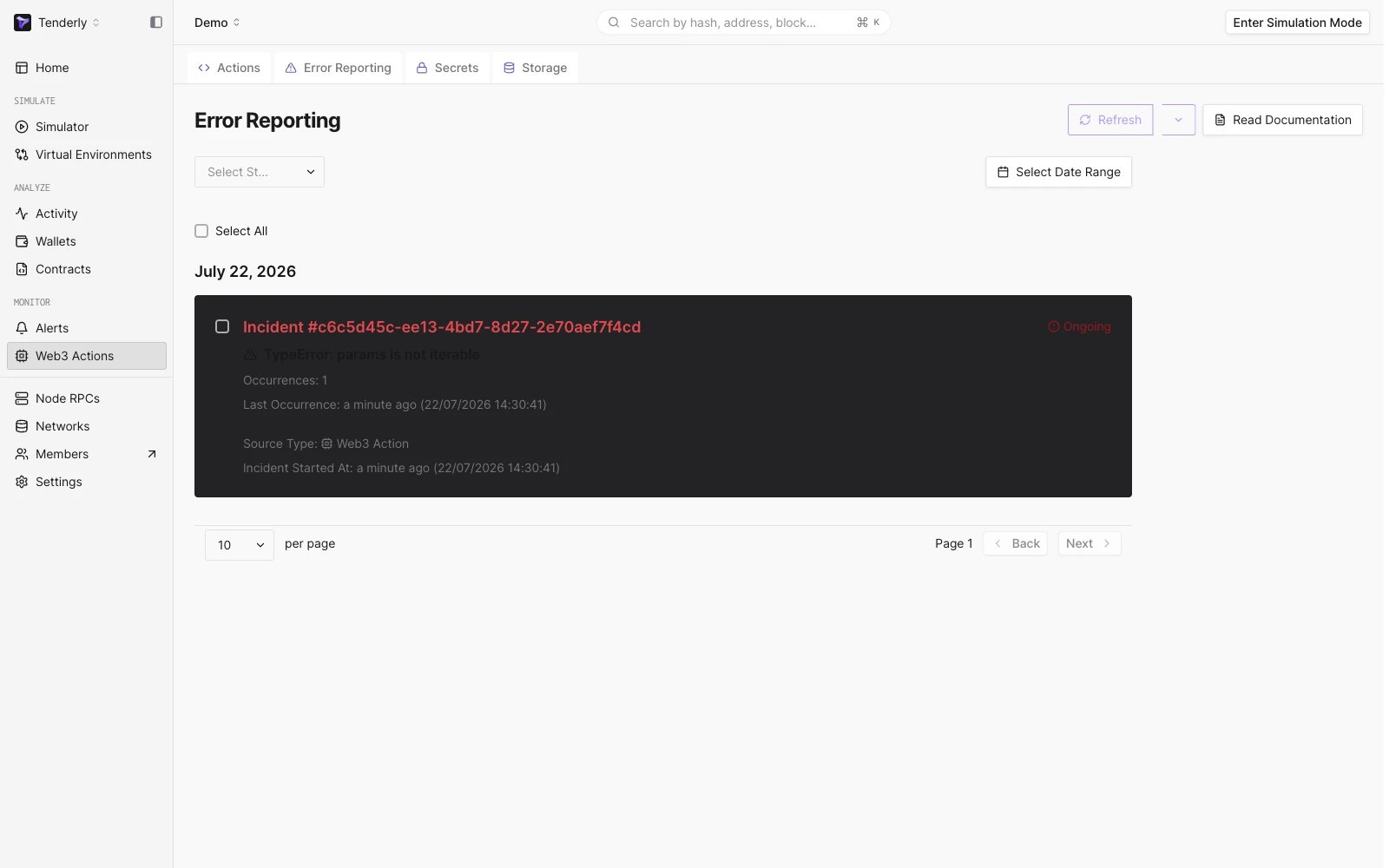
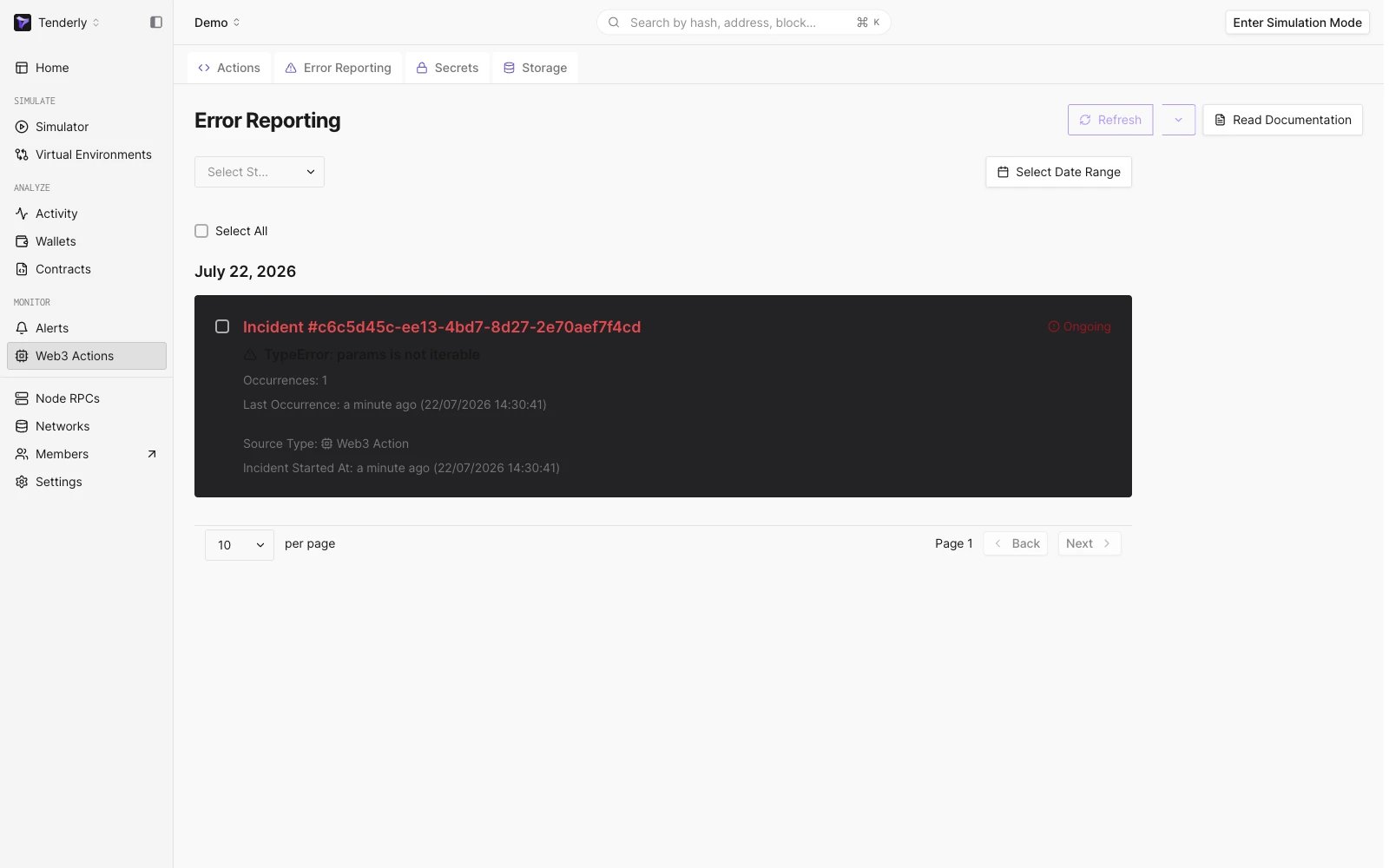 आप incidents को status के साथ-साथ date range के आधार पर filter कर सकते हैं।
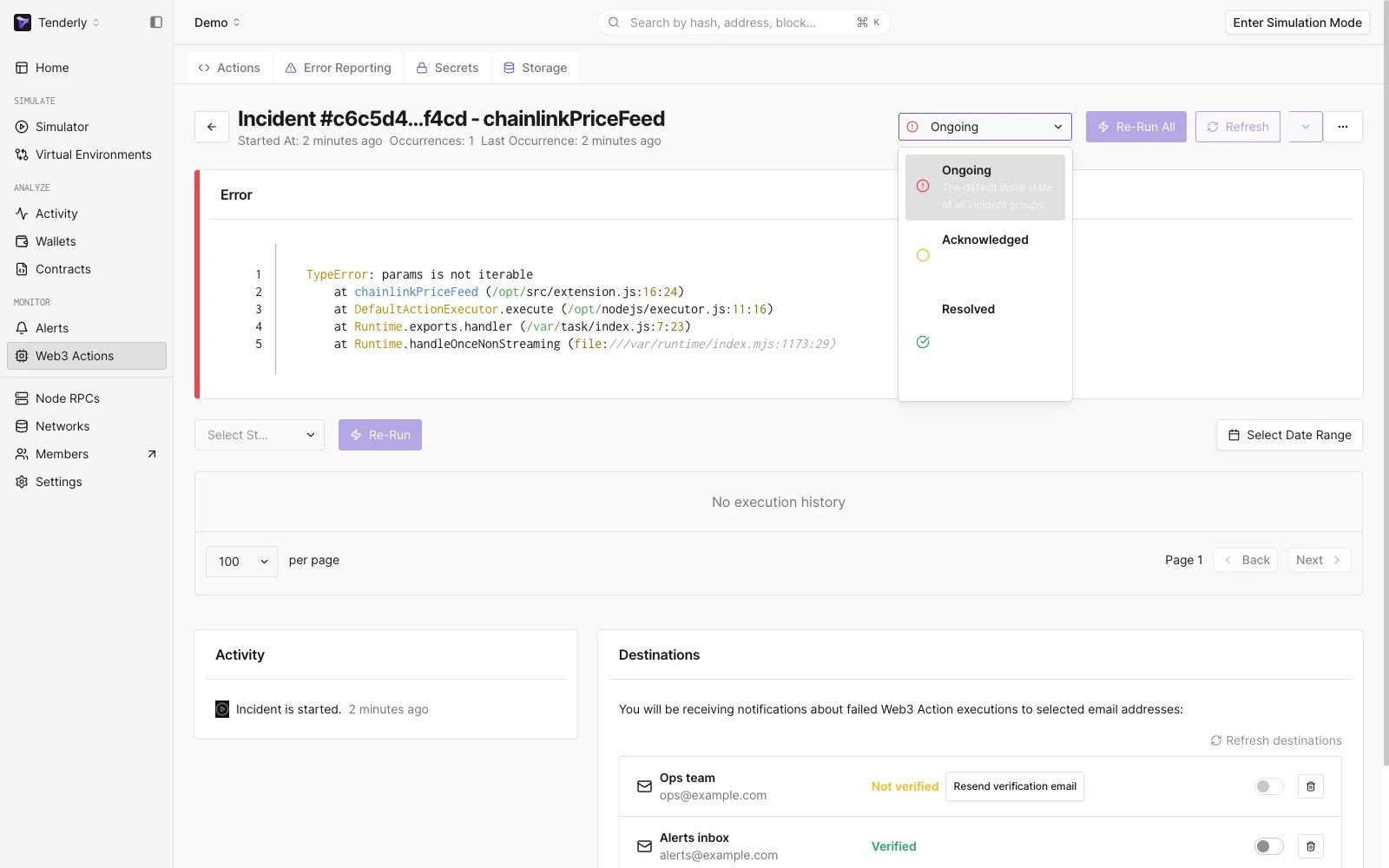
 आप व्यक्तिगत नोट-कीपिंग और आसान टीम सहयोग के लिए incident status भी बदल सकते हैं। जब आप कोई विशिष्ट incident खोलते हैं, तो आपको अपनी Action के प्रत्येक execution के instance को इस बारे में सभी जानकारी के साथ दिखाई देगा कि execution कैसे हुआ।
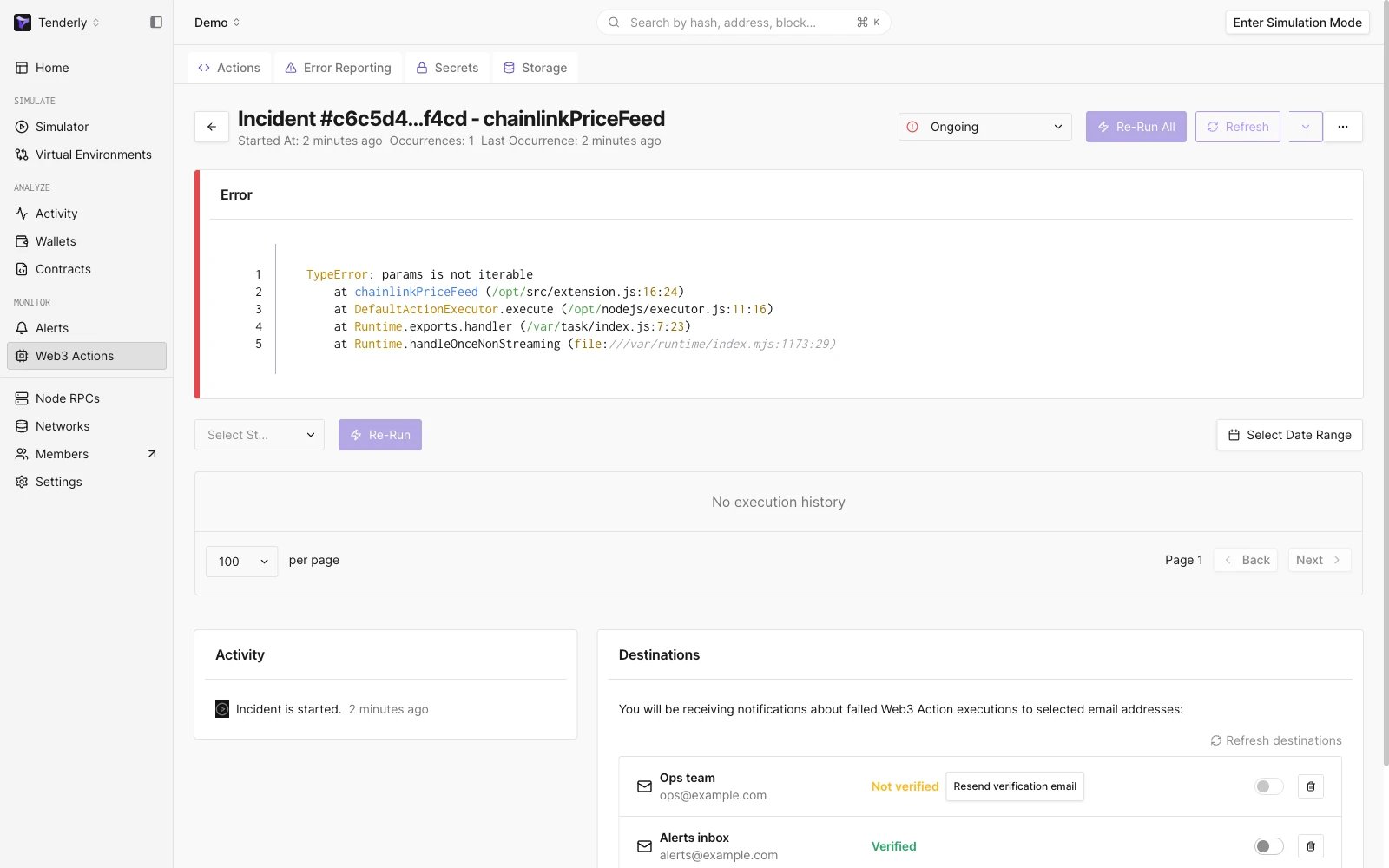
 आप प्रत्येक incident के लिए एक विस्तृत view भी explore कर सकते हैं, और अपने Actions के प्रत्येक व्यक्तिगत execution के लिए [execution status](/monitoring/web3-actions/references/execution), errors, payload, और logs देख सकते हैं:
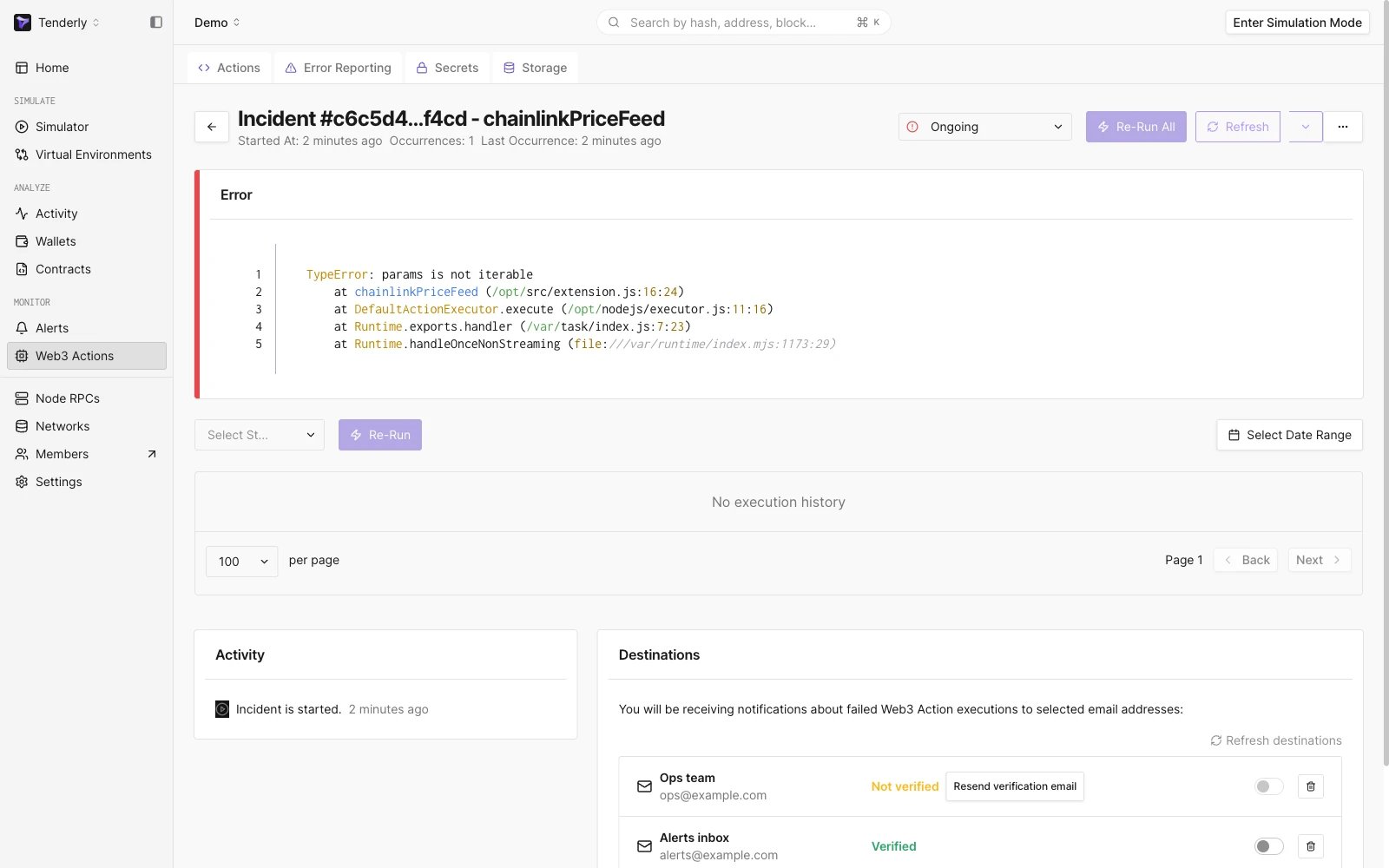 यदि आप Execution History के माध्यम से अपने Action configuration में परिवर्तनों का परीक्षण करना चाहते हैं और देखना चाहते हैं कि आपकी Action में परिवर्तन इसके पिछले executions को कैसे प्रभावित करेंगे, तो आप किसी भी समय एकल, कई, या सभी incidents को फिर से चला सकते हैं।