> ## Documentation Index
> Fetch the complete documentation index at: https://docs.tenderly.co/llms.txt
> Use this file to discover all available pages before exploring further.
# Error Reporting
> Access the Error Reporting section for Web3 Action execution incidents. Filter incidents by parameters and re-run failed ones.
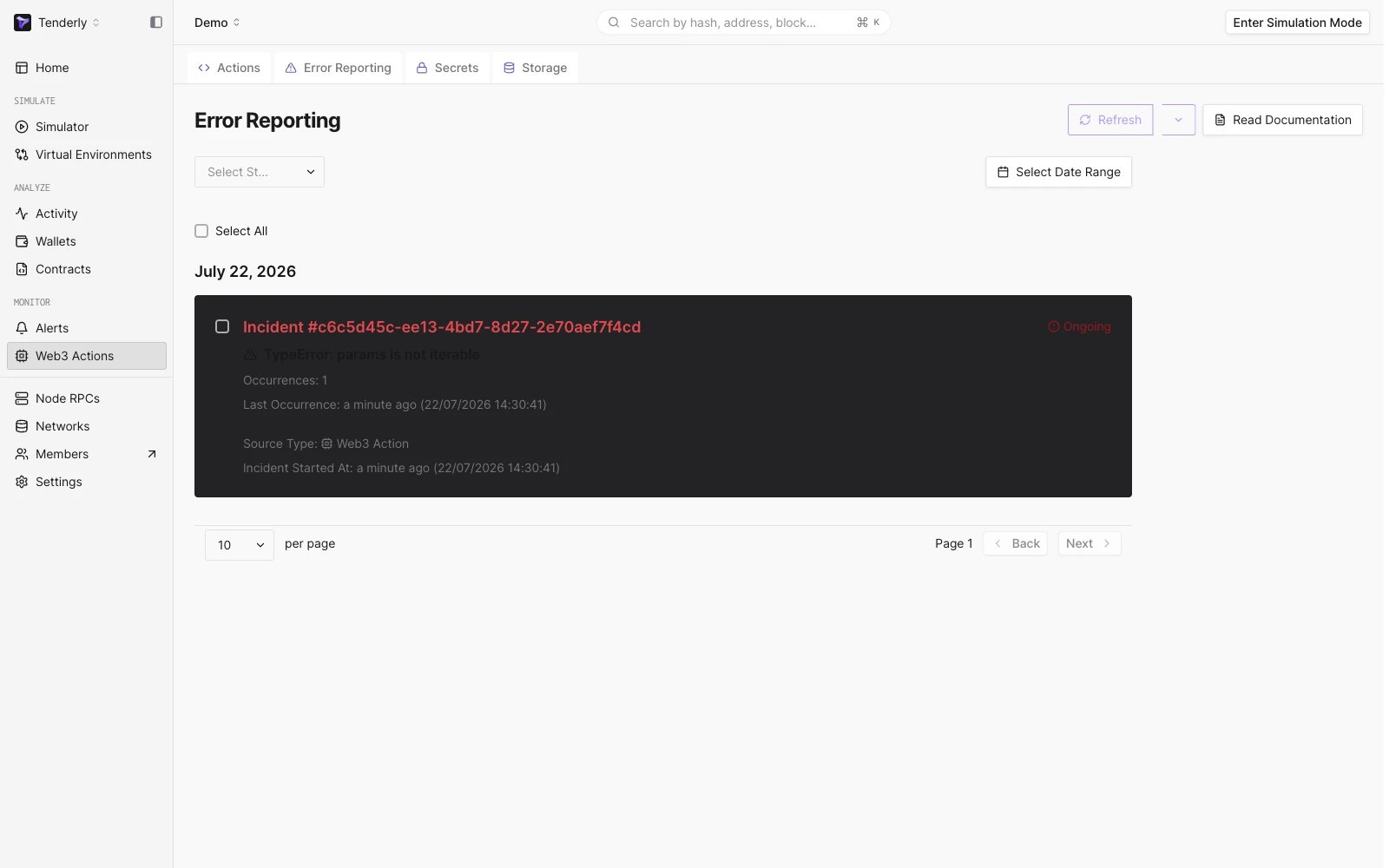
When your [Web3 Action](/monitoring/web3-actions/introduction) fails, the failure is recorded as an **Incident**. Incidents group failures by Action version and error: the first occurrence of an error creates a new incident, and repeated occurrences of the same error are added to it. You can access incidents in the Actions section in the main navigation tree, through the sub-tab **Error Reporting**:
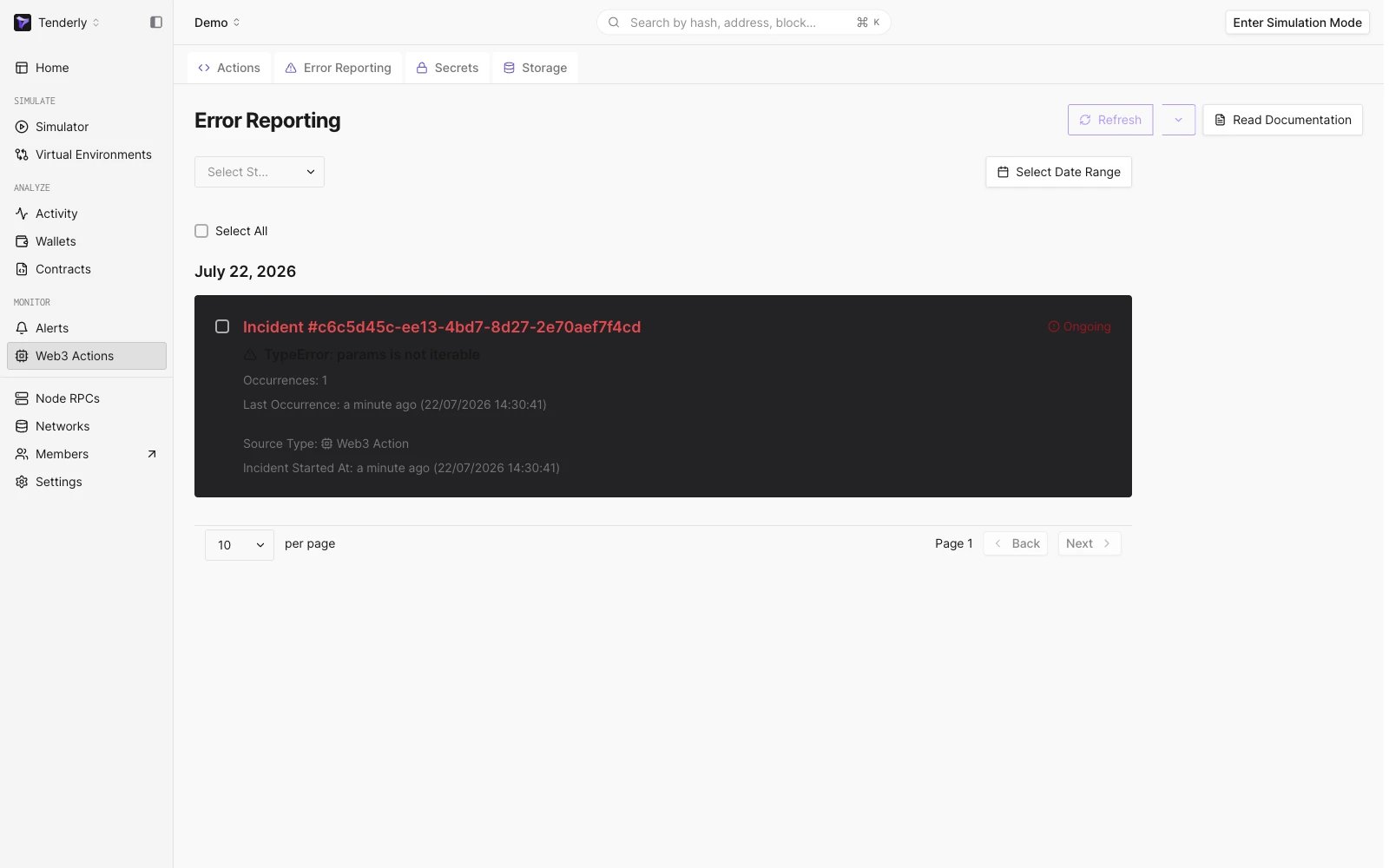 You can filter the incidents by status as well as a date range.
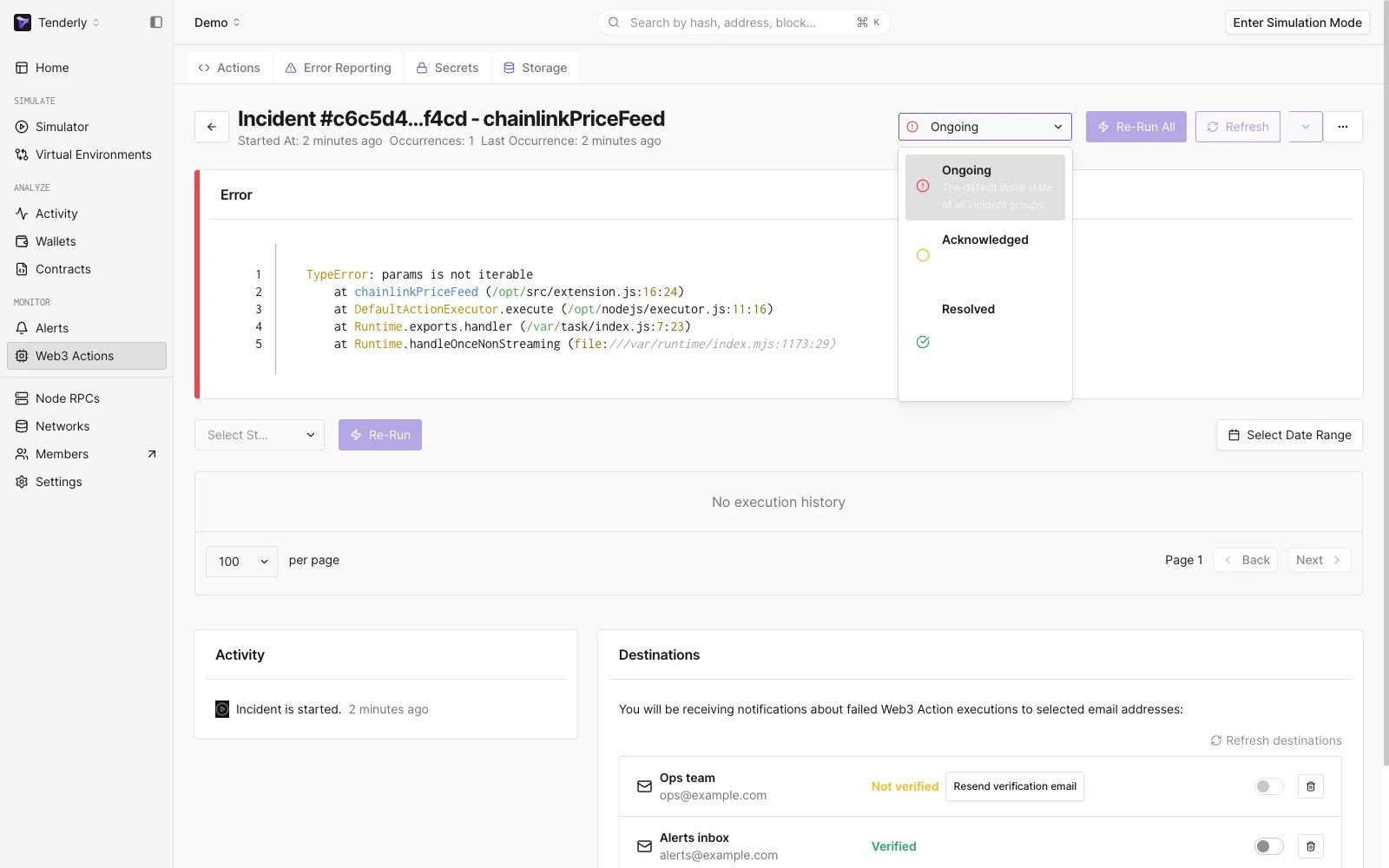
 You can also change the incident status. Besides note-keeping and team collaboration, the status controls [failure email notifications](/monitoring/web3-actions/references/notifications#when-failure-emails-are-sent): incidents are never resolved automatically, and resolving one means you'll be emailed again if the same error reoccurs. When you open a specific incident, you will see each and every instance of your Action executing with all the info about how the execution went.
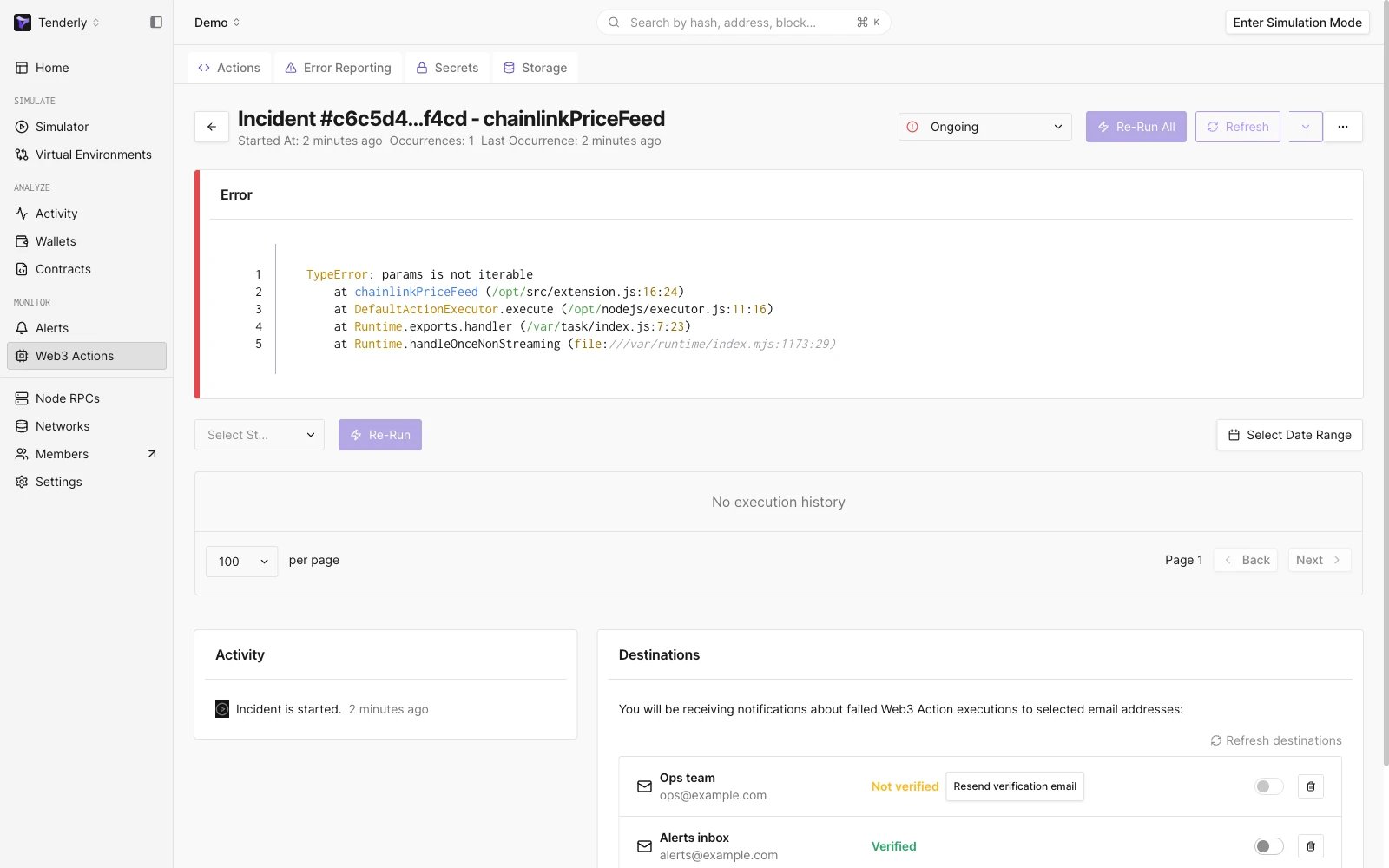
 You can also explore a detailed view for each of the incidents, and see the [execution status](/monitoring/web3-actions/references/execution), errors, payload, and logs for each individual execution of your Actions:
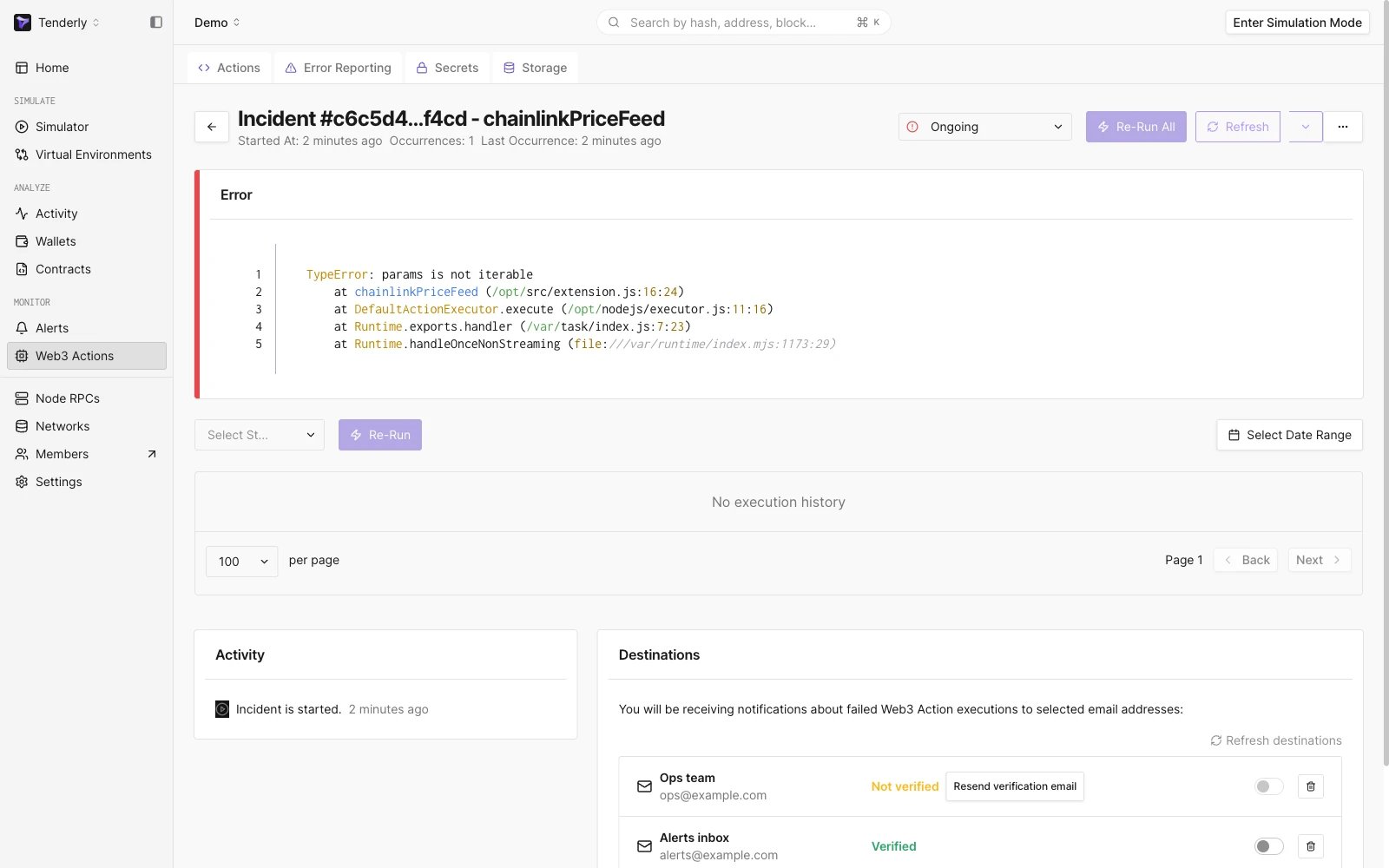 If you would like to test changes to your Action configuration through Execution History and see how changes to your Action would impact its previous executions, you can rerun single, multiple, or all of the incidents at any point.