> ## Documentation Index
> Fetch the complete documentation index at: https://docs.tenderly.co/llms.txt
> Use this file to discover all available pages before exploring further.
# Add Member
> Invite team members to a Tenderly organization by email and set granular permissions for projects, members, access tokens, and billing.
Learn how to add new members to an organization and manage their permission levels.
## Add a new member
To add a new member to an organization:
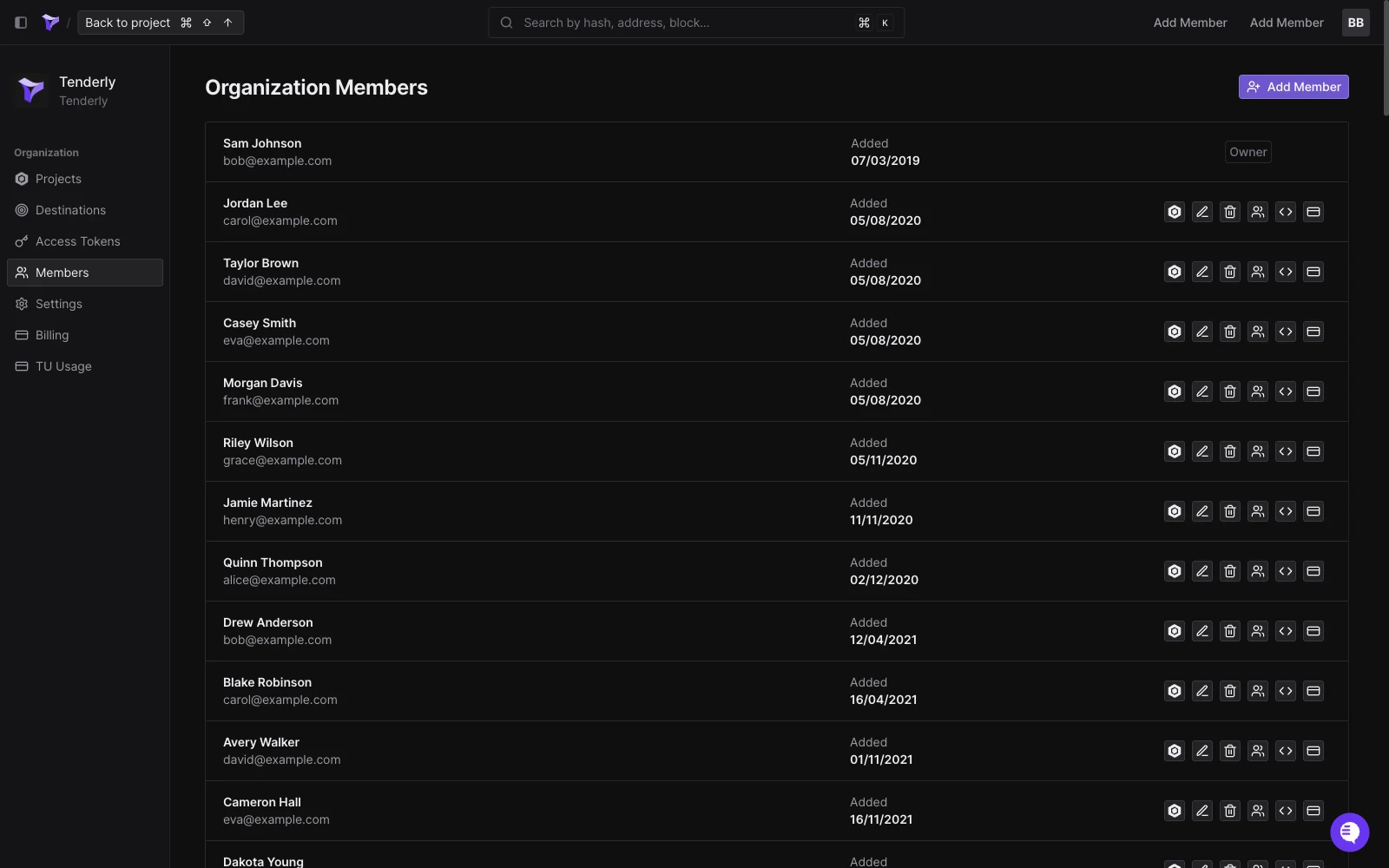
1. On the [Organizations](/platform/account/organizations/overview) page, navigate to **Members**.
2. Click **Add Member**.
 3. Enter the email of the person you want to invite and set their permission level.
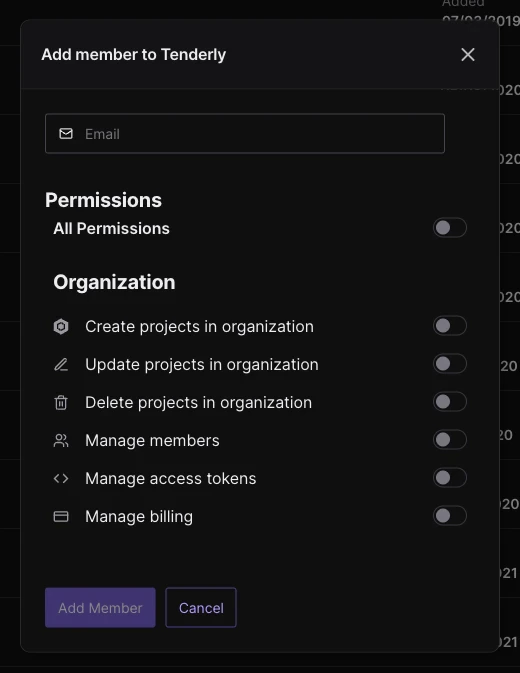 4. After clicking **Add Member**, an invitation email will be sent to the provided address.
To discuss member capacity for your organization, [contact our sales team](https://tenderly.co/contact-us).
## Member permissions
Member permissions are flexible and can be modified at any time.
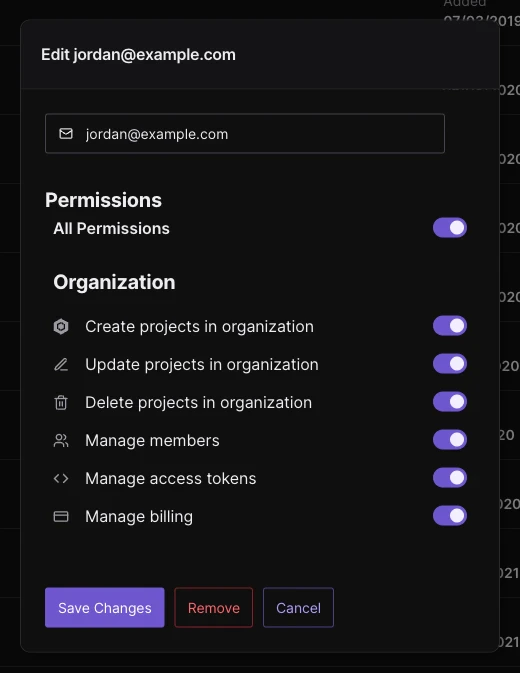
Owners and members with the "Manage members" permission enabled can change permission for other members.
The available permissions include:
* **Create projects:** Allows the member to create new projects within the organization.
* **Update projects:** Allows the member to make changes to the organization's projects.
* **Delete projects:** Allows the member to delete any project within the organization.
* **Manage members:** Allows the member to add/delete other members and change their permissions.
* **Manage access tokens:** Allows the member to create, delete, and manage API access tokens.
* **Manage billing:** Allows the member to change/delete the subscription and payment methods.
To change permission levels for a member, go to **Members** and click on the member or the permission options on the right.
4. After clicking **Add Member**, an invitation email will be sent to the provided address.
To discuss member capacity for your organization, [contact our sales team](https://tenderly.co/contact-us).
## Member permissions
Member permissions are flexible and can be modified at any time.
Owners and members with the "Manage members" permission enabled can change permission for other members.
The available permissions include:
* **Create projects:** Allows the member to create new projects within the organization.
* **Update projects:** Allows the member to make changes to the organization's projects.
* **Delete projects:** Allows the member to delete any project within the organization.
* **Manage members:** Allows the member to add/delete other members and change their permissions.
* **Manage access tokens:** Allows the member to create, delete, and manage API access tokens.
* **Manage billing:** Allows the member to change/delete the subscription and payment methods.
To change permission levels for a member, go to **Members** and click on the member or the permission options on the right.