> ## Documentation Index
> Fetch the complete documentation index at: https://docs.tenderly.co/llms.txt
> Use this file to discover all available pages before exploring further.
# Organizations and Team Members
> Learn how to set up an organization, add team members, and manage permissions.
Organizations enable you to add multiple team members and control their permissions. Each member of an organization will have access to all its projects, depending on the permissions assigned to them. See [Adding members to organizations](/platform/account/organizations/members).
Organizations are available on the paid plan and are set up for your team during onboarding. To get an organization, [contact our sales team](https://tenderly.co/contact-us).
## Manage your organization
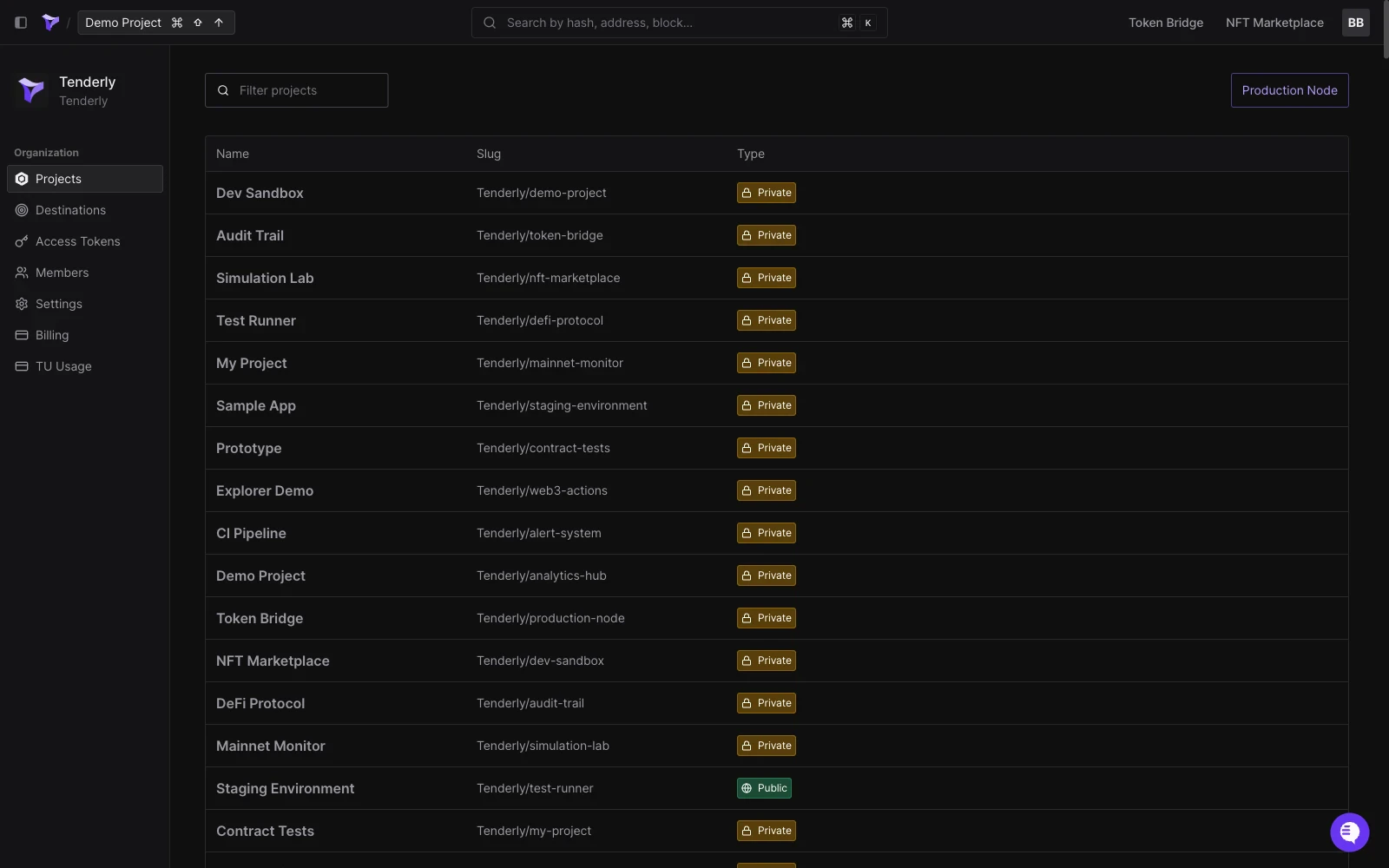
From the organization page, you can manage projects, add or remove members, manage [Alert Destinations](/monitoring/alerts/destinations/overview), generate access tokens, and more.
 ## Manage billing options
Go to **Billing** from the organization page to see your plan and resource usage. To change plans or discuss capacity, [contact our sales team](https://tenderly.co/contact-us).
## Manage billing options
Go to **Billing** from the organization page to see your plan and resource usage. To change plans or discuss capacity, [contact our sales team](https://tenderly.co/contact-us).
 Any organization member with the "Manage billing" permission enabled can change any of the billing settings. Learn more about [member permissions](/platform/account/organizations/members).