> ## Documentation Index
> Fetch the complete documentation index at: https://docs.tenderly.co/llms.txt
> Use this file to discover all available pages before exploring further.
# Generate and Manage API Access Tokens
> Learn how to generate API access tokens for personal accounts and organizations.
Learn how to generate API access tokens for personal accounts and organizations.
Generating API access tokens and using the Tenderly API are available on the paid plan. To enable them for your account, [contact our sales team](https://tenderly.co/contact-us) to schedule a call and discuss upgrading your plan.
For security reasons, the token will be displayed only once during the initial creation. Copy your private key and store it in a safe place.
## Organization access tokens
Organization access tokens are tied to the organization instead to any specific member. Use organization access tokens to authenticate off-chain services, such as backends and automation scripts. Learn more about [organizations](/platform/account/organizations/overview).
For generating an organization token:
1. In the left sidebar, navigate to the organization and select **Access Tokens**.
2. Click **Generate Access Token**.
3. Enter an **Access Token label**.
4. Click **Generate**.
5. Copy the access token immediately.
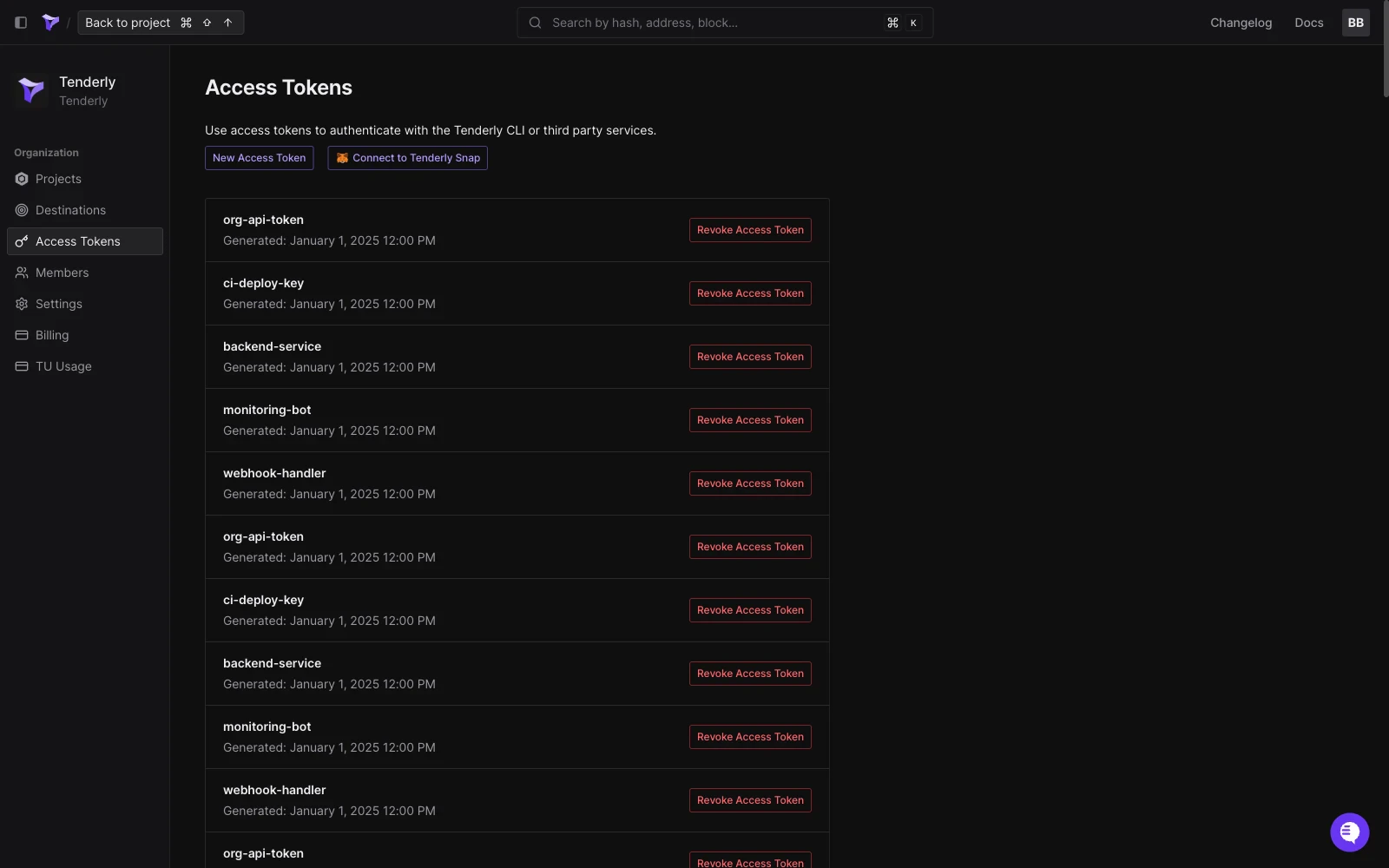 Tokens created within an organization are accessible and manageable by members with the required privileges.
## Personal account access tokens
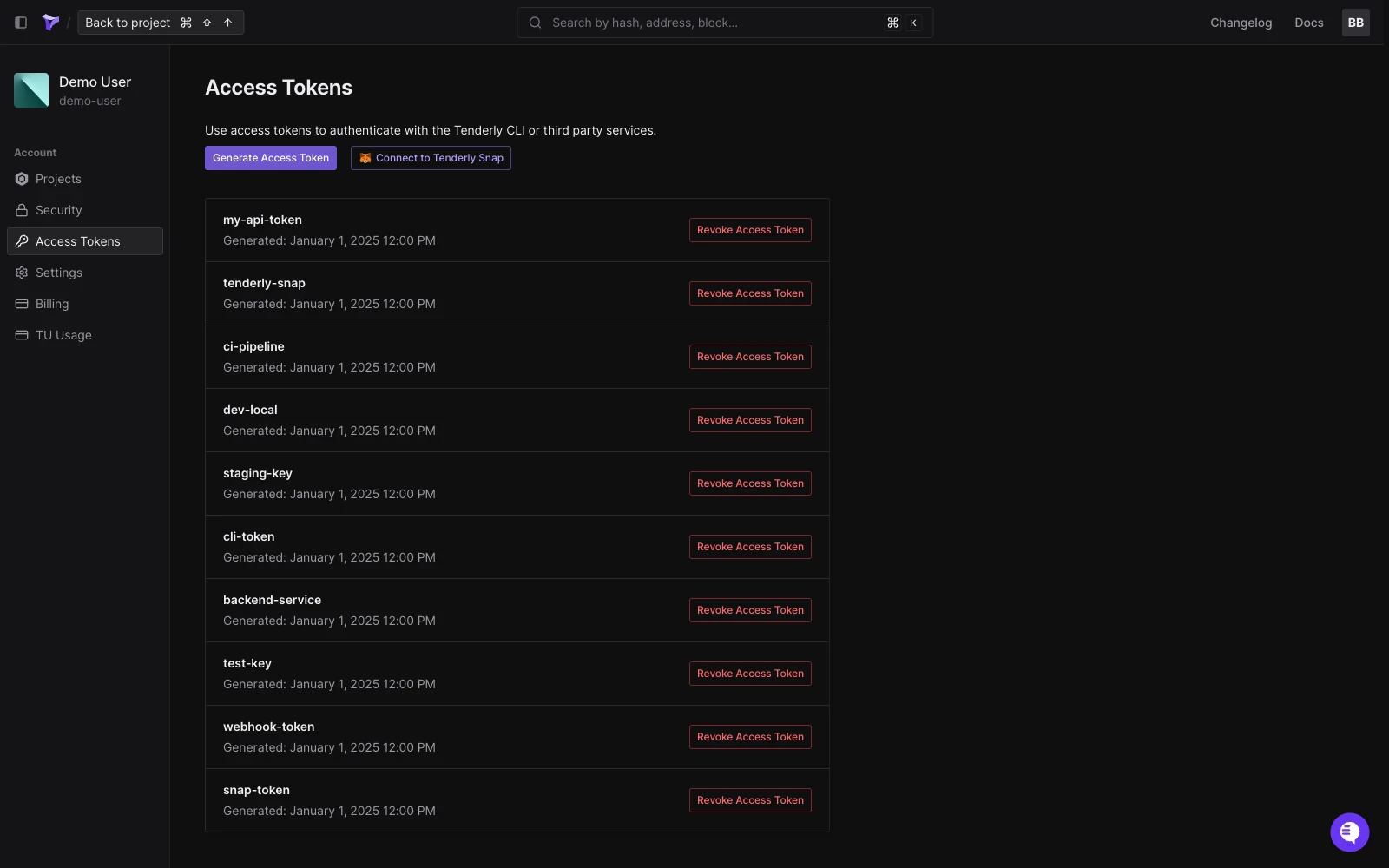
Personal tokens allow authentication of individual accounts they're tied to.
To create a token for your personal account:
1. Click on your **profile photo**.
2. Navigate to **Account Settings**.
3. Go to the [**Access Tokens**](https://dashboard.tenderly.co/account/authorization) tab.
4. Click **Generate Access Token** to create a new token.
Tokens created within an organization are accessible and manageable by members with the required privileges.
## Personal account access tokens
Personal tokens allow authentication of individual accounts they're tied to.
To create a token for your personal account:
1. Click on your **profile photo**.
2. Navigate to **Account Settings**.
3. Go to the [**Access Tokens**](https://dashboard.tenderly.co/account/authorization) tab.
4. Click **Generate Access Token** to create a new token.