> ## Documentation Index
> Fetch the complete documentation index at: https://docs.tenderly.co/llms.txt
> Use this file to discover all available pages before exploring further.
# Project Settings
> Change your project name, generate API access tokens, transfer project ownership, or delete a project from the Tenderly project Settings tab.
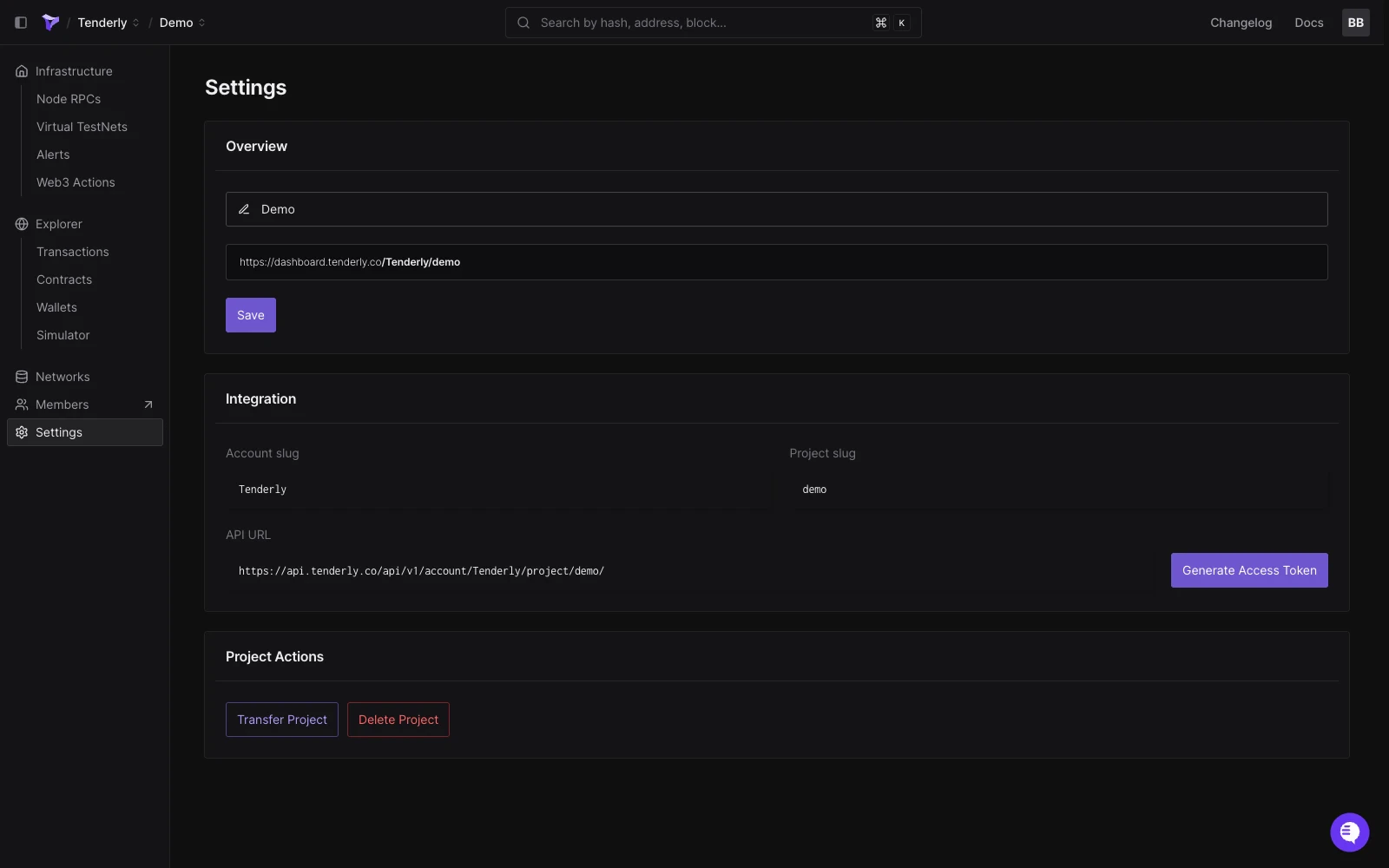
From the left-hand sidebar, go to **Settings** where you can:
* [Change the project name](/platform/account/projects/settings#change-project-name)
* [Find account & project slugs](/platform/account/projects/slug)
* [Generate API access token](/platform/account/projects/settings#generate-api-access-token)
* [Transfer project ownership](/platform/account/projects/settings#transfer-project-ownership)
* [Delete the project](/platform/account/projects/settings#delete-project)
 ## Change project name
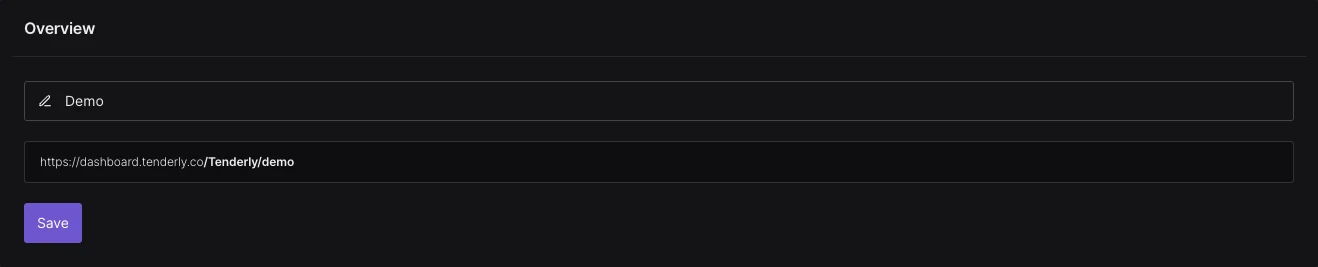
The project name can be changed at any time. Changing the project name will not change the project slug.
**The project slug cannot be changed** after the project has been created.
When you update the project name, click **Save** to save the changes.
## Change project name
The project name can be changed at any time. Changing the project name will not change the project slug.
**The project slug cannot be changed** after the project has been created.
When you update the project name, click **Save** to save the changes.
 ## Generate API access token
Generating API access tokens and using the Tenderly API are available on the paid plan. To enable them for your account, [contact our sales team](https://tenderly.co/contact-us) to schedule a call and discuss upgrading your plan.
Access the Tenderly API conveniently through the Project Settings page, where you can copy the API URL and generate API access tokens.
## Generate API access token
Generating API access tokens and using the Tenderly API are available on the paid plan. To enable them for your account, [contact our sales team](https://tenderly.co/contact-us) to schedule a call and discuss upgrading your plan.
Access the Tenderly API conveniently through the Project Settings page, where you can copy the API URL and generate API access tokens.
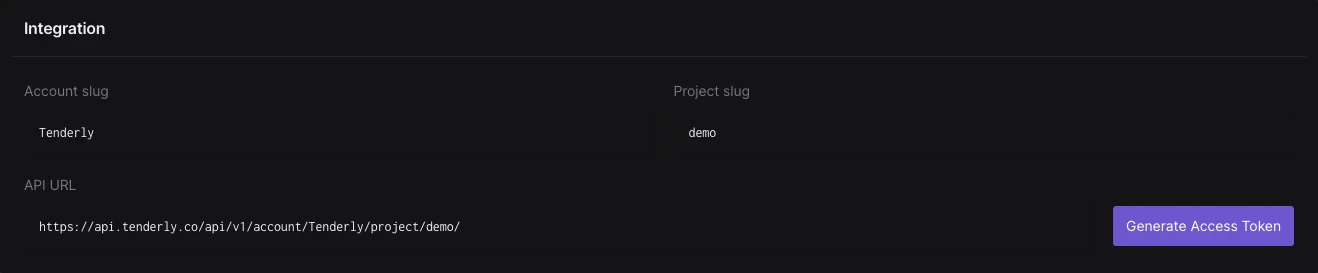 To create a new token, click **Generate Access Token** to authenticate access to the Tenderly API.
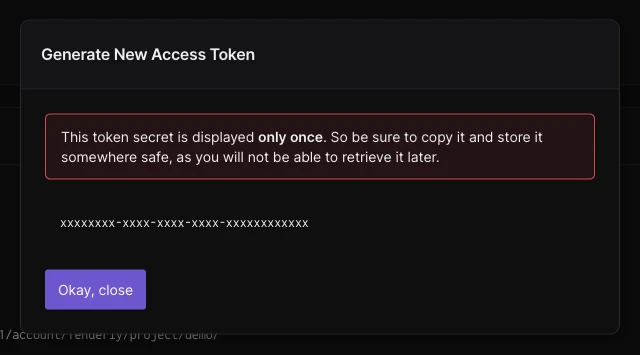
After giving a name to the token, click **Generate**. Remember, the token is displayed only once. Ensure to copy it immediately after it appears.
To create a new token, click **Generate Access Token** to authenticate access to the Tenderly API.
After giving a name to the token, click **Generate**. Remember, the token is displayed only once. Ensure to copy it immediately after it appears.
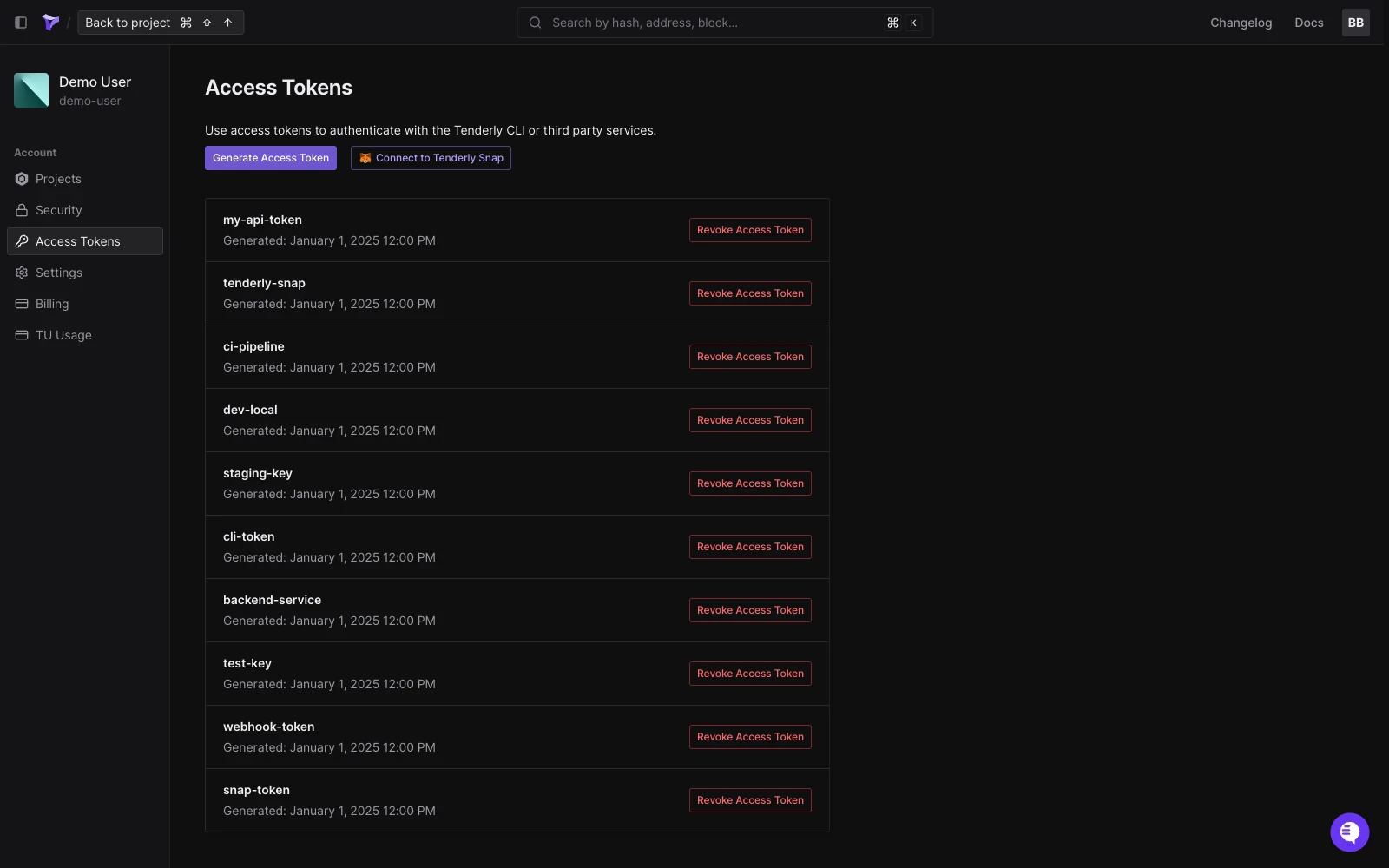
 To manage existing tokens, visit your **Account Settings** and select [**Access Tokens**](https://dashboard.tenderly.co/account/authorization) to view or delete your access tokens.
 ## Transfer project ownership
Under **Project Actions**, click on **Transfer Project** to transfer ownership of a project to another Tenderly user. Type in the username of the new owner. Tenderly will automatically find the username if it exists.
Transfer will succeed unless the recipient already has a project with the same slug. In this case [contact our support team](https://tenderly.co/contact-us) for help transferring your project.
## Transfer project ownership
Under **Project Actions**, click on **Transfer Project** to transfer ownership of a project to another Tenderly user. Type in the username of the new owner. Tenderly will automatically find the username if it exists.
Transfer will succeed unless the recipient already has a project with the same slug. In this case [contact our support team](https://tenderly.co/contact-us) for help transferring your project.
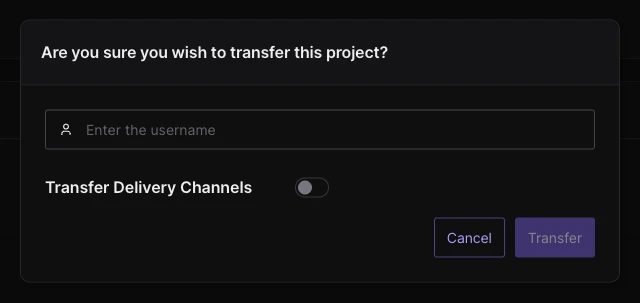 Toggle **Transfer Deliver Channels** ON if you also want to transfer all [Alert Destinations](/monitoring/alerts/destinations/overview) you've created within the project.
Click **Transfer** to complete the process.
## Delete project
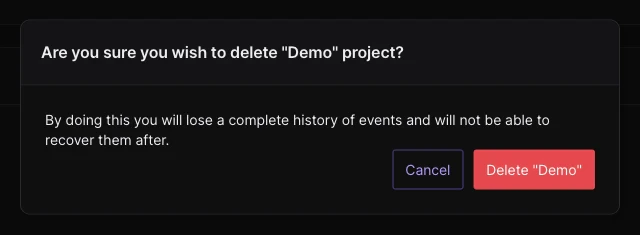
Under **Project Actions**, click on **Delete Project** if you want to permanently delete the project from your account along with all the data associated with it.
This action cannot be undone.
Toggle **Transfer Deliver Channels** ON if you also want to transfer all [Alert Destinations](/monitoring/alerts/destinations/overview) you've created within the project.
Click **Transfer** to complete the process.
## Delete project
Under **Project Actions**, click on **Delete Project** if you want to permanently delete the project from your account along with all the data associated with it.
This action cannot be undone.