In this act, you’ll configure the project locally.

Prerequisites

1
Clone
2
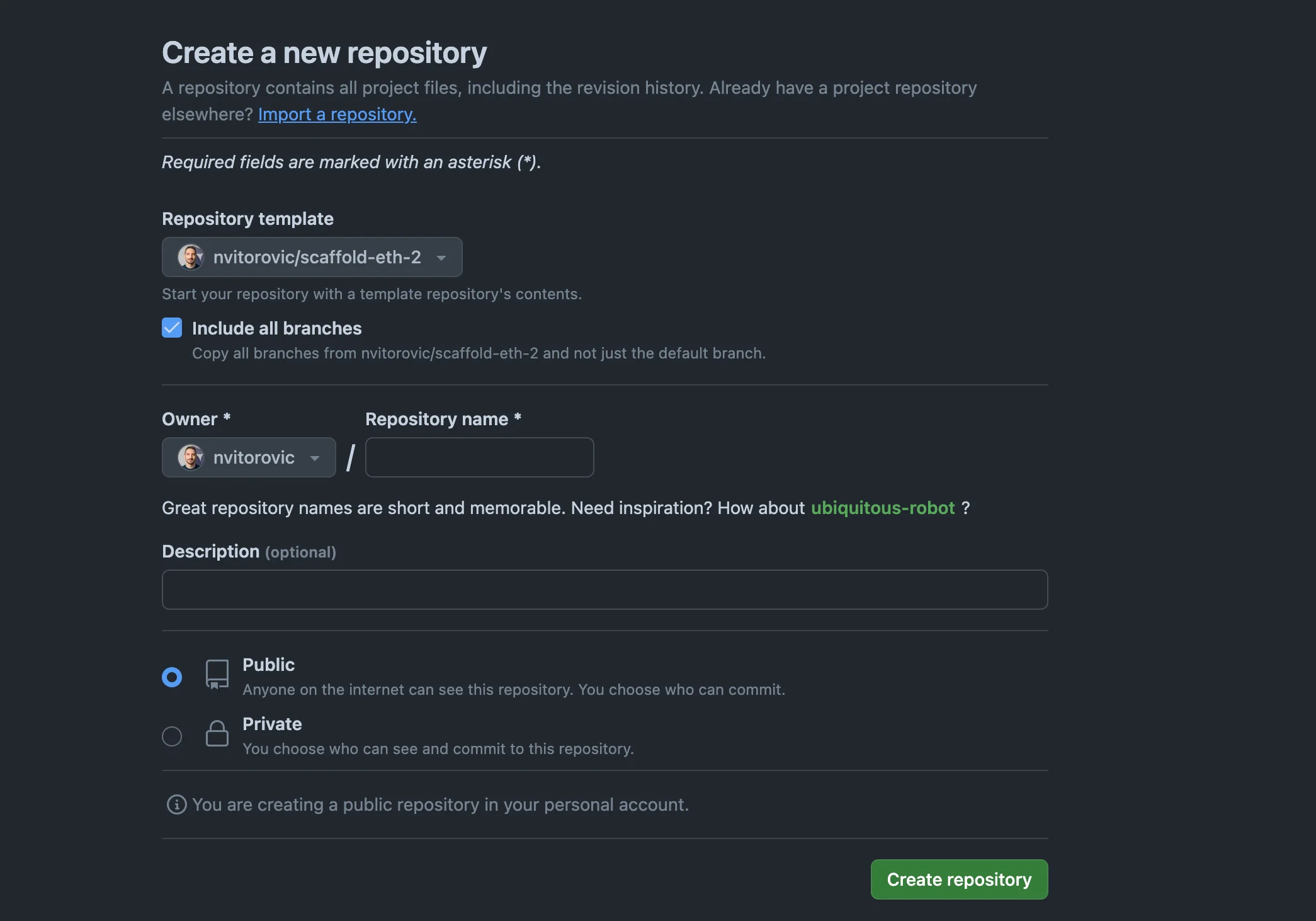
Go to this github repo and:
3
  • Create a project from this Github template in Github (needed for testing out the CI). /assets/workshops/virtual-environments/github-cloning.png
  • Clone your fork:
  • 4
    git clone YOUR REPO URL
    yarn
    
    5
    Libraries
    6
  • Node.js (v 19+)
  • Tenderly account
  • Install Tenderly CLI
  • Run tenderly login and follow the instructions.
  • Configure Tenderly

    1
    Copy the Virtual Environment RPC
    2
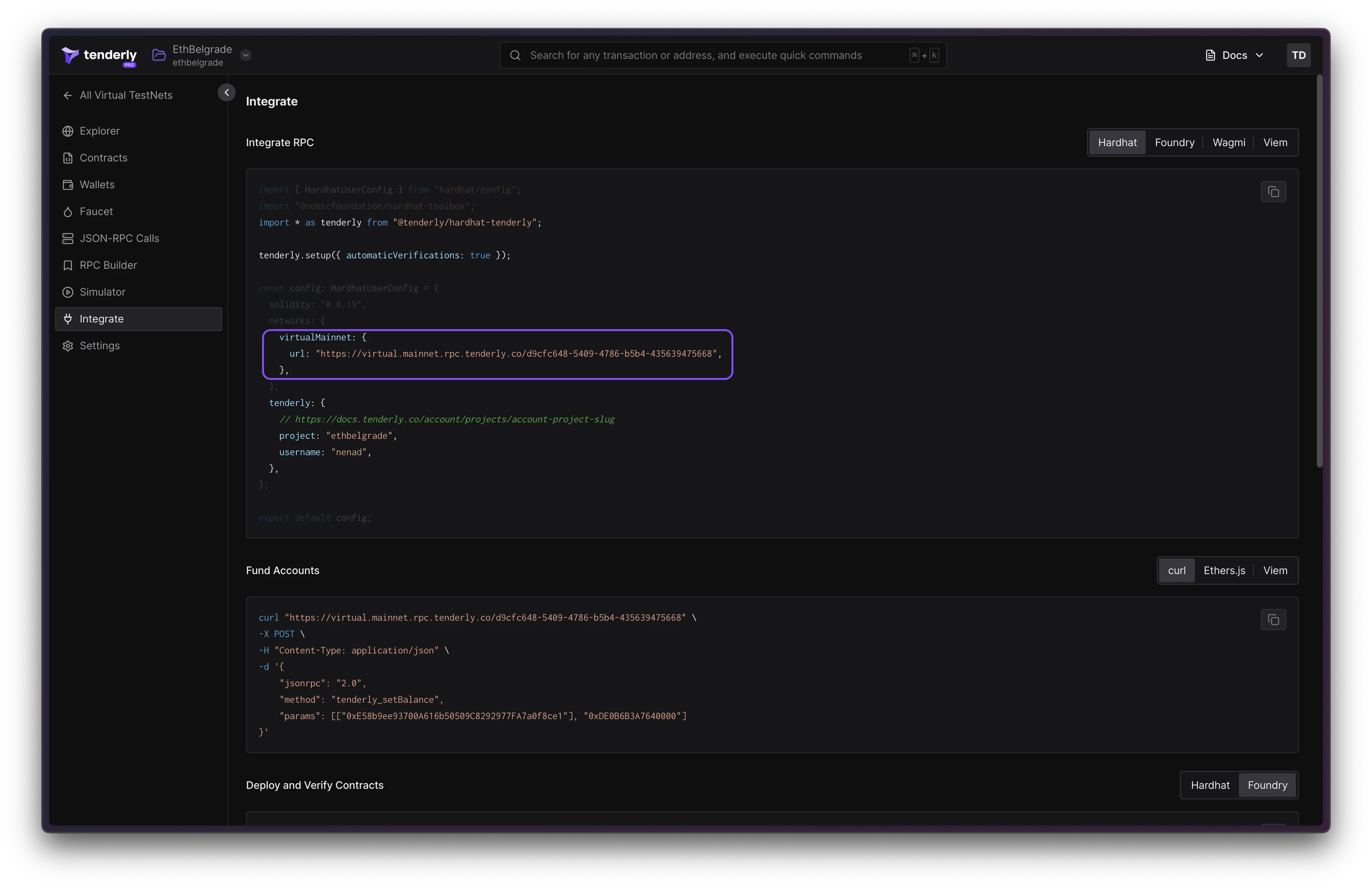
  • Copy the network parameters snippet from Tenderly Dashboard Virtual Environments > Integrate
  • Edit packages/tenderly/tenderly.config.ts and paste the copied object to virtualNetworks.virtual_mainnet entry. /assets/workshops/virtual-environments/integration-snippet.png
  • 3
    The file should look similar to this:
    4
    type NetworkConfig = {
      url: string,
      chainId: number,
      currency: string
    }
    export const virtualNetworks: {
      [networkName: string]: NetworkConfig;
    } = {
      // KEEP virtual_mainnet as the network name
      "virtual_mainnet": {
        "url": "https://virtual.mainnet.rpc.tenderly.co/bdb874b8-678b-401b-af93-8b0f8a55e9cd",
        "chainId": 73571,
        "currency": "VIRT"
      }
    };