

Instead of reverting state, consider forking an existing Virtual Environment instead, and do your testing on a disposable working copy.
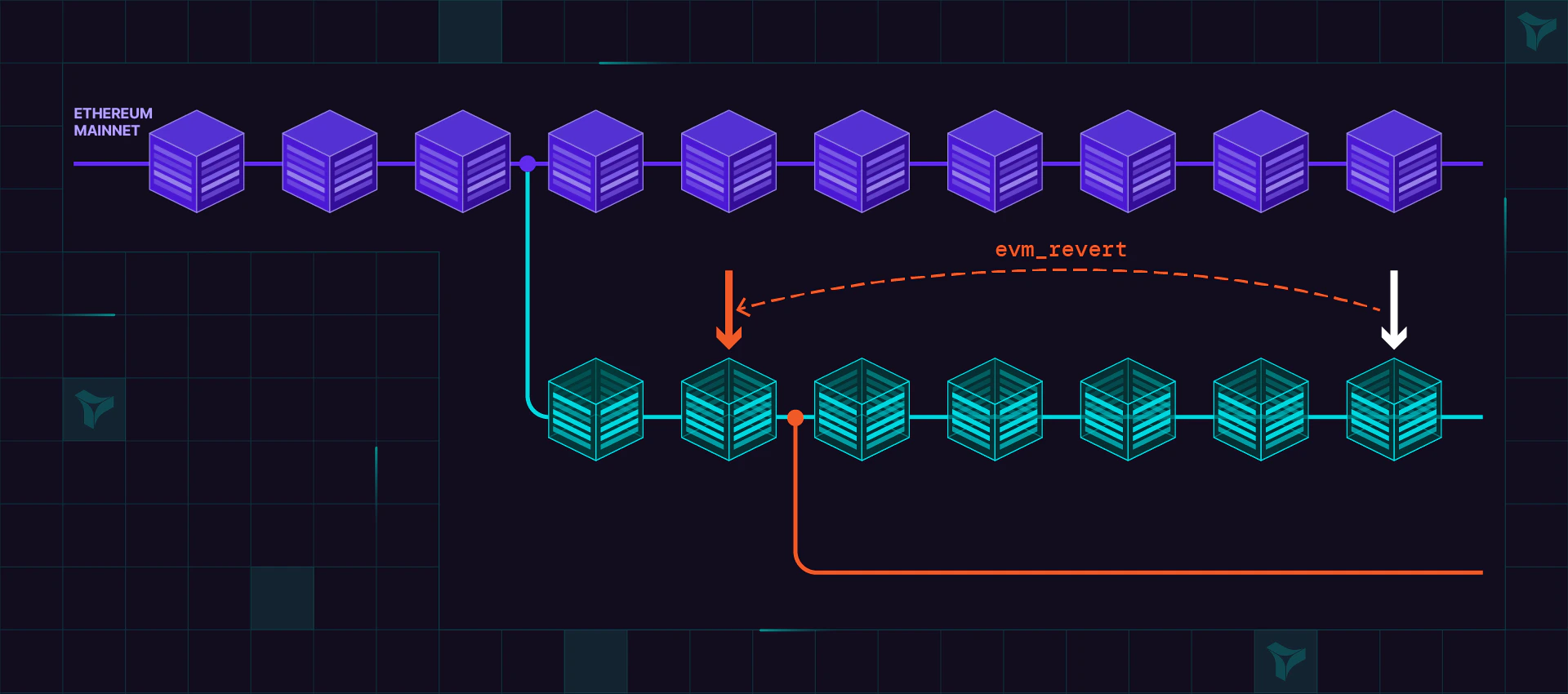
Reverting to a snapshot
Revert distance limit
A singleevm_revert can roll back at most 2000 blocks. If the snapshot is more than 2000 blocks behind the current block, the call fails with:
Clone at a historical block
To get a Virtual Environment whose state matches a specific past block, clone it at that block. The clone is a new, independent Virtual Environment forked at the chosen point, while the source is left untouched. There is no distance limit, so this is the way to reach a block more than 2000 blocks in the past. In the dashboard, open the Activity tab and use the clone action on the transaction at the block you want to return to. The new Virtual Environment is created with state as of that transaction’s block.Screenshot placeholder: per-transaction clone action on the Activity tab.