
Transaction Filtering
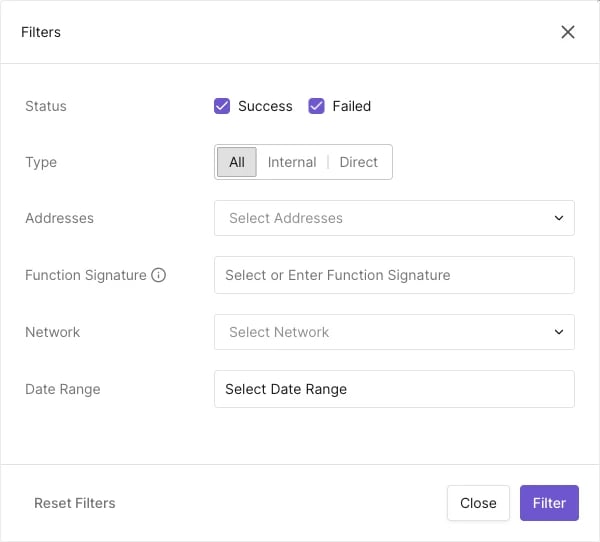
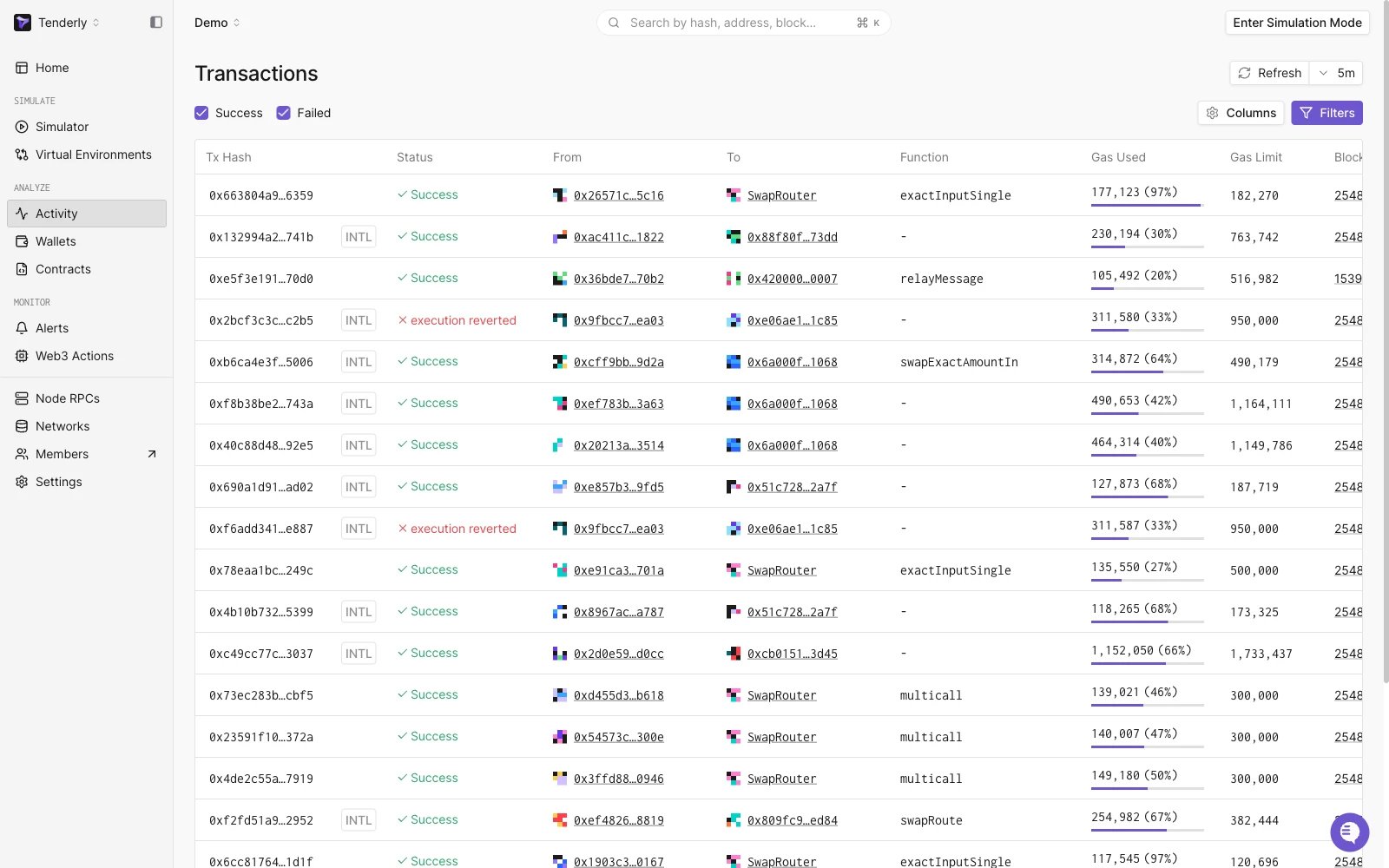
What’s better than having all transactions in one place? Filtering through them at the speed of light! Ok, maybe not the speed of light, but faster than anything else for sure. In the Transactions tab in the left navigation we have an option to filter transactions according to several parameters:
- Status - All/Success/Failed
- Type - All/Internal/Direct
- Contracts (now Addresses) - select which address (for a contract or a wallet) must be present in the transaction
- Function Signature
- Network - specify the network if you have contracts deployed to multiple networks
- Date Range
- Tag
%20(1)%20(1).webp?fit=max&auto=format&n=XsEZlaGXYskrtN68&q=85&s=b9d132b9bc3fe576544eeadbe3480f60)

Tenderly now automatically simulates the (expected) outcome of pending transactions when you paste the tx hash into the search bar, both in your Dashboard and in our Public Explorer.This feature is available to all users, even if they are not logged in. That means that you can now simulate live pending transactions in this way even from our Explorer page without having an account - but you really should make one (it’s free) so you can use the full power of our Simulations and Virtual Environment 🚀Read more about it here.
Advanced Trace Search
When you look at the Execution Trace segment of the Transaction Overview for any transaction, you will see this button next to the Execution Search which opens the Advanced Trace Search:.webp?fit=max&auto=format&n=XsEZlaGXYskrtN68&q=85&s=d20471c4a74cf070cafbe94c53a89a11)
- All (all listed categories will be searched)
- OpCode
- From
- To
- Function
- File
- Contract
- State Variable