通过 RPC 发送
使用eth_sendRawTransaction RPC 方法向您的 Virtual Environment 发送交易。
下面的示例展示了如何使用 Viem、Ethers.js 和 cURL 命令发送交易。这些代码片段无需修改即可运行。
- Shell
- virtual-environments/src/viem-send-tx.ts
- send-tx.ts
从 Dashboard 发送
从 Dashboard 发送的交易将记录在 Virtual Environment 的状态中。这些交易无需签名,可以在 Virtual Environment 上的任意地址之间发送。 在 Explorer 视图中,单击右上角的 Send 图标以访问 Send Transaction 输入表单。从合约页面发送
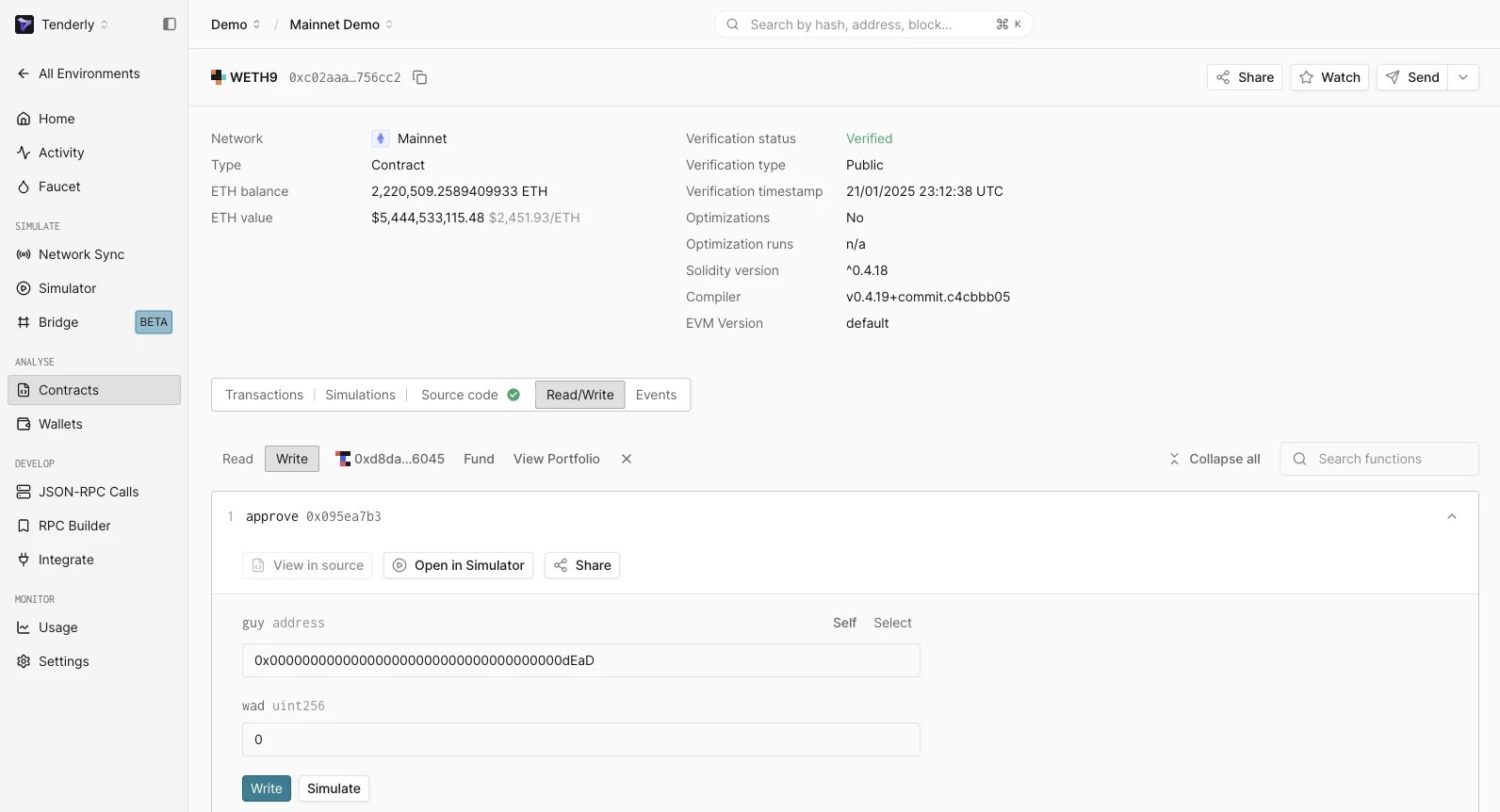
在 Virtual Environment 内的合约页面上,Read/Write 标签页会通过该 Virtual Environment 的 RPC 将 write 函数作为交易发送。这些交易无需签名,并会像其他交易一样记录到 Virtual Environment 的状态中。