

alert destination के रूप में webhook जोड़ना
जारी रखने के लिए, अपने account में log in करें या यदि आपके पास एक नहीं है तो एक निःशुल्क account बनाएँ।
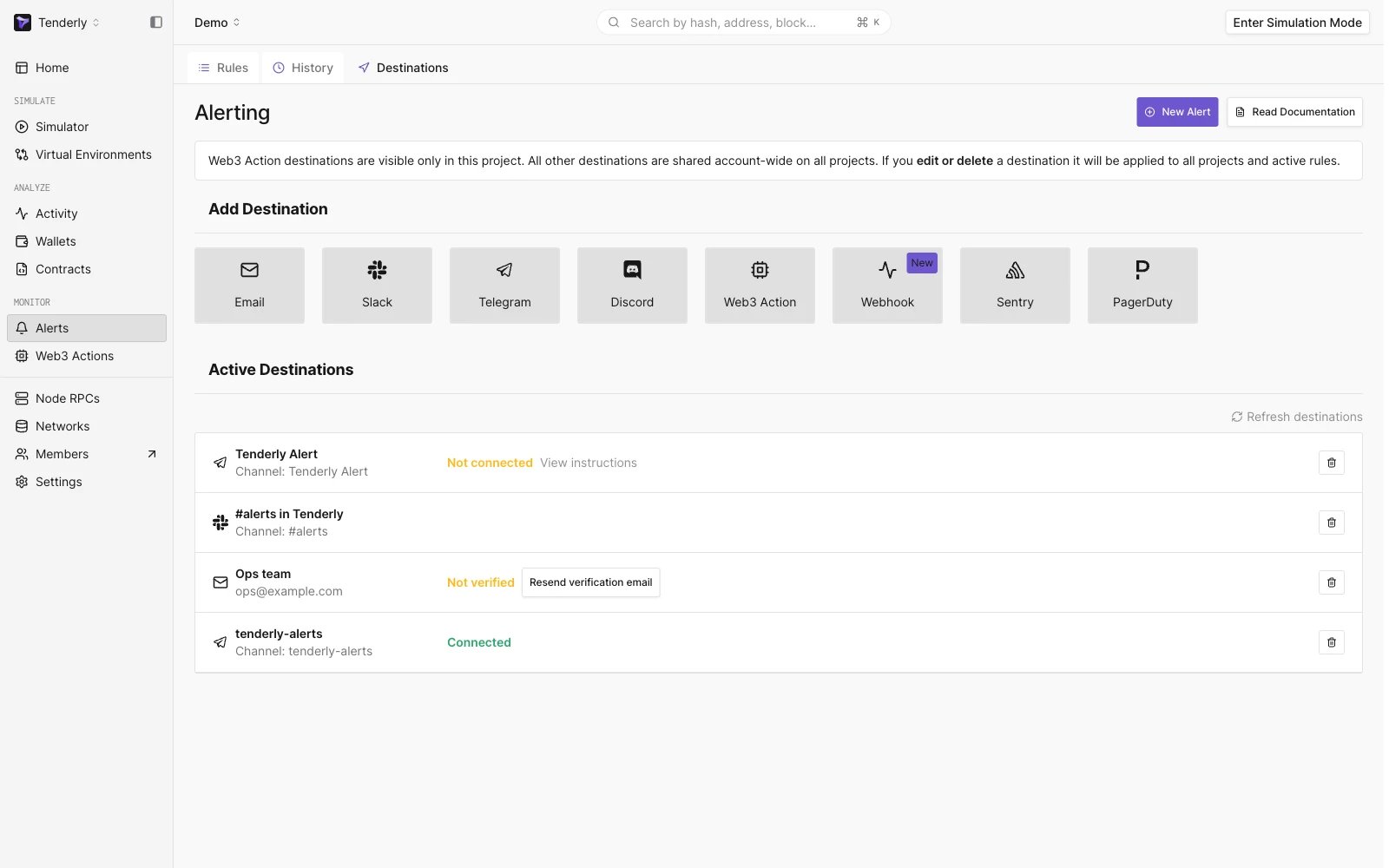
Navigating to the Destination section
- Webhook name - अद्वितीय होना चाहिए और बाद में बदला नहीं जा सकता
- Webhook URL - URL जहाँ आप Tenderly से live events प्राप्त करेंगे
- Description - वैकल्पिक parameter, लेकिन आप इसका उपयोग webhook configuration के बारे में अधिक जानकारी प्रदान करने के लिए कर सकते हैं
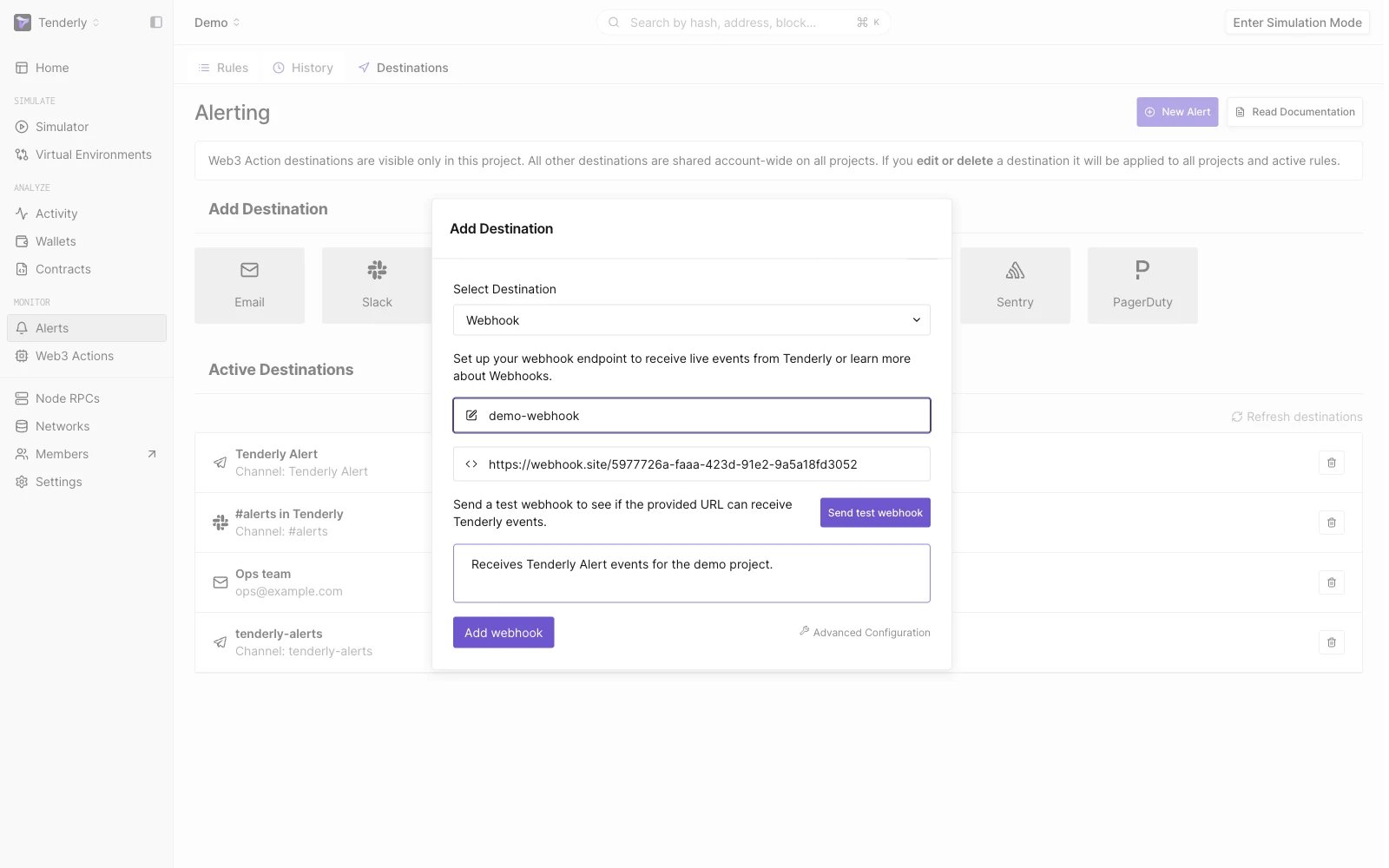
Add Webhook Modal
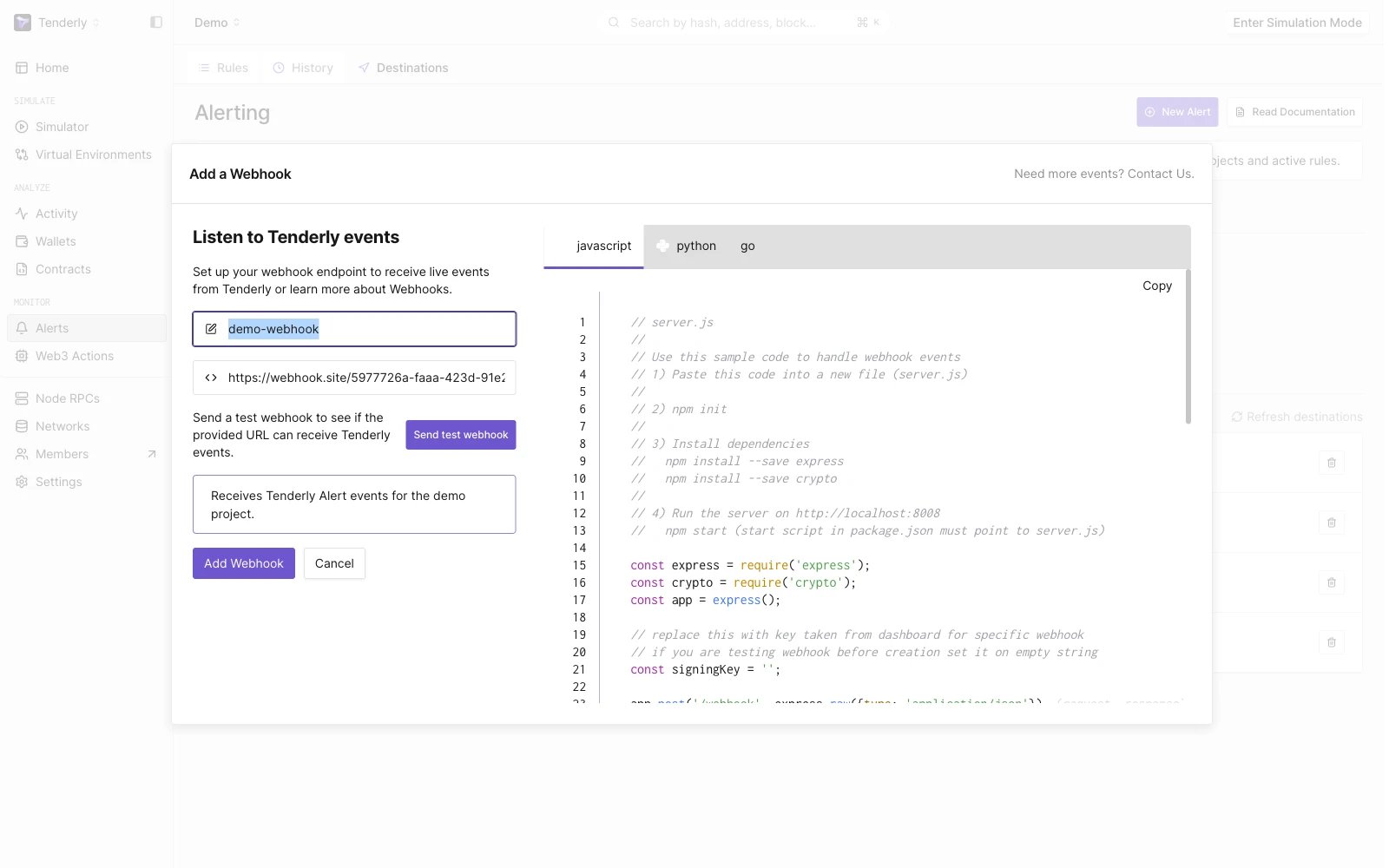
Webhook Modal Advanced Configuration Modal
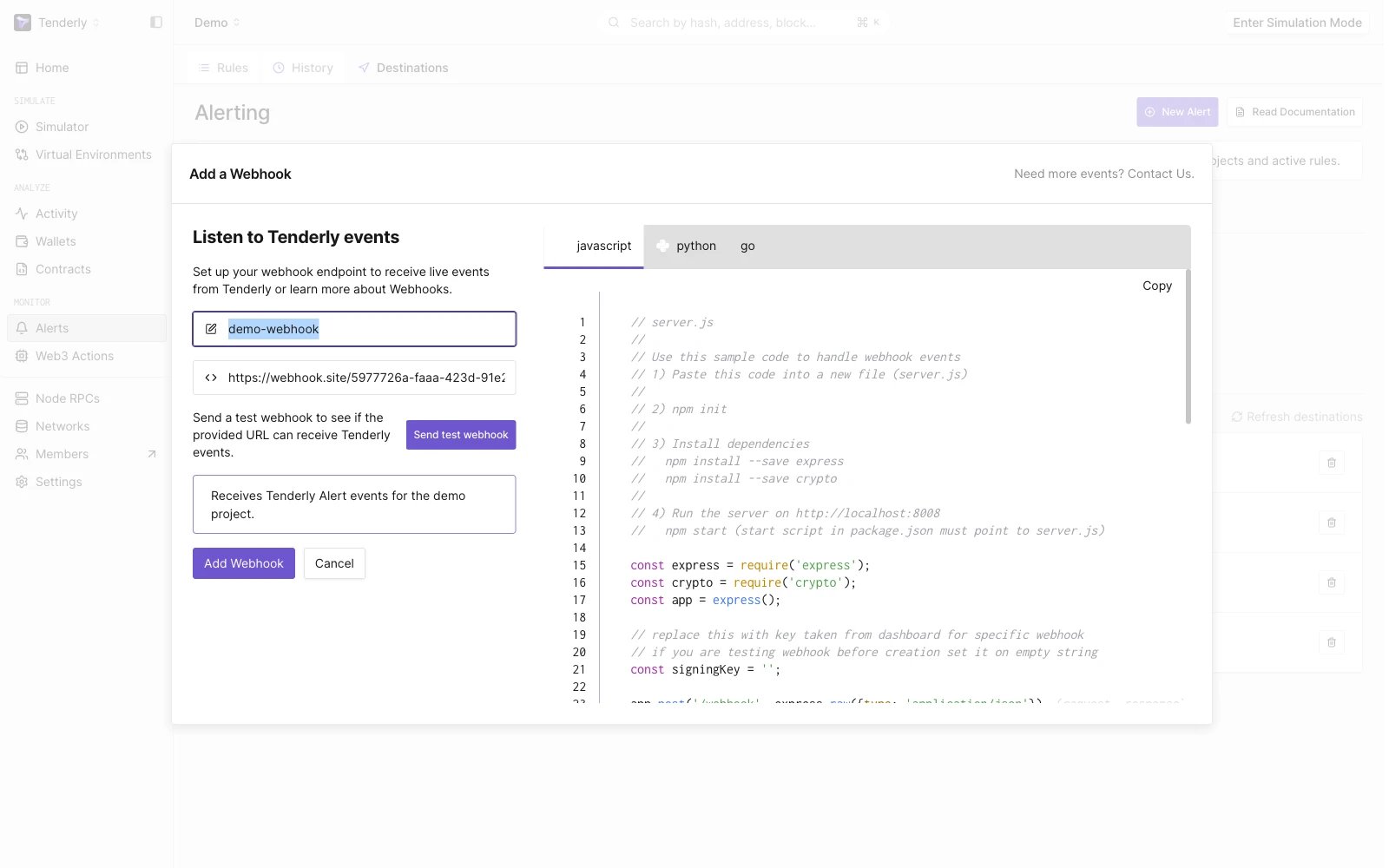
Send Test Webhook
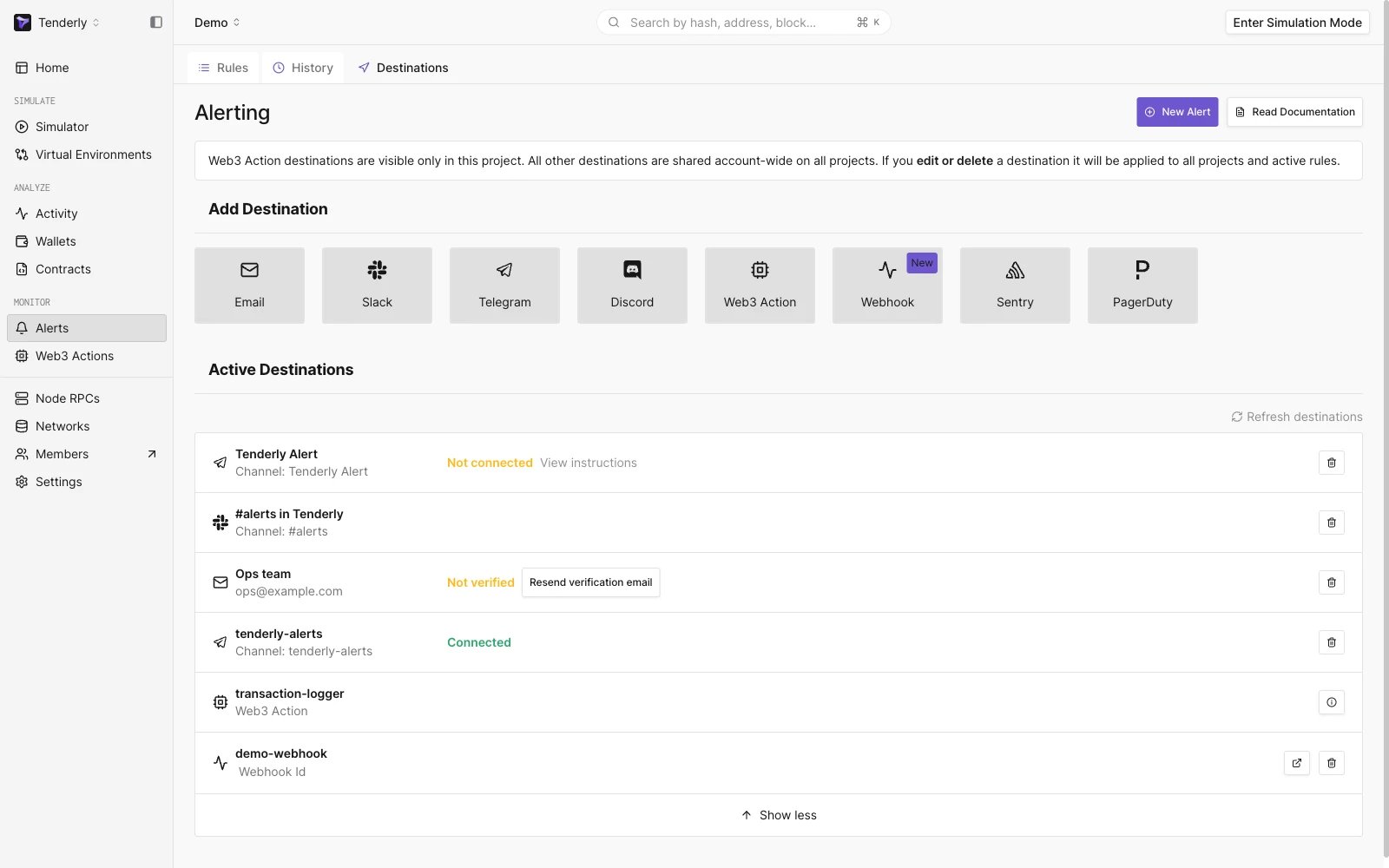
New Webhook is added to the active destinations list
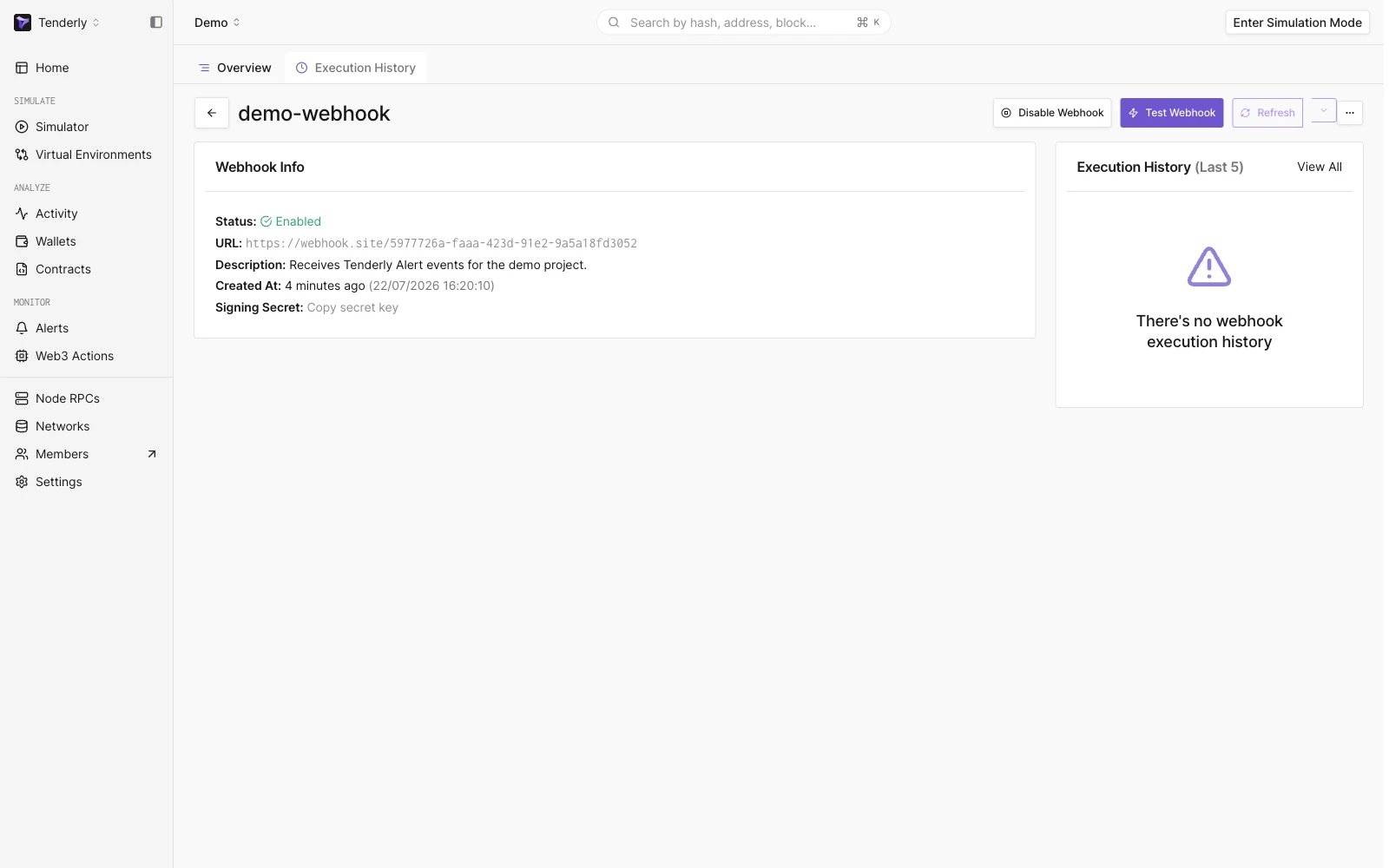
Webhook Page
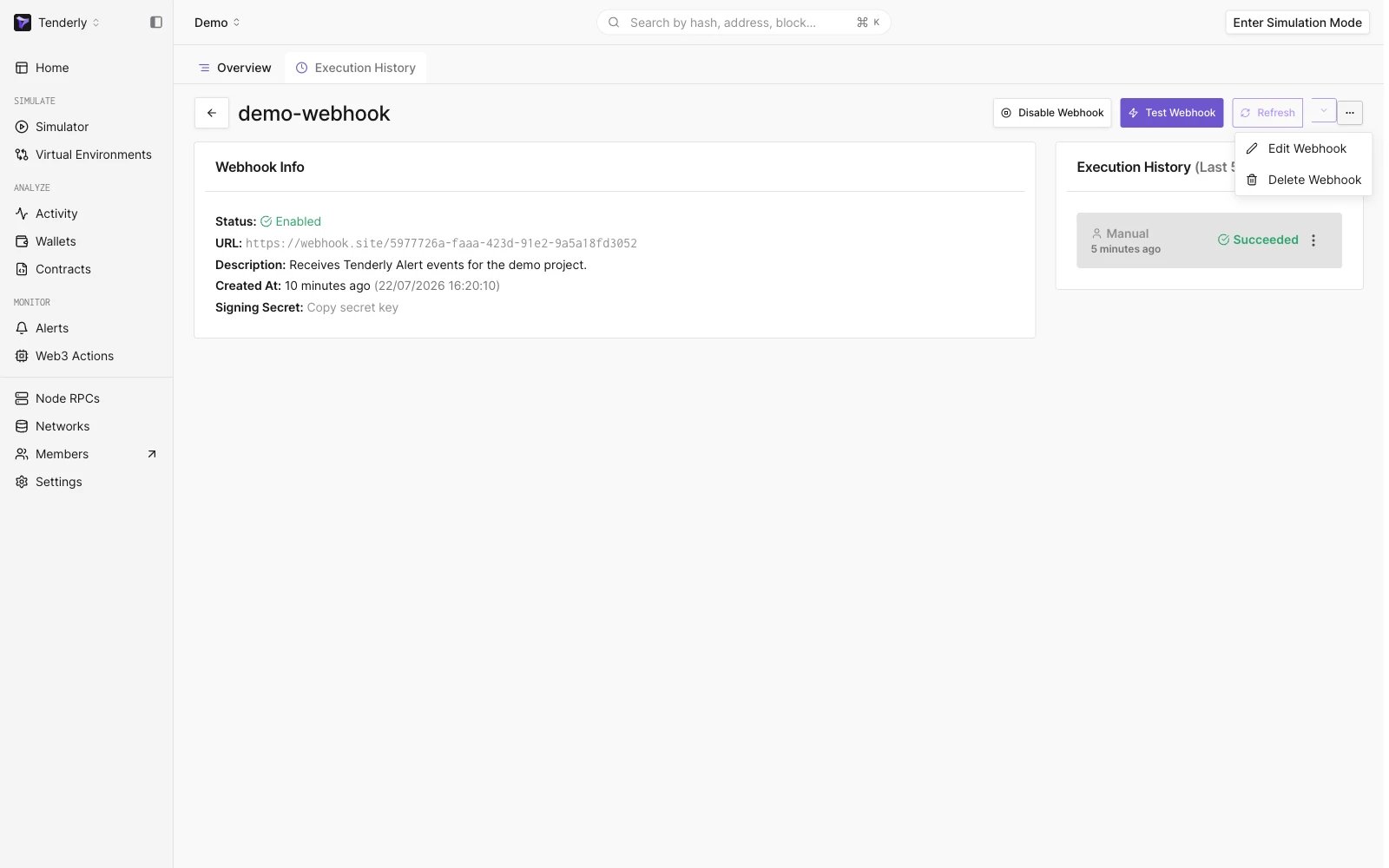
Webhook Options
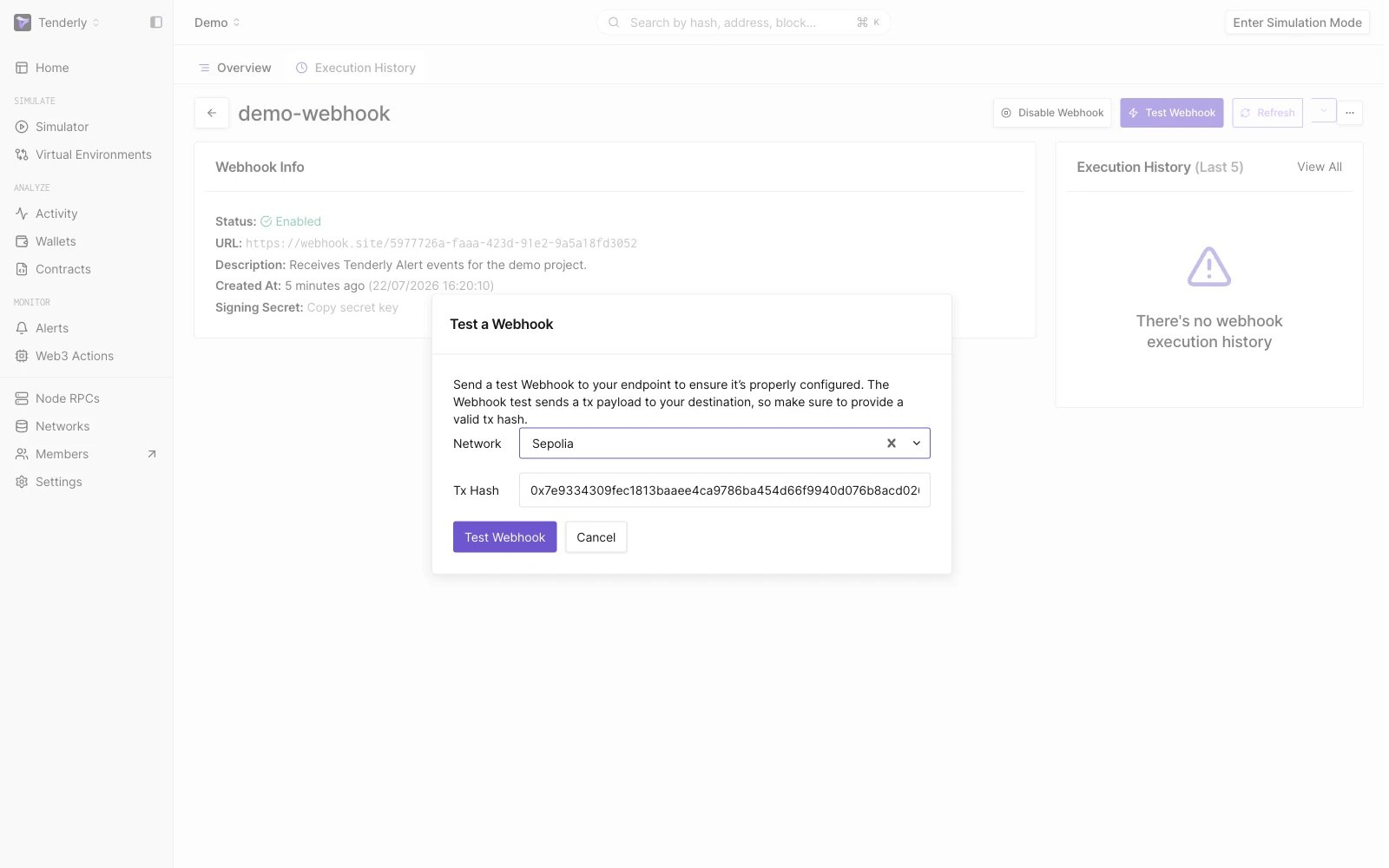
Test Webhook Modal
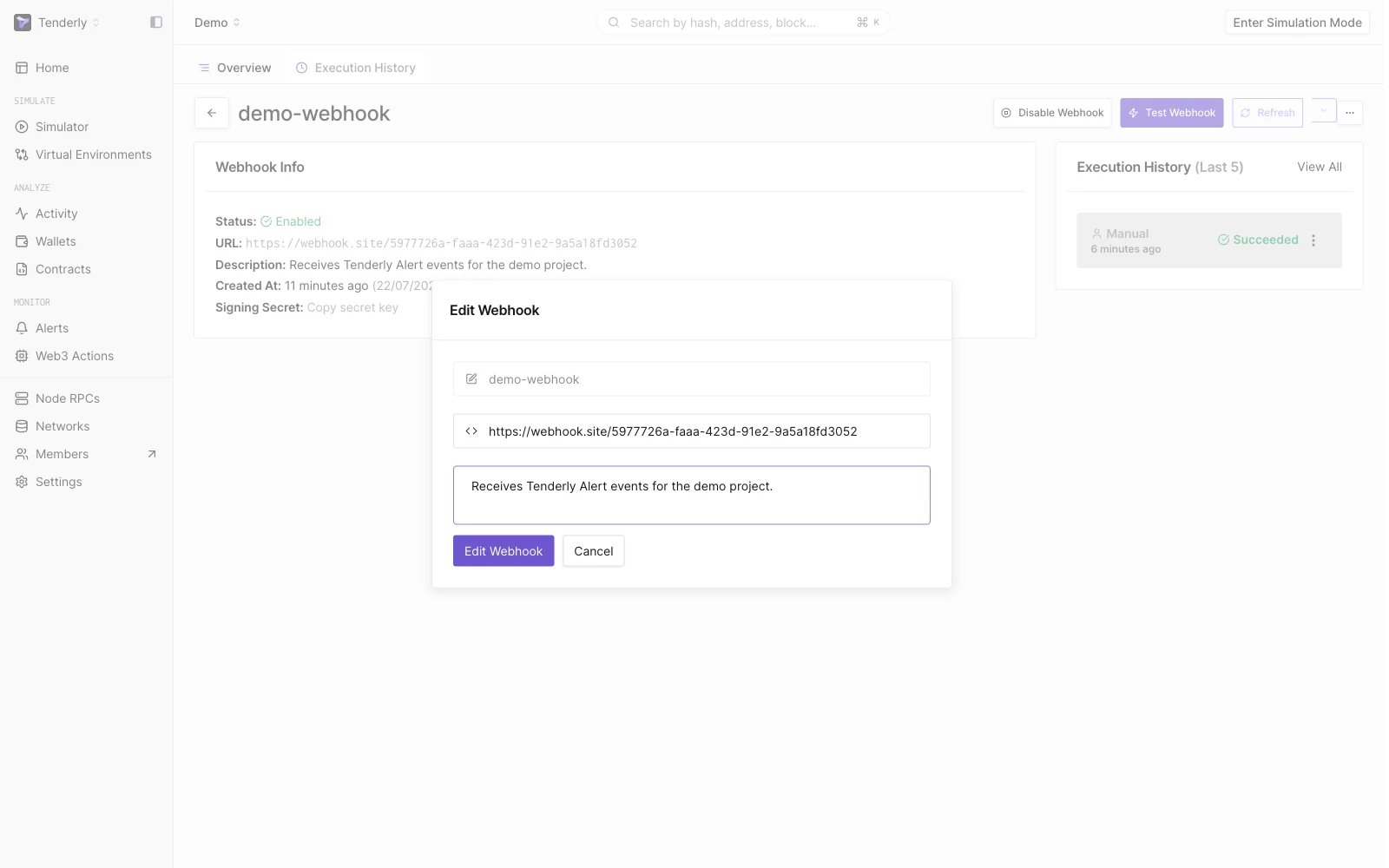
Edit Webhook Modal
Webhook execution history
webhook overview पेज से, Execution History पर क्लिक करें ताकि उस transaction payload को देखा जा सके जो प्रदान किए गए webhook URL पर भेजा गया है और webhook endpoint से response देखा जा सके।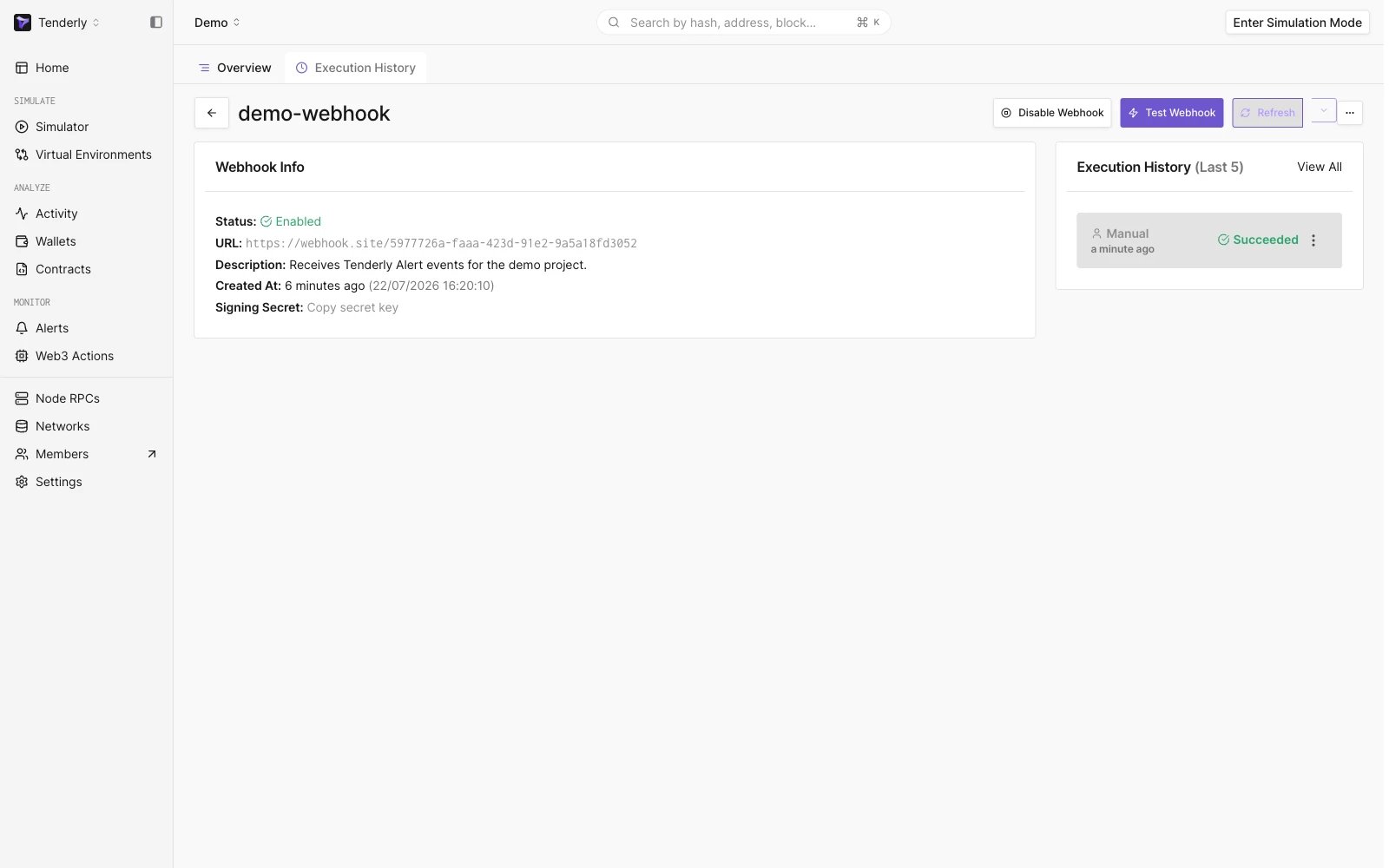
Manually Triggered Webhook After Clicking on Test Webhook Button
- Success: Webhook सफलतापूर्वक निष्पादित हुआ, और event को निर्दिष्ट URL पर deliver किया गया।
- Failed: Webhook किसी error के कारण निष्पादित नहीं हो सका, जैसे connectivity समस्या, URL के साथ समस्या, या कुछ और। यह देखने के लिए कि error का कारण क्या था, response content जाँचें, या हमारे support से संपर्क करें।
- Pending: Webhook निष्पादित होने की प्रक्रिया में है और अभी तक पूरा नहीं हुआ है।
- Retry: Webhook execution विफल हो गया और पुनः प्रयास किया जाएगा; एक event कुल अधिकतम 5 प्रयासों में deliver होता है, जिसके बाद status Success या Failed पर स्थिर हो जाता है।
- Skipped: Webhook निष्पादित नहीं किया गया क्योंकि यह disabled था।
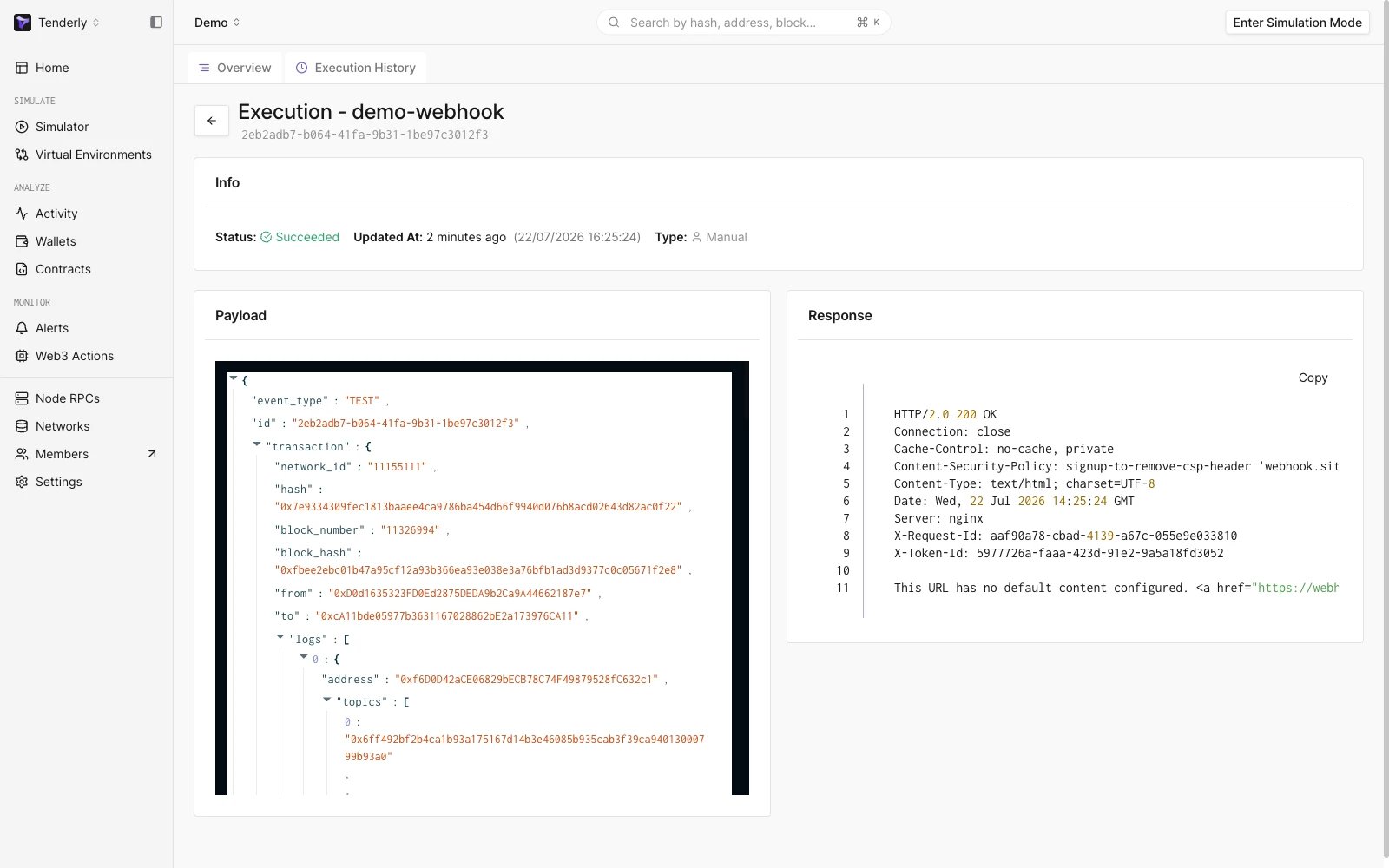
Webhook Execution Page
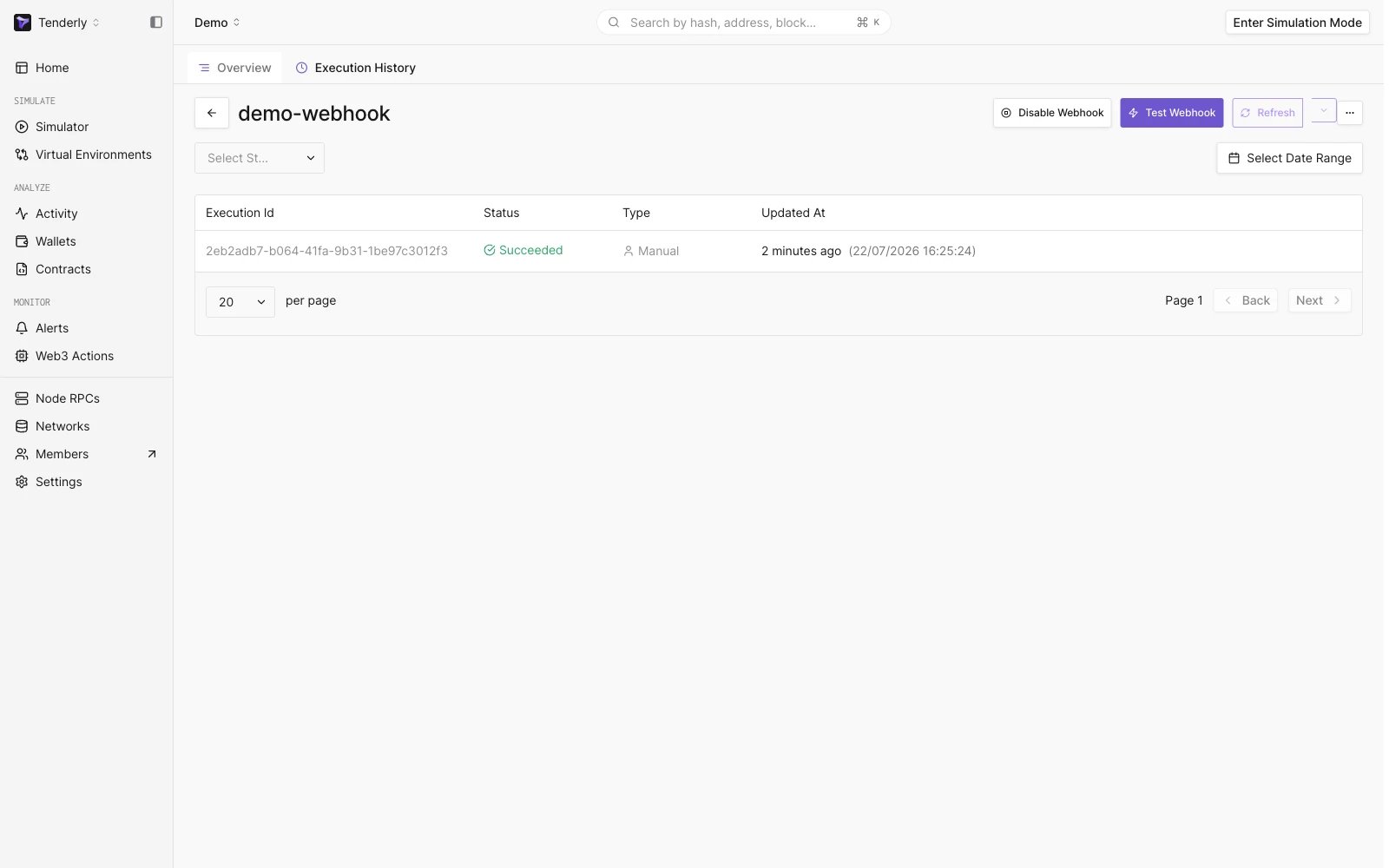
Webhook Execution History Page
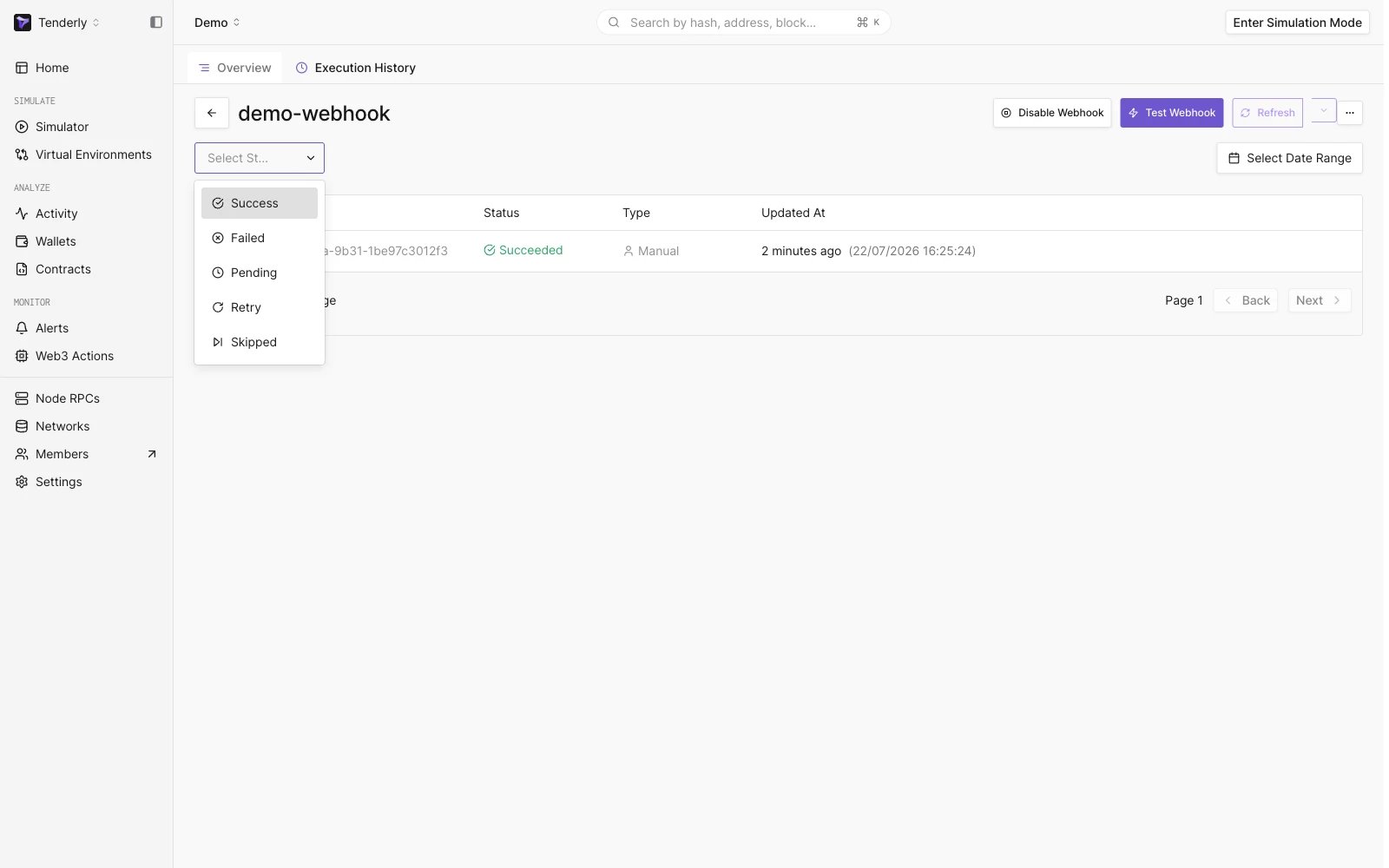
Select Webhook Status Dropdown
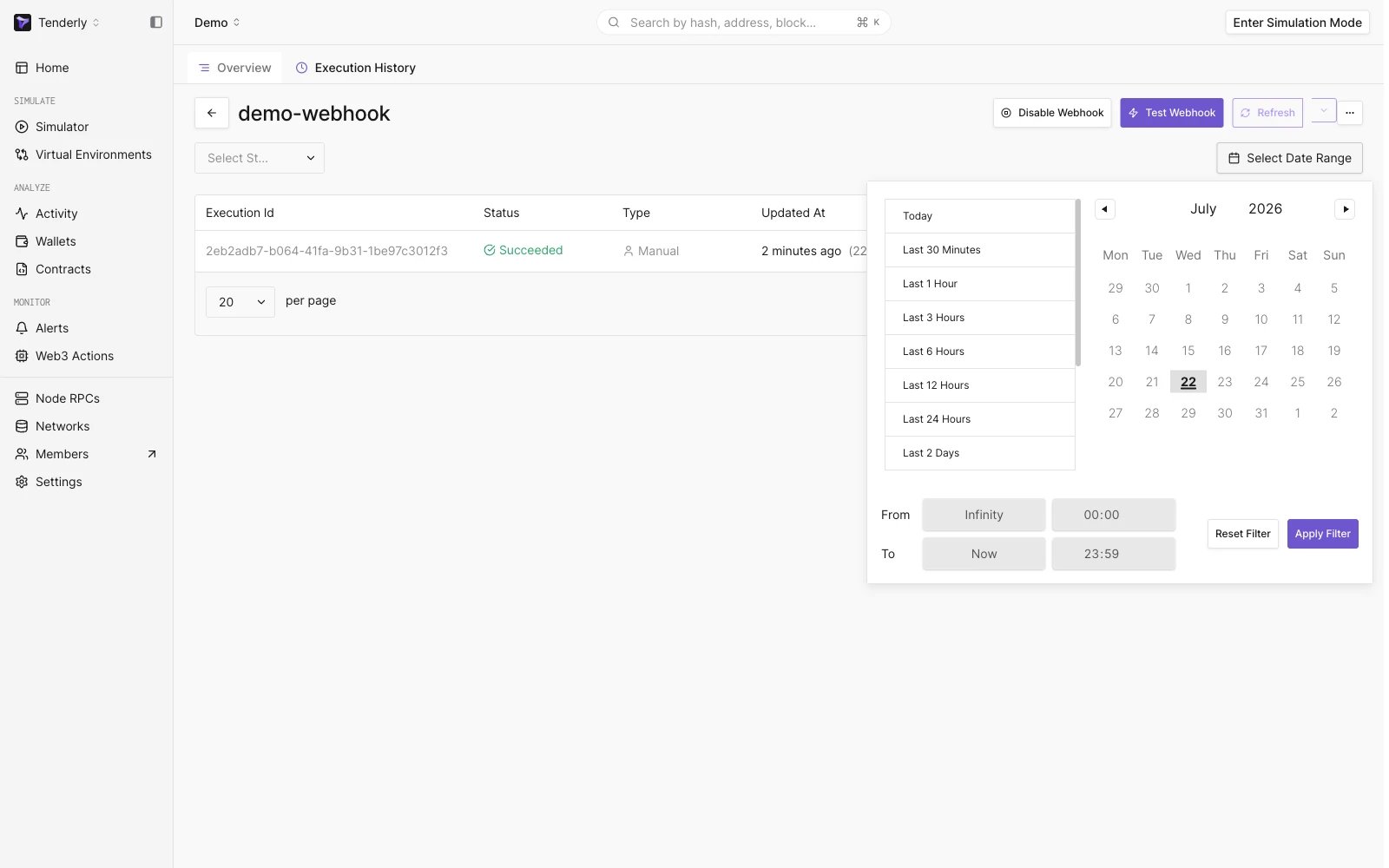
Select Date Range Dropdown
webhook को Alert से कनेक्ट करना
अपने webhook endpoint को कॉन्फ़िगर करने के साथ, आप इसे अपने किसी भी Alerts में Destination के रूप में जोड़ सकते हैं।Alert सेट अप करने का तरीका जानने के लिए इस गाइड का पालन करें।
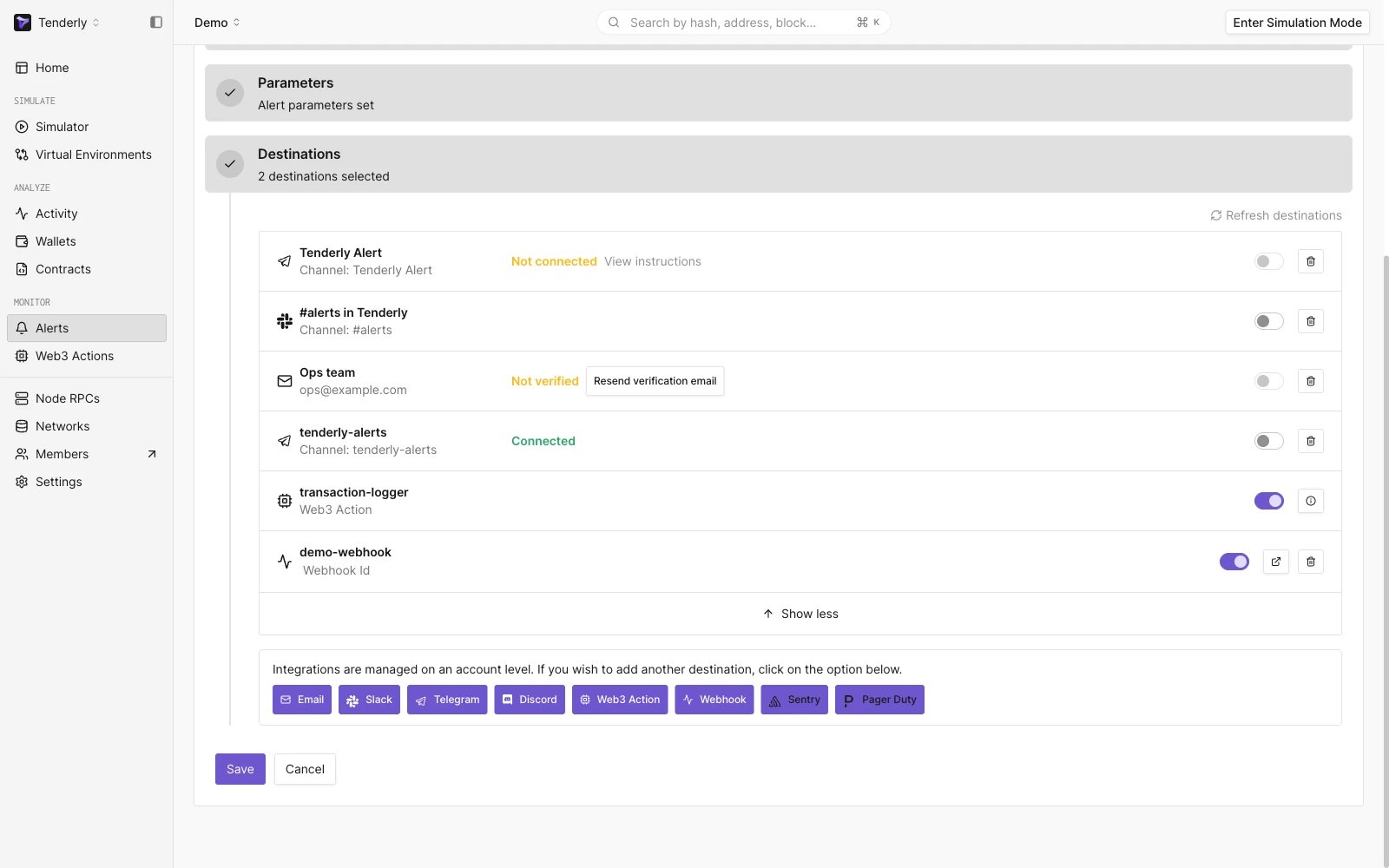
Adding a Webhook as a Destination to the Alert Rule
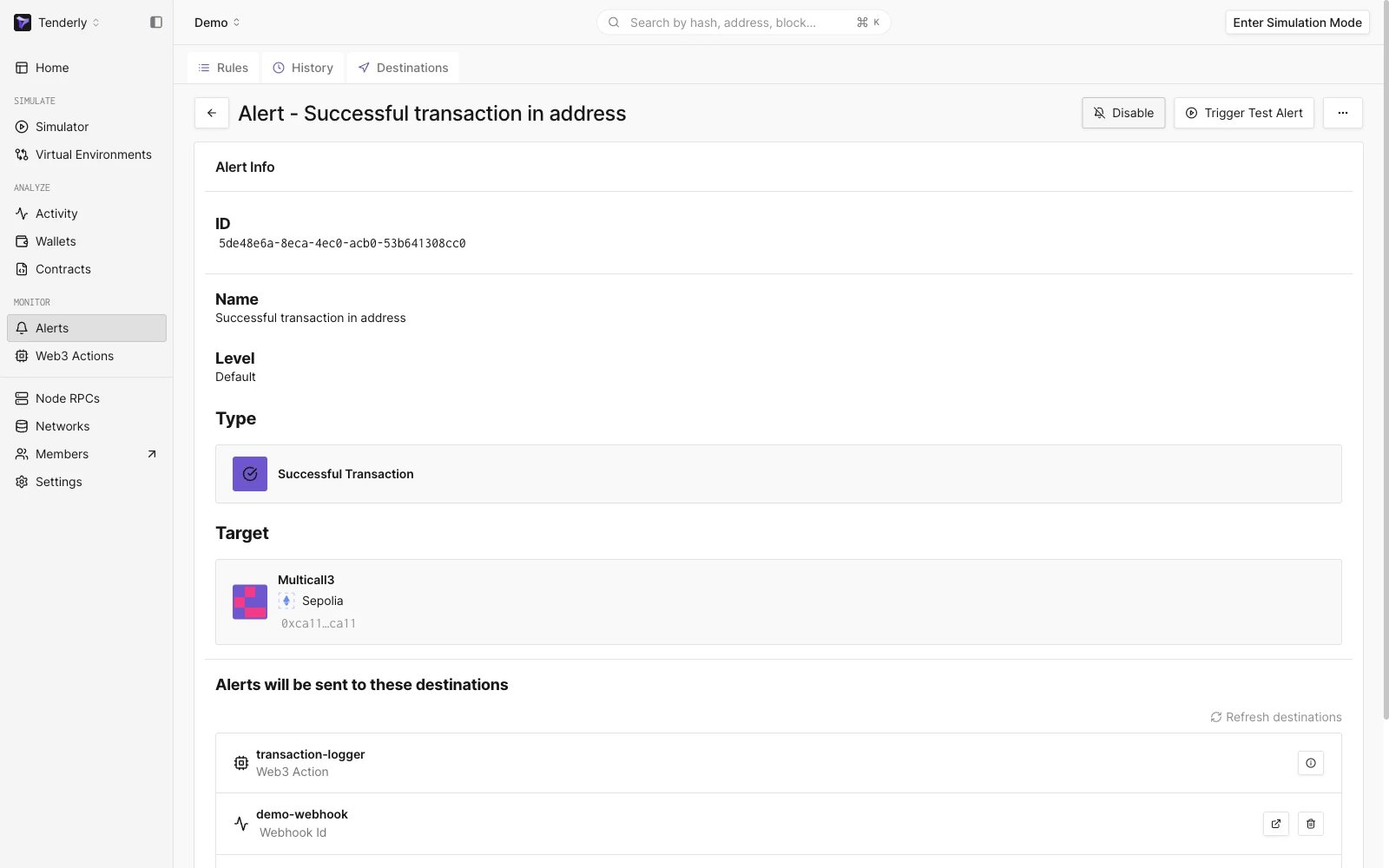
Alert Rule with a Webhook as a Destination
Webhook Execution History Page
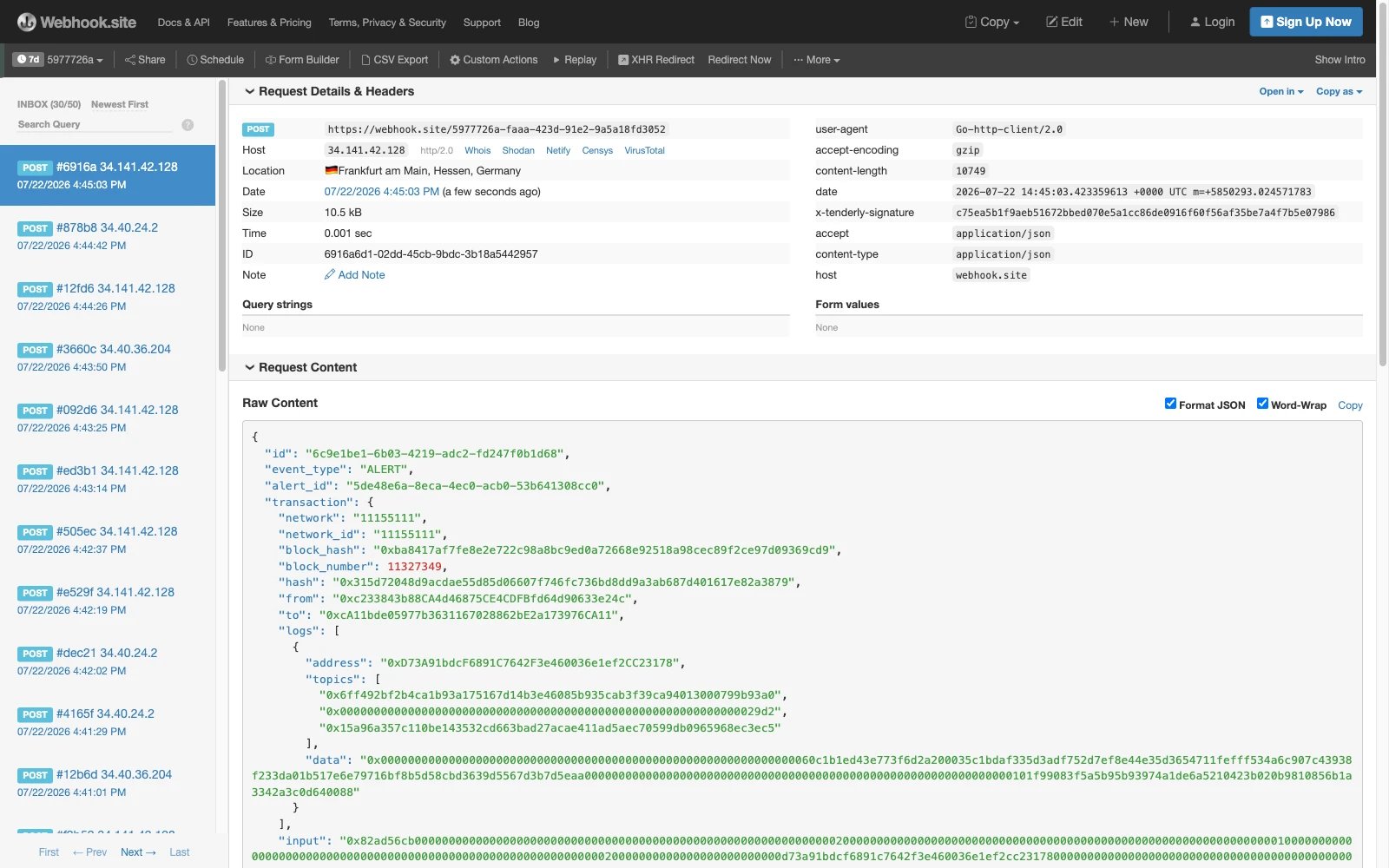
Successful Webhook Executions