

You can set a single Destination for multiple Alerts, and a single Alert can send data to multiple
Destinations.
Alert Destination scope
Accessibility to certain Destinations is limited by scope:- Account-scoped: The same Destination can be used across all projects created within your Tenderly account. This includes email, Slack, Telegram, Discord, Sentry, and PagerDuty.
- Project-scoped: Can be used only for Alert Types created within a specific project. This includes Web3 Actions and Webhooks.
How to create an Alert Destination
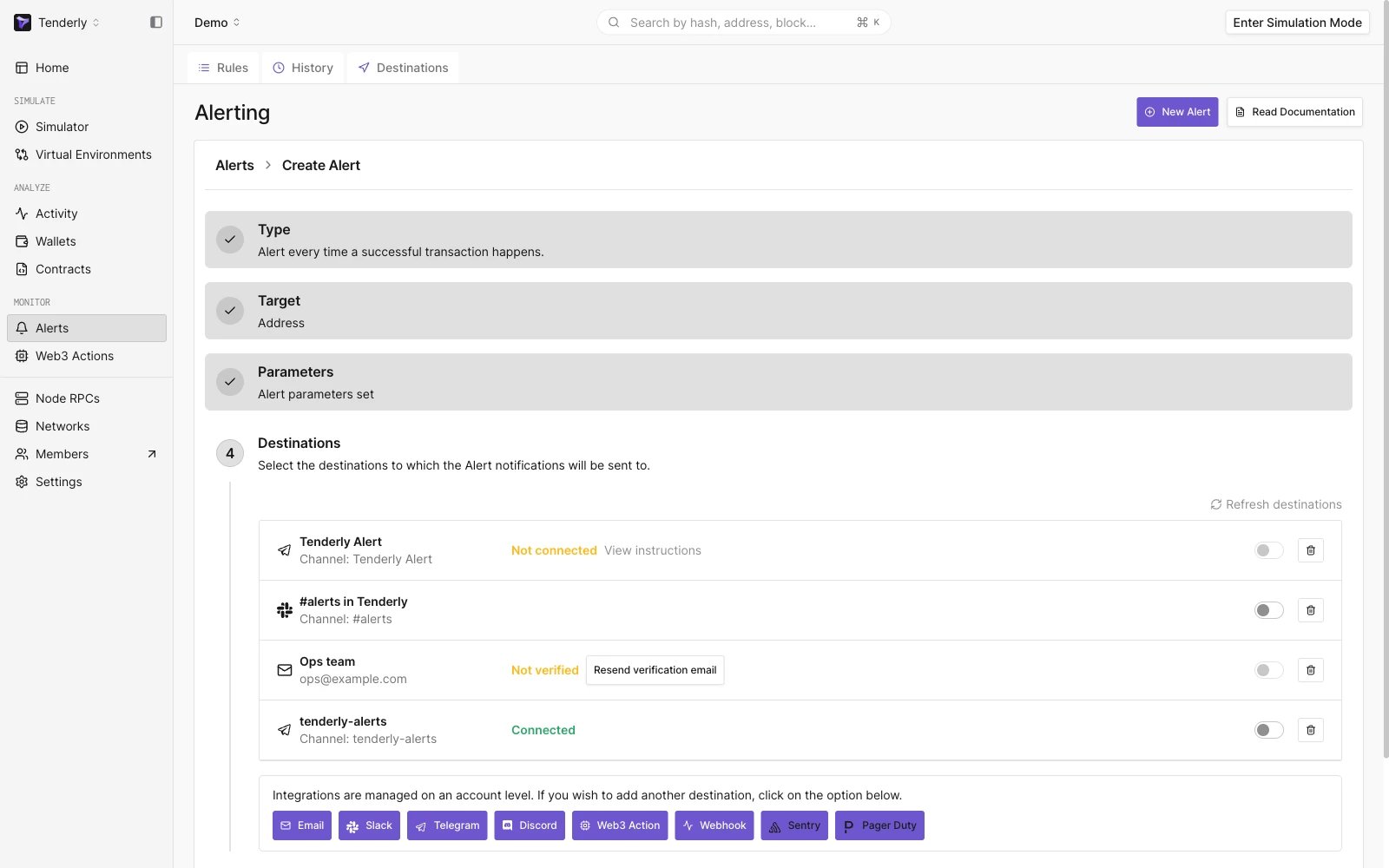
Alerts set-up wizard
- Go to Alerts from the left-hand menu.
- Click on Destinations from the top page menu.
- Select the Destination that fits your needs.
- Configure the Destination based on the type and enable it.
- Check the Active Destinations section to view and manage the Destinations you created.
You can also create new Destinations in the process of configuring individual Alerts.