

从 dashboard 分享模拟
1
打开模拟
在 Simulator 中,从列表中打开一个模拟,或运行一个新模拟。
2
打开 Share 菜单
点击 Simulation 标题旁边的 Share。模拟处于私有状态时,Share 会显示锁形图标。
3
启用公开访问
打开 Enable public access,然后点击 Copy URL。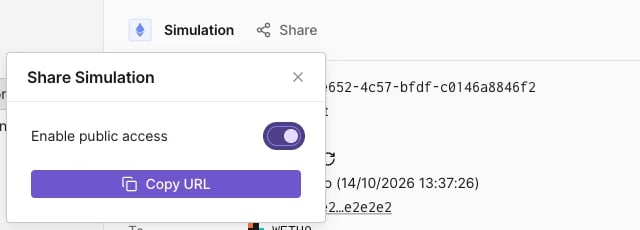
已启用公开访问的 Share Simulation 菜单。
https://www.tdly.co/shared/simulation/<simulation-id>,会重定向到 https://dashboard.tenderly.co/shared/simulation/<simulation-id>。未登录的查看者会在 SIMULATION 标签下看到完整的结果页面。
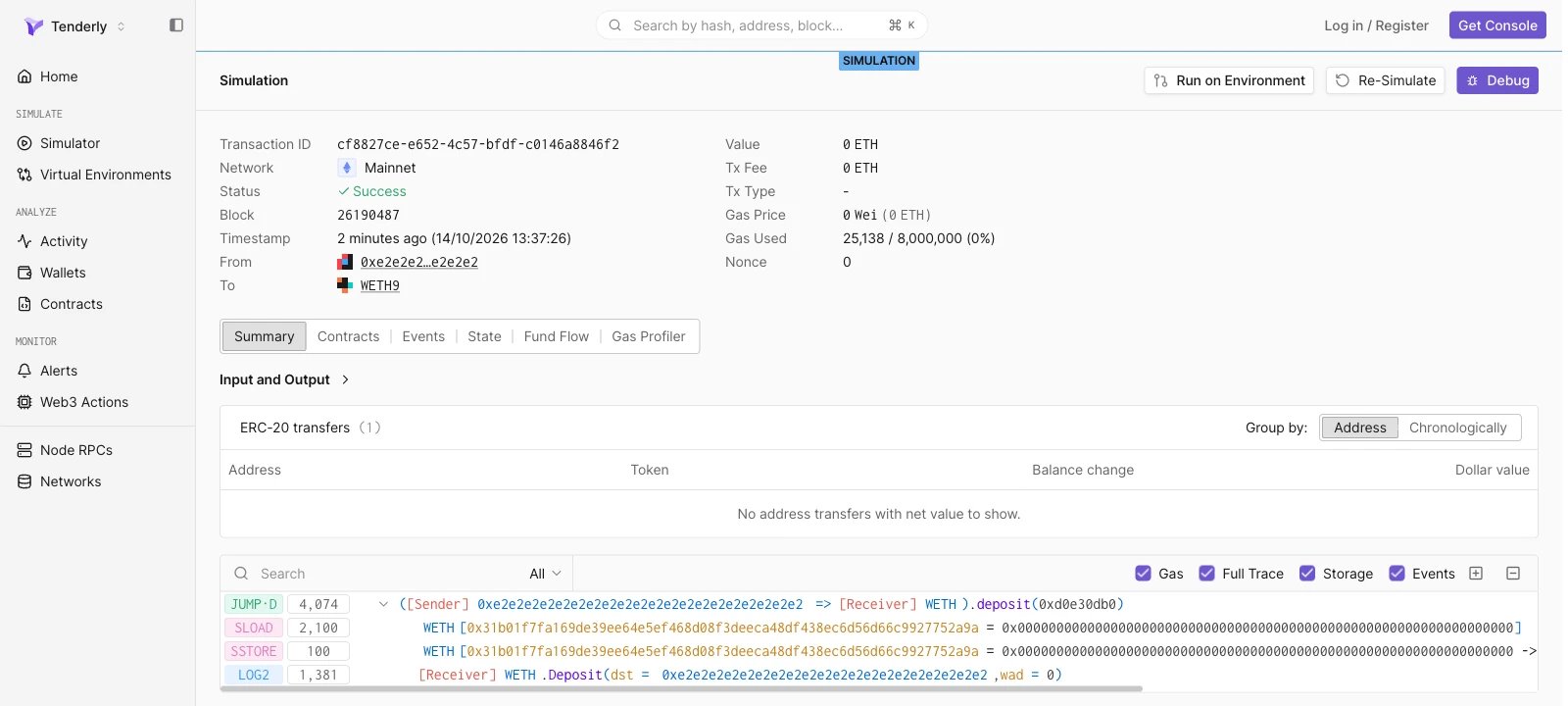
未登录时打开的共享模拟。
停止分享模拟
点击 Share 并关闭 Enable public access。此后打开该链接的任何人都会看到“Sorry, you don’t have access to this page.”通过 API 分享模拟
使用 Enable simulation sharing 和 Disable simulation sharing 端点启用和禁用公开访问。这两个端点都在路径中接收模拟 ID,没有请求体,成功时返回204 No Content。
share-simulation.sh
/unshare 路径发送相同的请求。公开 URL 为 https://www.tdly.co/shared/simulation/$SIMULATION_ID。