

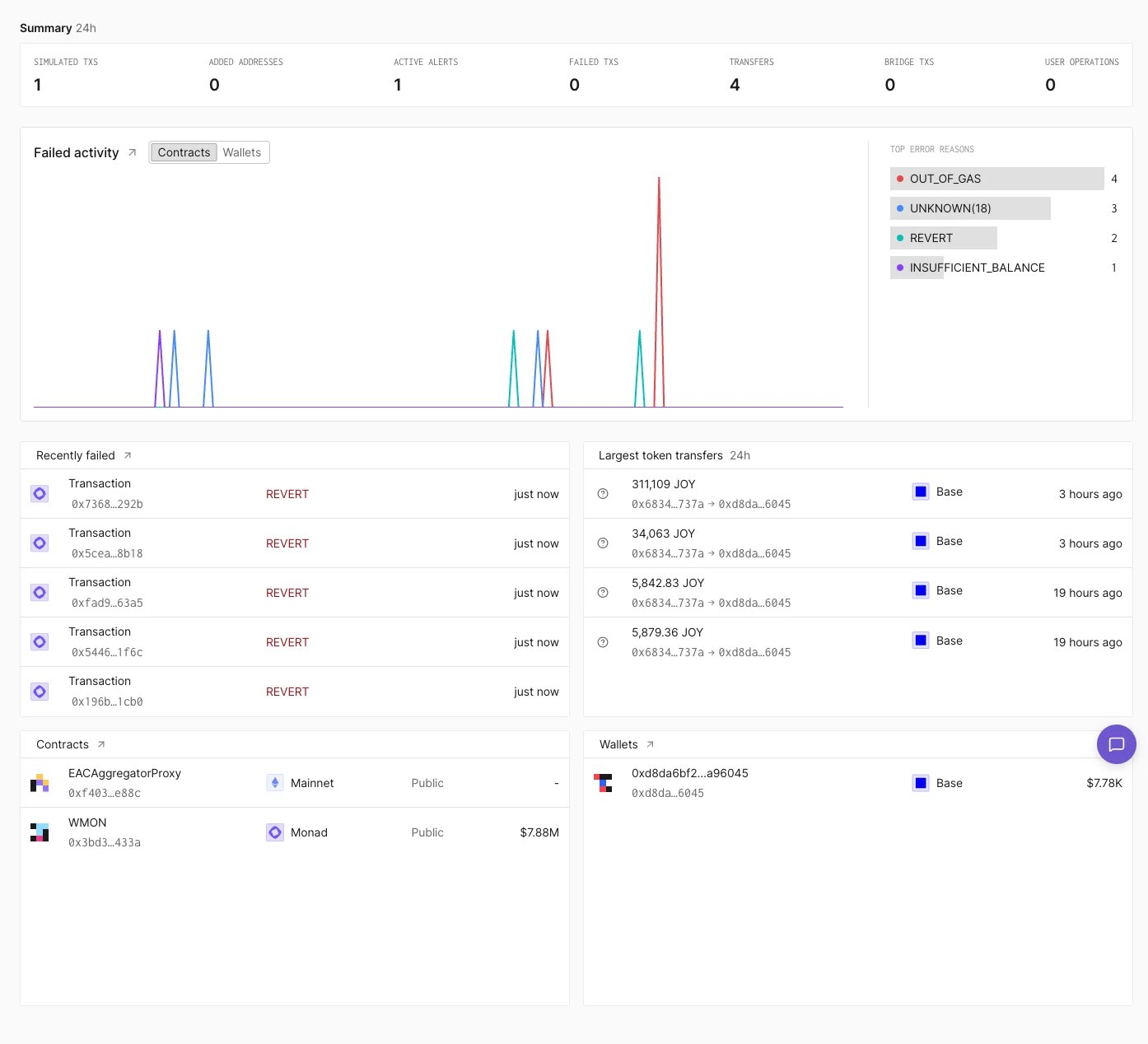
Project Home page.
Summary
The Summary row shows 24-hour counts for simulated transactions, added addresses, active alerts, failed transactions, transfers, bridge transactions, and user operations.Failed activity
Failed activity charts failed transactions over time. The Contracts and Wallets toggle switches between failures involving the project’s contracts and its wallets. Top error reasons next to the chart counts the failures by error, for exampleOUT_OF_GAS or REVERT.
The arrow next to the panel title opens Activity filtered to failed direct transactions.