

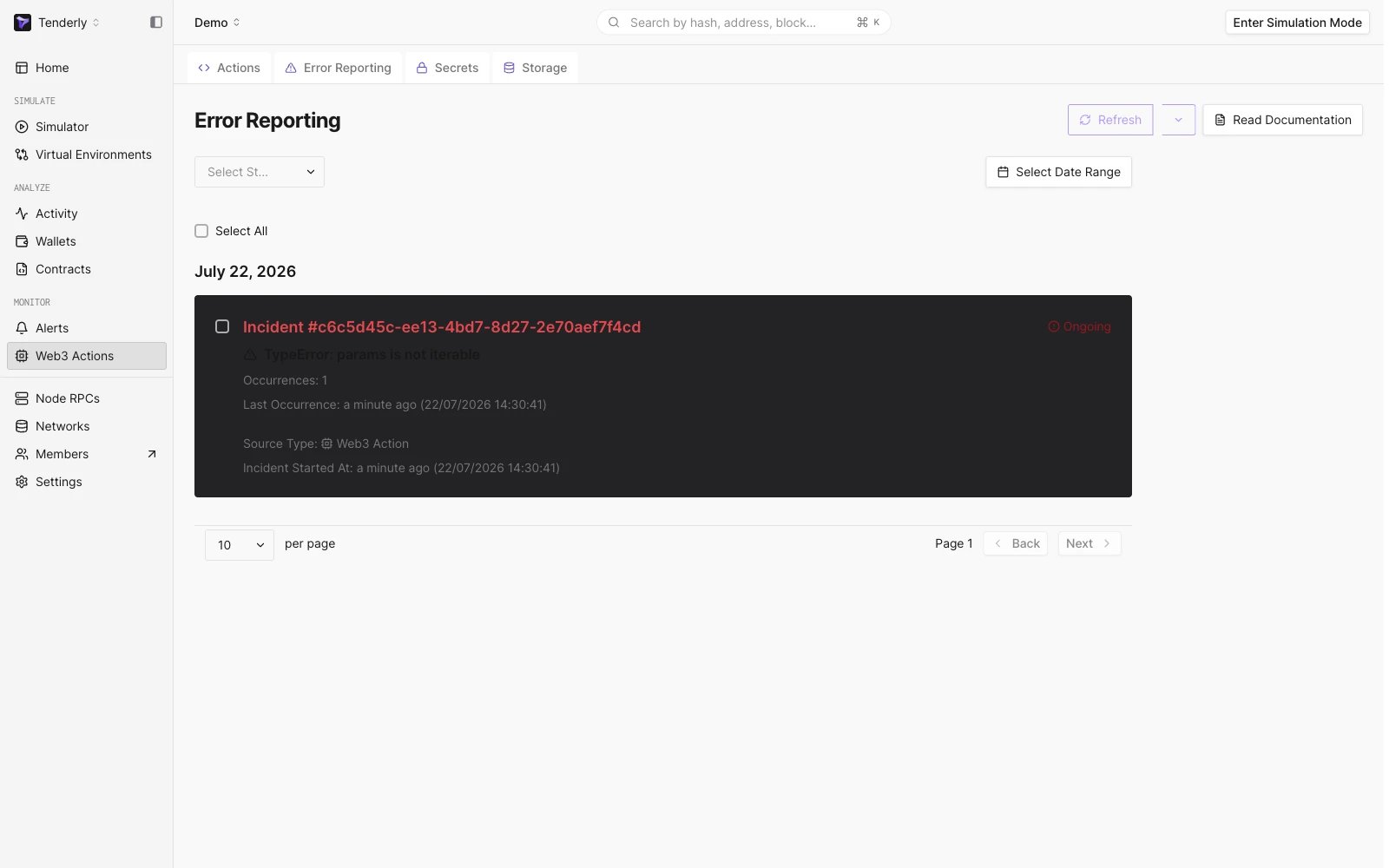
Opening the Error Reporting tab
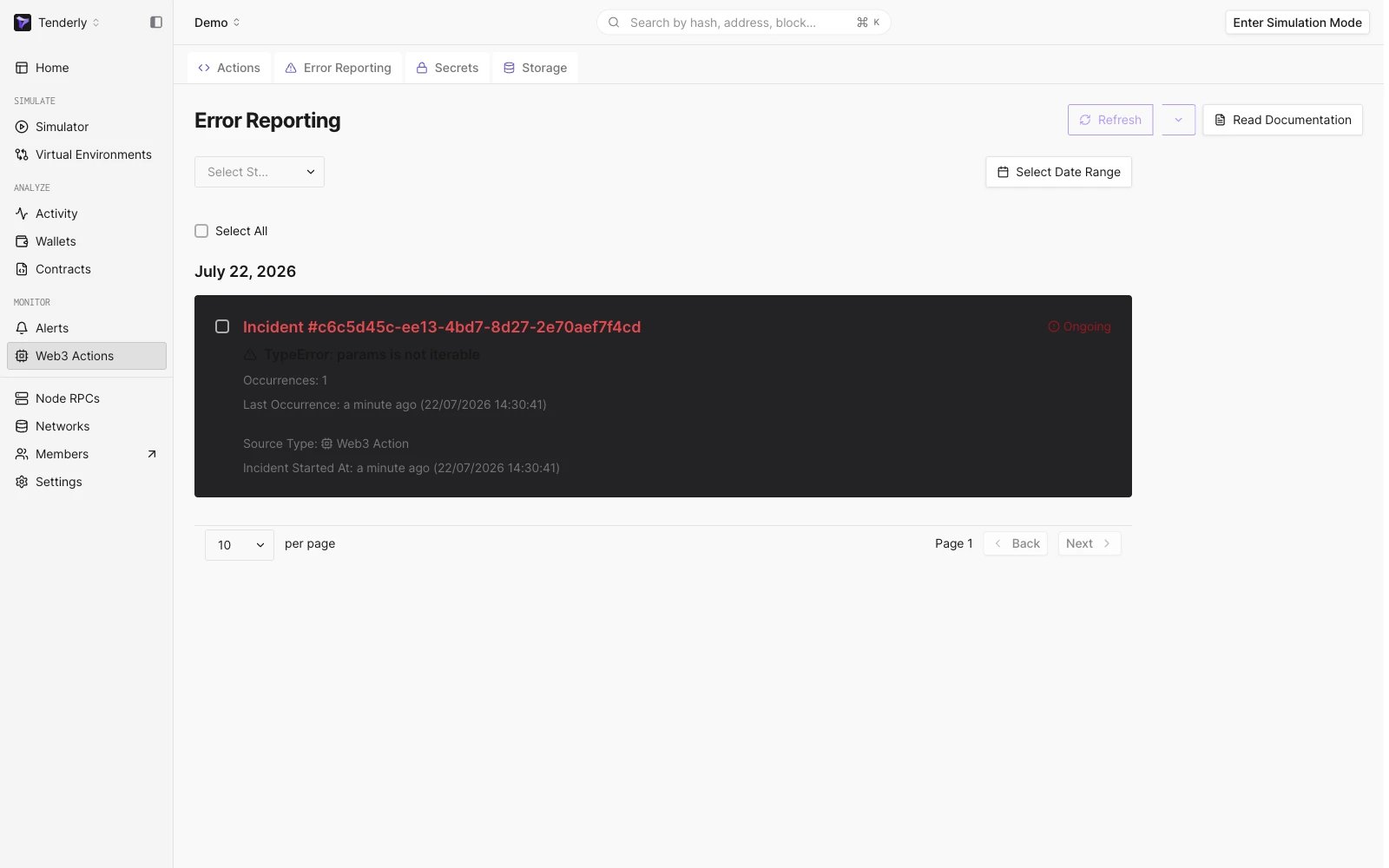
Filtering Web3 Action error reports
Incident statuses
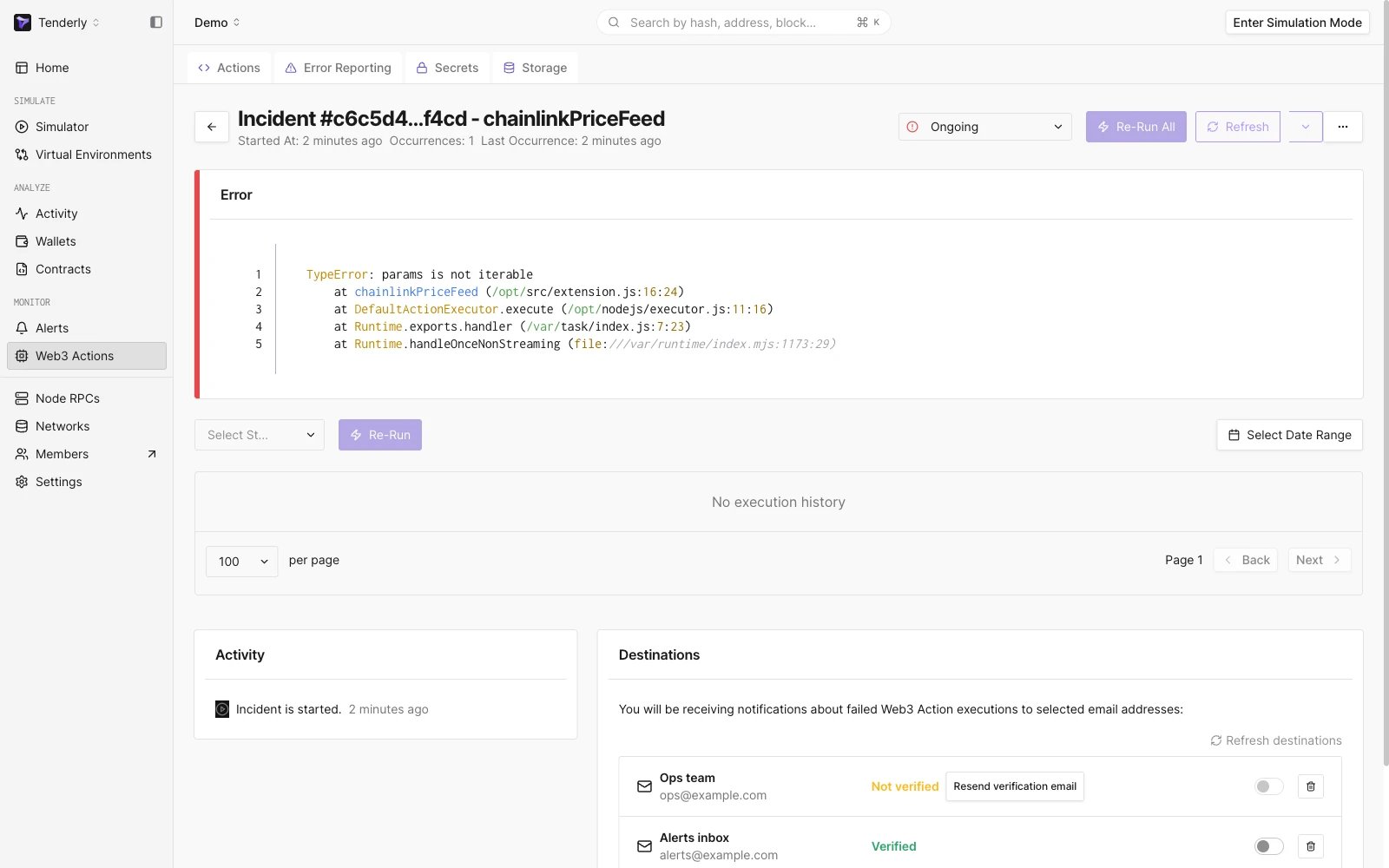
एक incident के तीन statuses में से एक होता है। नोट-कीपिंग और टीम सहयोग के अलावा, status failure email notifications को नियंत्रित करता है:- Ongoing - वह status जिसके साथ incident बनता है। उसी error की बार-बार घटनाएँ incident के अंतर्गत group की जाती हैं और अतिरिक्त emails trigger नहीं करतीं।
- Acknowledged - incident को देखा गया के रूप में चिह्नित करता है। Ongoing की तरह, उस error की emails muted रहती हैं।
- Resolved - incident को बंद करता है और notifications फिर से सक्रिय करता है: यदि वही error फिर से होती है, तो नया incident बनता है और आपको नया email मिलता है।
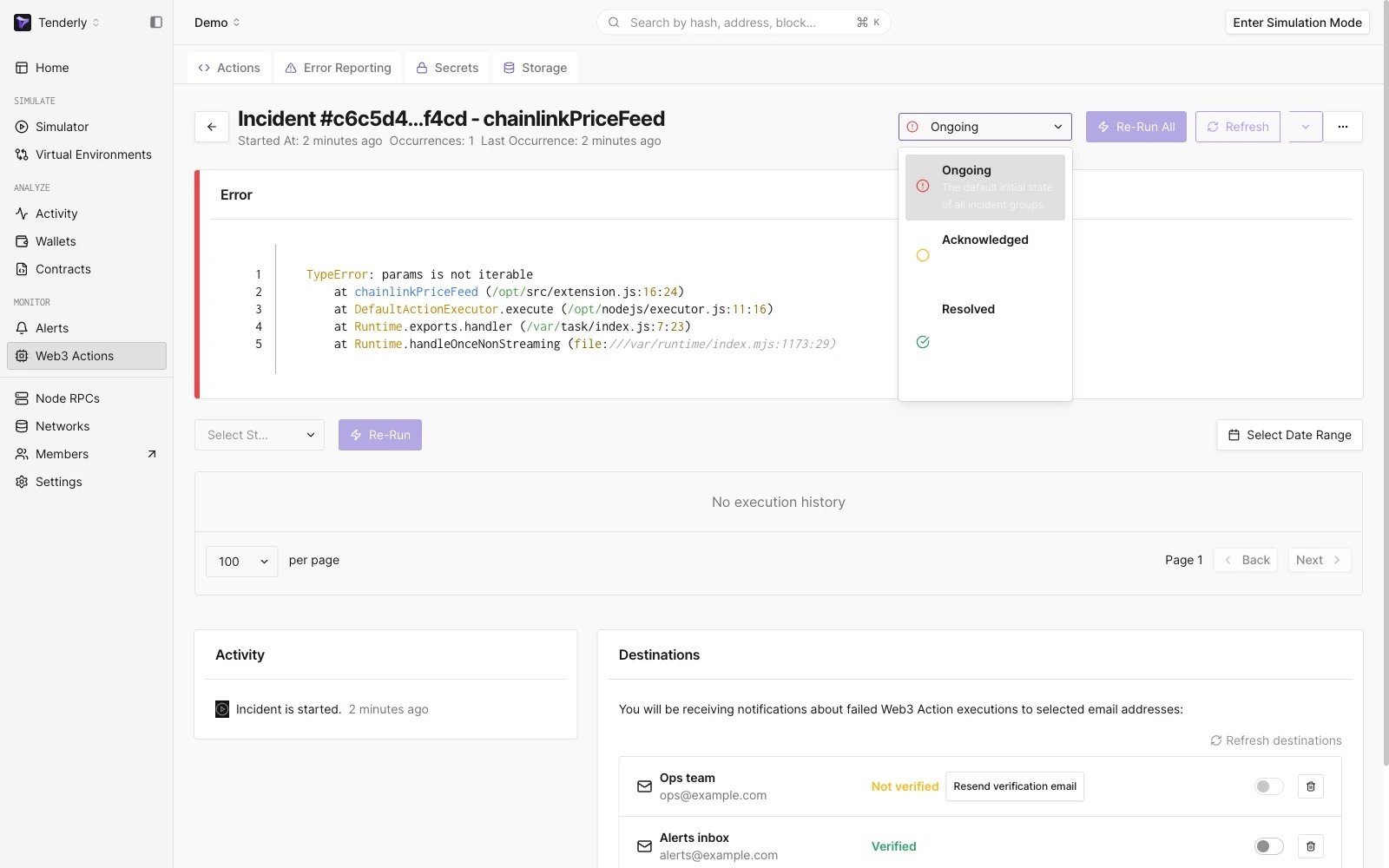
Changing the incident status
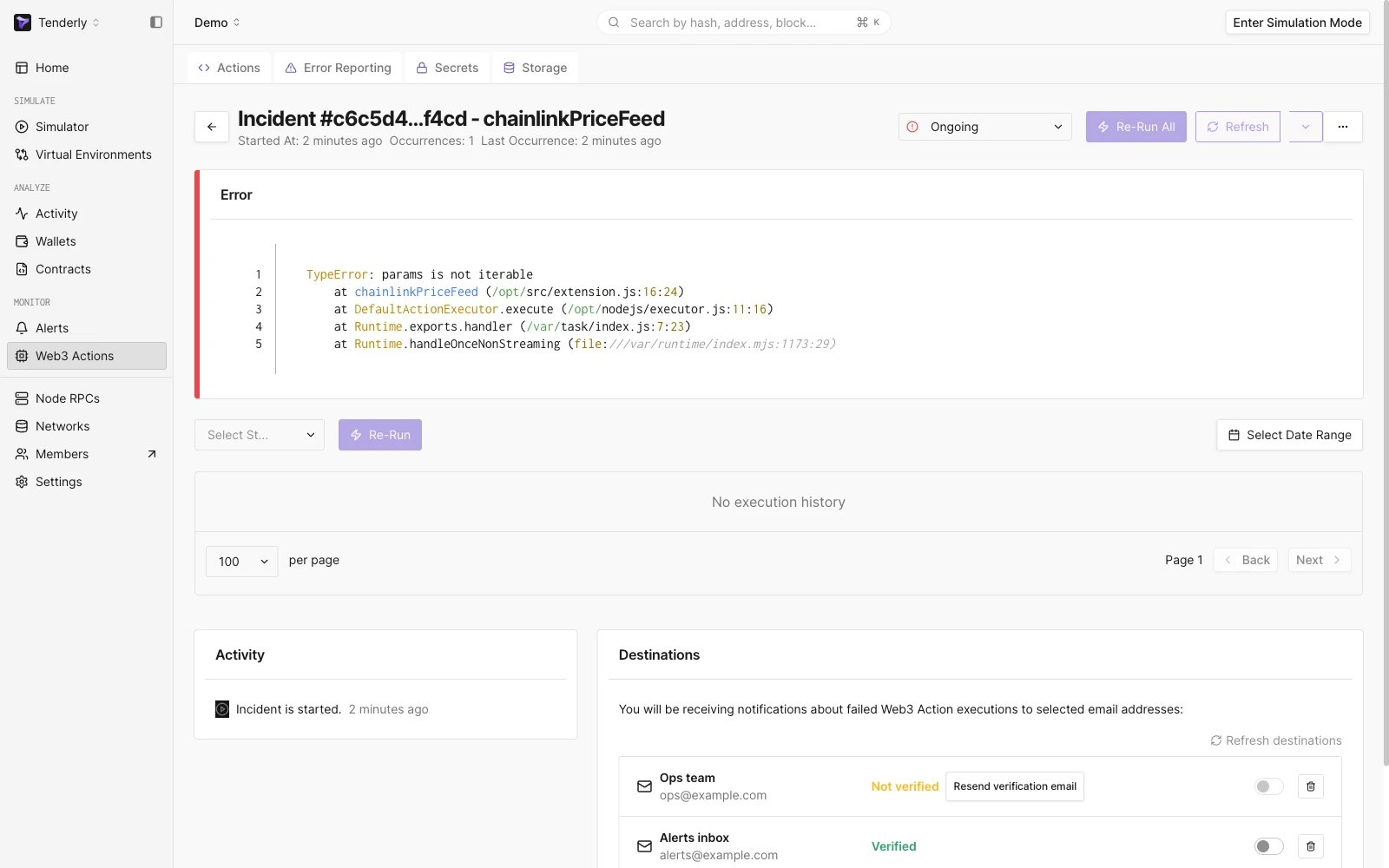
Examining a Web3 Action incident in detail
Re-running incident executions