

Web3 Action Execution Status Types
Each execution of a Web3 Action carries one of the following statuses. The literals below are the values the API returns and the dashboard execution-history filter matches on; the dashboard may show a friendlier label (for example, “Success” forSUCCEEDED).
PENDING- The execution has been created but not yet submitted. Manual runs and re-runs hold this status before submission.SUBMITTED- The execution has been submitted and is running. This status is temporary and changes once execution completes.SUCCEEDED- The execution completed without errors.SKIPPED- The execution was intentionally not run, typically because a condition or rule wasn’t met.FAILED- The action code threw an error during execution.TIMED_OUT- The execution did not complete within the execution time limit (30 seconds by default).RATE_LIMITED- The trigger fired more often than the allowed rate. Rate-limited trigger events are dropped, not queued; the execution is not retried.TU_QUOTA_REACHED- The account’s usage quota was exhausted when the trigger fired. The execution is dropped and not retried.
Execution limits
Each execution runs with a 30-second time limit and 128 MB of memory by default.If you need higher limits for your action execution, or if your action timed out, contact
Tenderly support at support@tenderly.co.
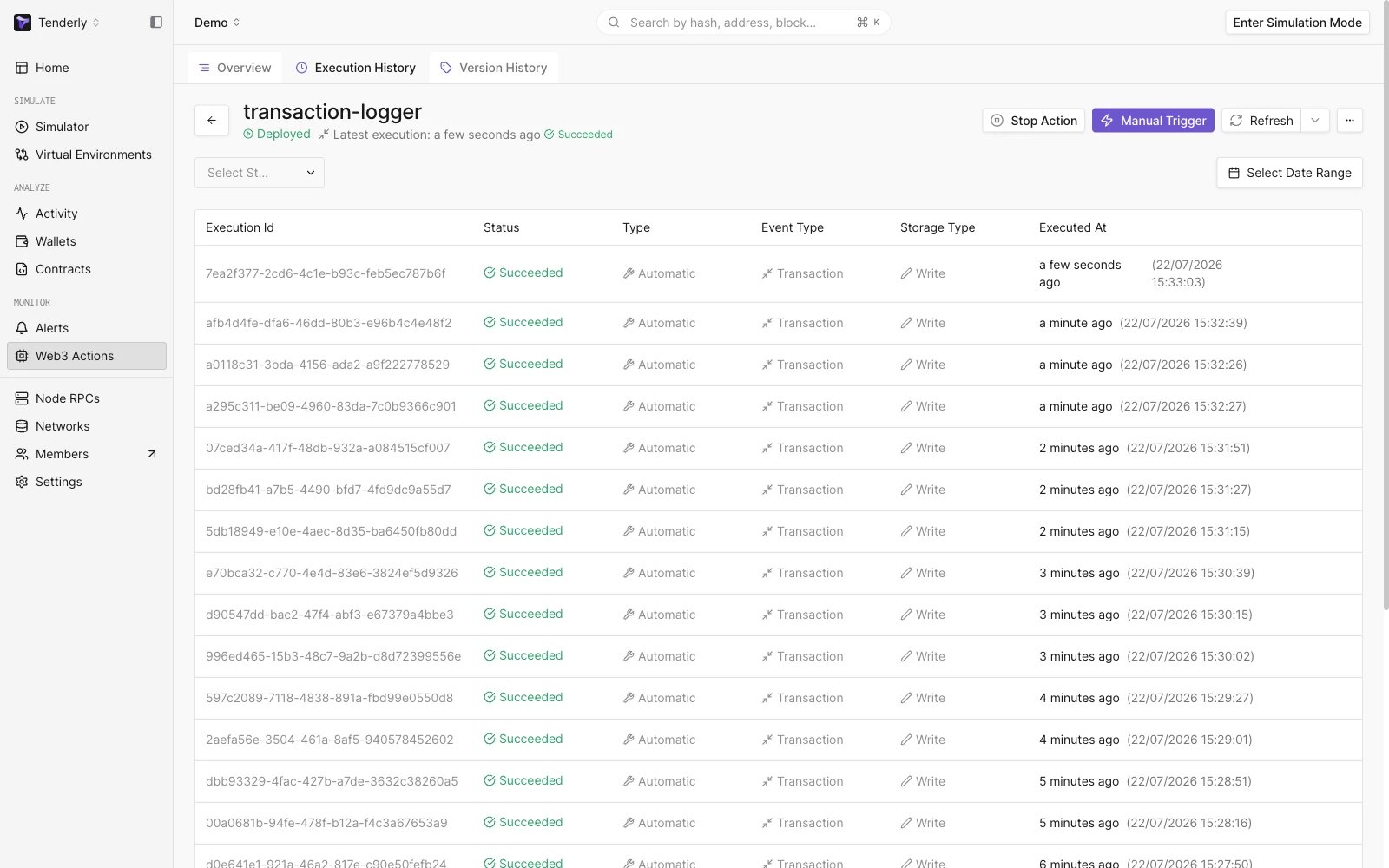
Web3 Action Execution History
When an execution creates an incident
An incident is logged in Error Reporting, and failure notification emails are sent, only when a trigger-based execution ends inFAILED. Manual runs never create incidents, regardless of outcome, and executions ending in TIMED_OUT, RATE_LIMITED, or TU_QUOTA_REACHED do not create incidents or send failure emails. Rate-limited executions are reported separately in a batched notification email, at most one per action per 24 hours (see Usage Rate Limits).