

Node RPC in Context
In Web3 Actions, access to Tenderly’s node is enabled through thecontext object. Learn more about Web3 Actions Context here.
The context object contains a property called gateways which gives you access to the getGateway() method. This method requires one argument Network, which is used to specify the network you want to access.
The Network enum has a member for every network supported in Node RPC, for example:
Network.MAINNETNetwork.SEPOLIANetwork.POLYGONNetwork.OPTIMISTICNetwork.BASENetwork.ARBITRUM
networks.ts in the @tenderly/actions npm package.
To demonstrate how all of this comes together, here’s an example Javascript variable that is configured to access the Mainnet:
example.jsx
Example Web3 Action function to access the Mainnet
Let’s create a simple Web3 Action that will get triggered every time a new block is mined on the Mainnet. Each time a block gets mined, the Web3 Action will execute the custom code, also referred to as “function”. Read more about Web3 Action functions here. For the sake of simplicity, the example function below will get the block number of the latest block mined and log it to the console. You can read the comments to understand what each line of code does.example.jsx
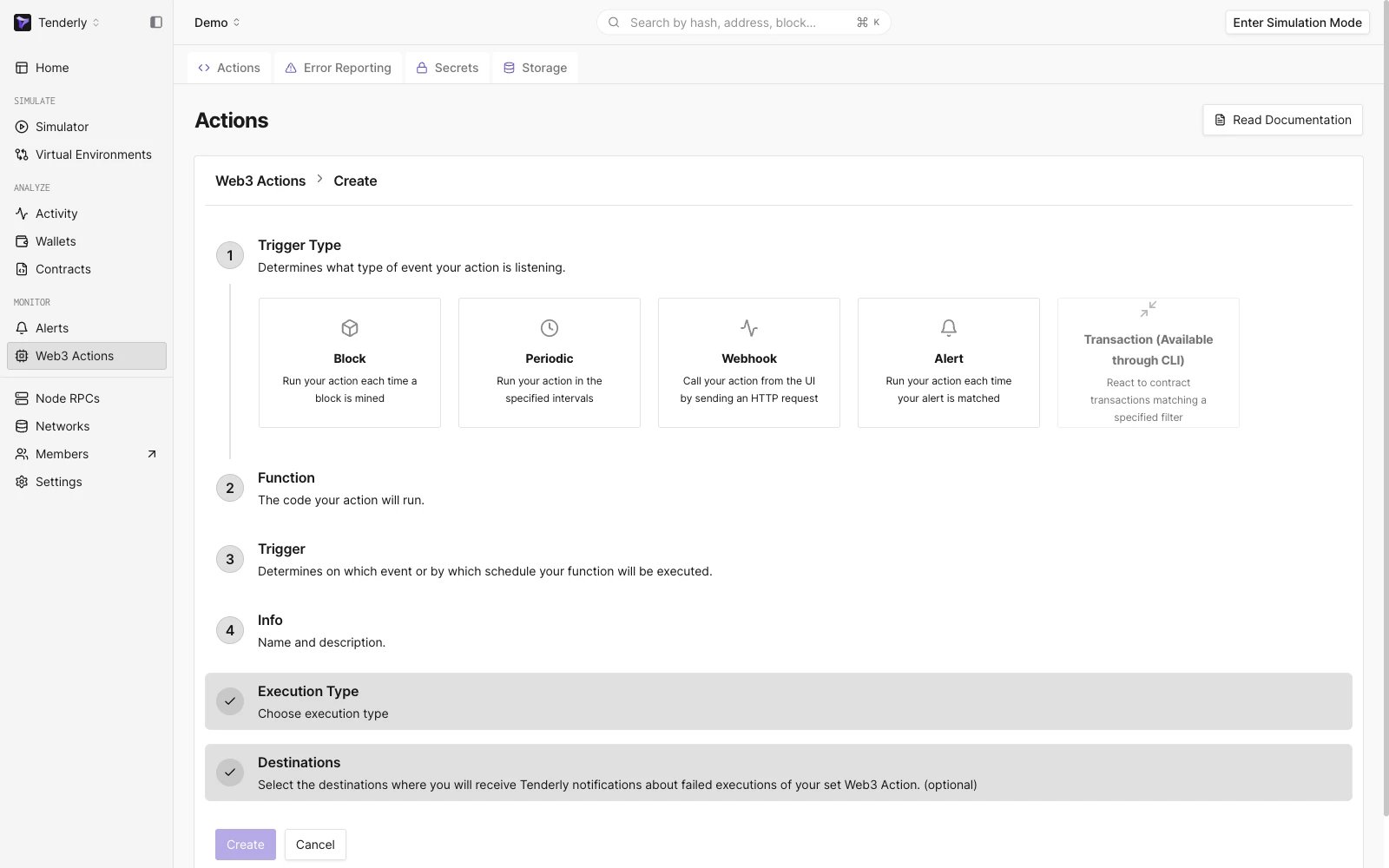
Web3 Action set up wizard
- For the Trigger Type, select Block.
- In the Function textbox, paste the code from the example above and click Next.
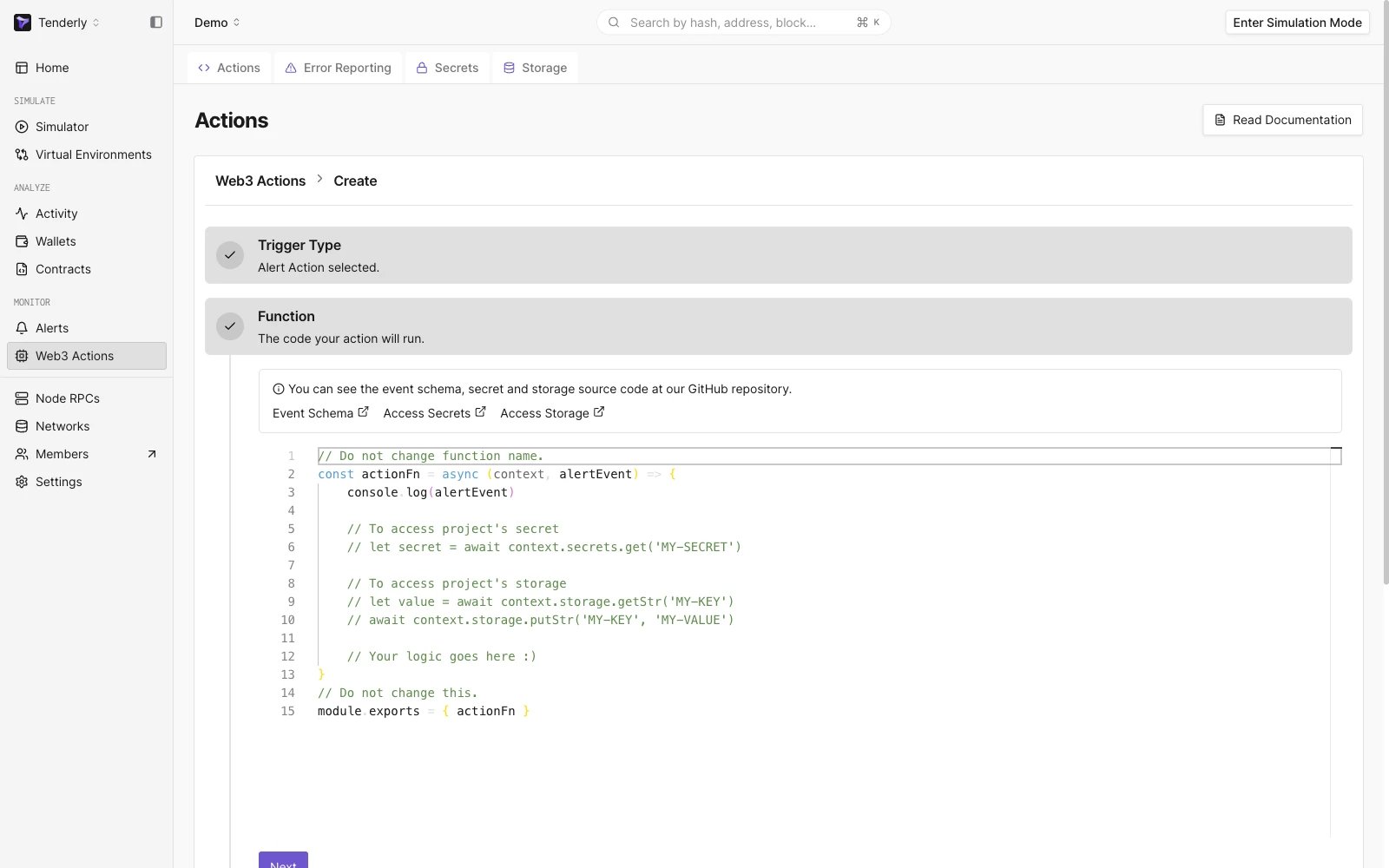
Custom code that is executed when the Web3 Action is triggered
- Set the Trigger by selecting the network. In our case, that is Mainnet.
- Also, set the Block Period to tell Tenderly how often to execute the Web3 Action function. For example, if you put 1, the Web3 Action will be executed once every block is mined.
- In the Info fields, add a name for the Web3 Action and an optional description.
- You can also set a Destination where you’ll receive notifications about failed executions of the Web3 Action.
- Lastly, click Create to deploy the Web3 Action.
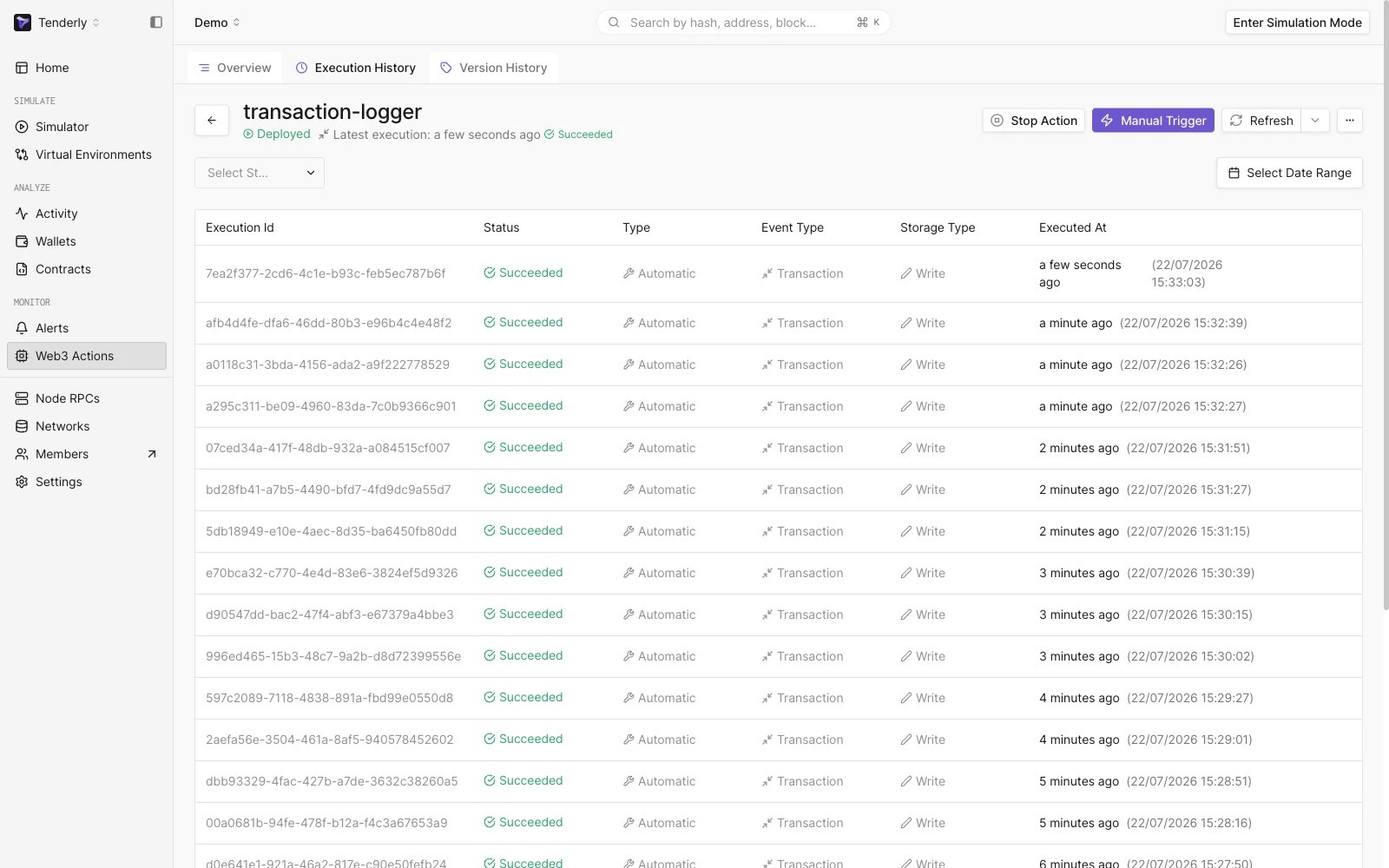
Web3 Action execution history