

Features not included in your plan
The dashboard marks a feature the plan doesn’t include in one of three ways:- A product page you can’t open, for example Node RPCs without Node RPC in the plan, shows what the product does and a contact button such as Contact us for Node RPC.
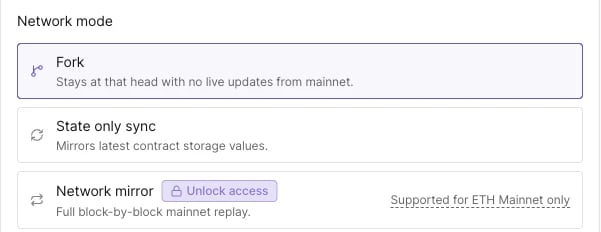
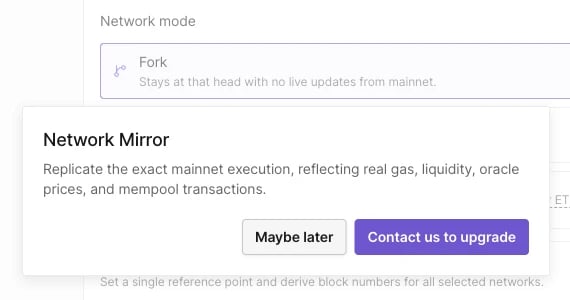
- An option inside a form carries an Unlock access badge. In Create Virtual Environment, for example, Network mirror and Bridge show the badge when the plan doesn’t include them. Clicking the badge opens a dialog describing the feature, with Contact us to upgrade and Maybe later.
- A create button for a resource whose count limit is reached, such as projects or Node RPCs, opens a dialog titled “To create more …, upgrade your plan” with the current limit.
quota_limit_reached error slug:
Networks not included in your plan
Network pickers group networks into MY NETWORKS, the networks in the Network entitlements table, and ALL NETWORKS. A network outside the plan carries an Upgrade tag.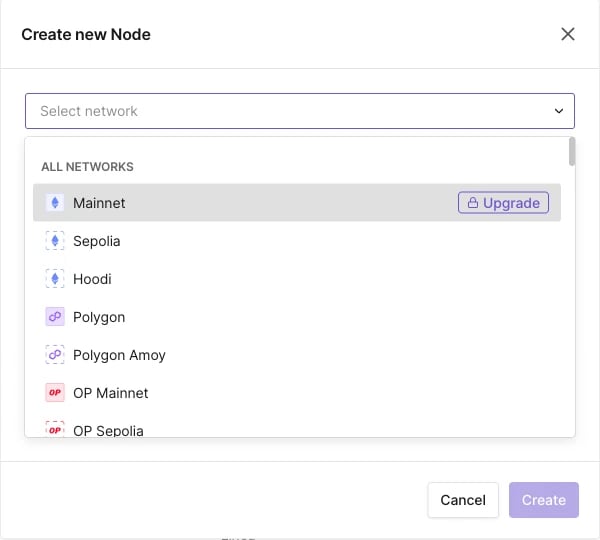
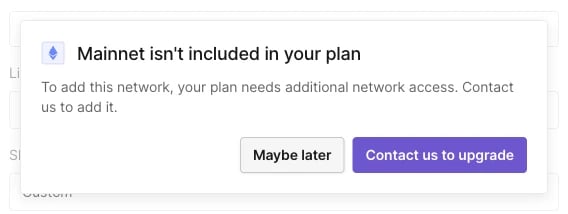
insufficient_permissions slug and the message “Your account is not entitled to use the selected network.” Creating a Virtual Environment returns “Your account is not entitled to create virtual testnets on the selected network.”
A network on a trial shows Trial and its expiry date in the Network entitlements table; after that date it’s treated like any other network outside the plan.