Add a new member
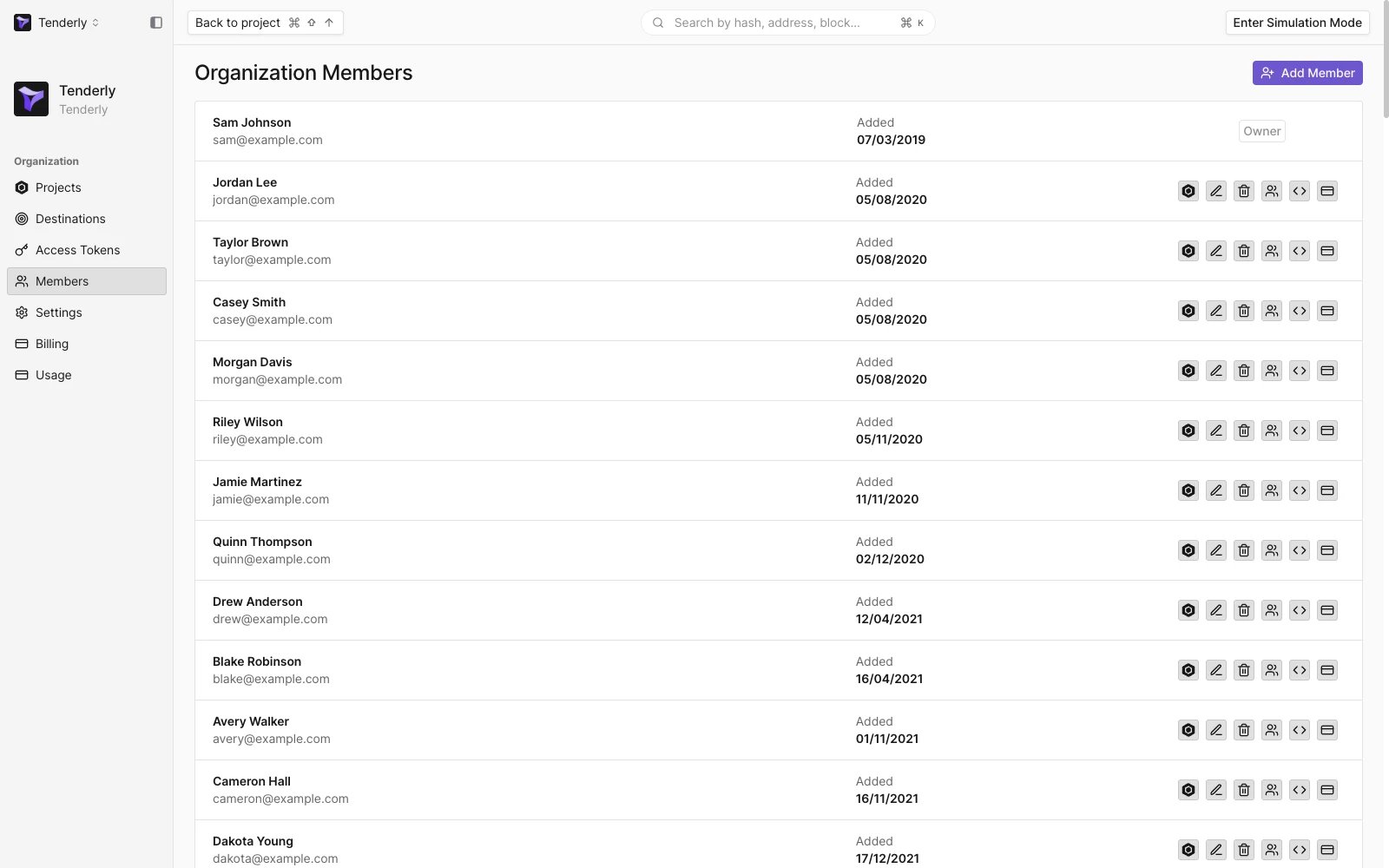
Adding members requires the Manage members permission.- In the organization sidebar, open Members.
- Click Add Member.
- Enter the email of the person you want to invite and turn on the permissions they need. All Permissions turns every permission on or off at once.
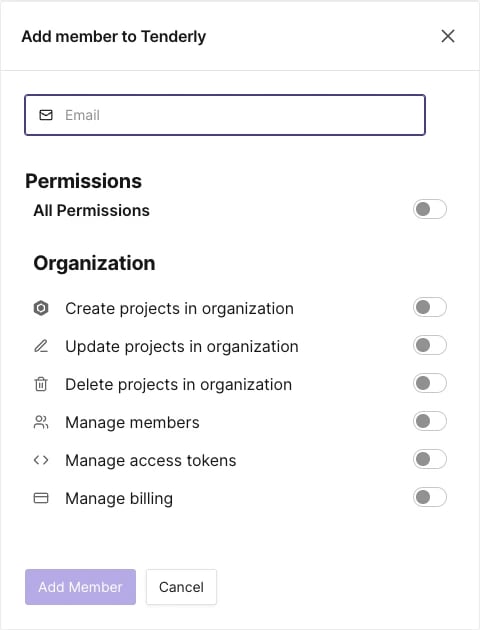
- Click Add Member. An invitation email is sent to the address.
Member permissions
Owners and members with the Manage members permission can change permissions for other members at any time. Permissions apply to the whole organization:
The Activity Logs page is available to the organization owner only.
Change or remove a member
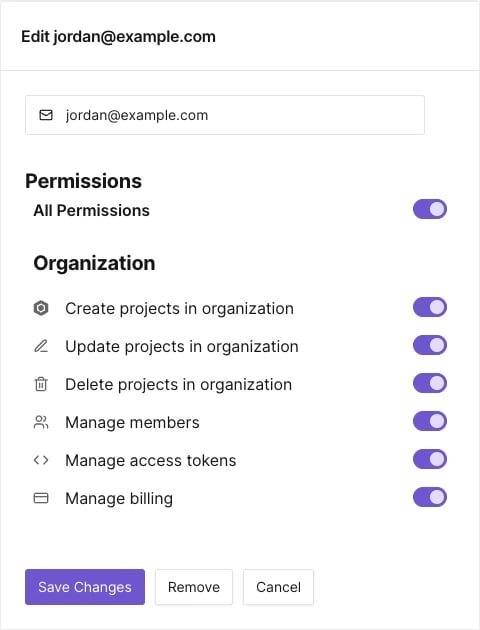
Click a member in the list to open Edit with their permissions:- Change the toggles and click Save Changes.
- Click Remove to remove the member from the organization and its projects.