

Open the Billing page
In the organization sidebar, click Billing. Opening Billing and changing billing settings requires the Manage billing permission; the organization owner always has it.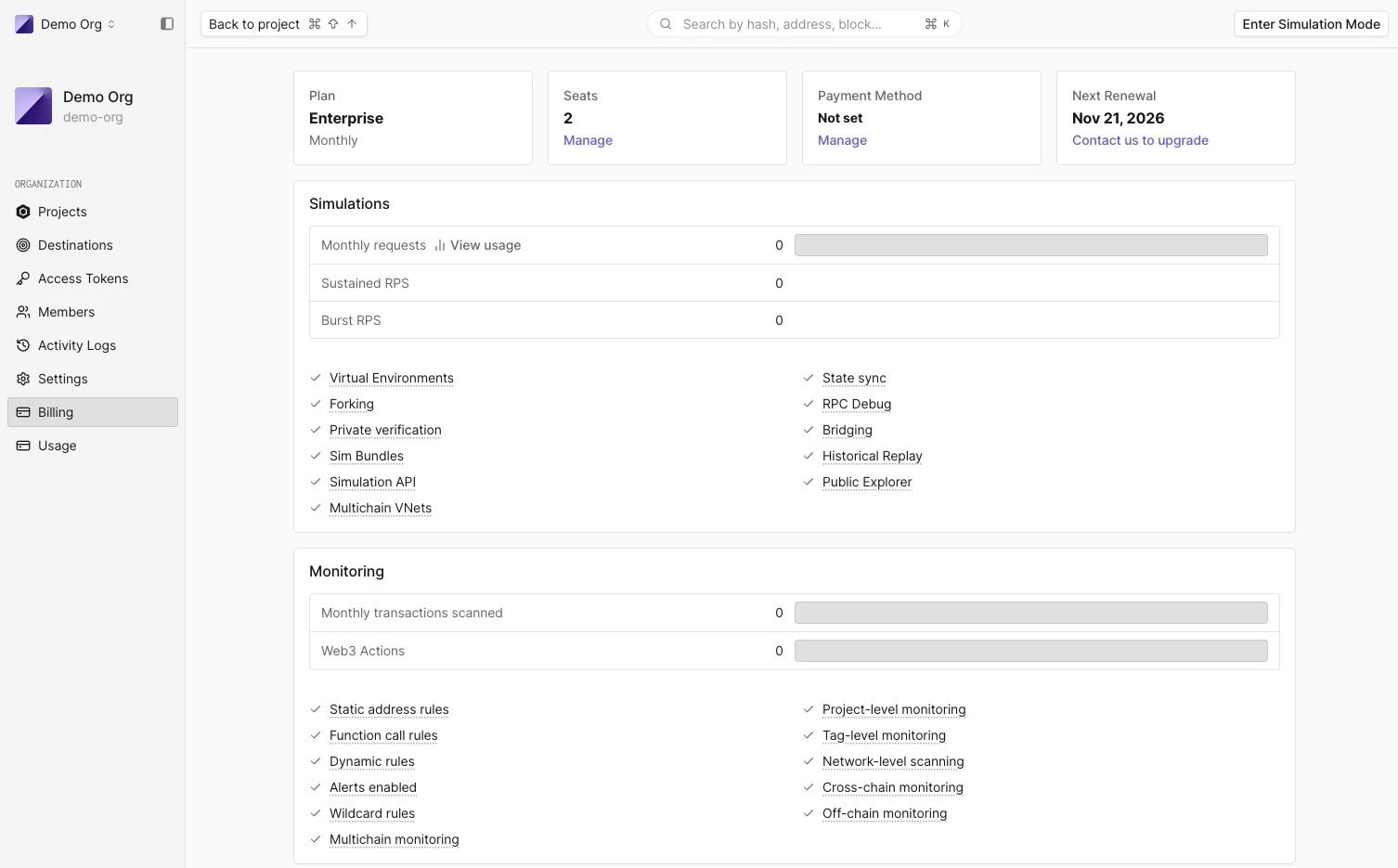
Plan summary
The top row has four cards:Products and limits in your plan
Below the summary, a card per product lists this month’s usage against the plan’s limits and the features the plan includes:
Hover a usage row and click View usage to open the Usage page set to that product. A product the plan doesn’t include shows Not included and a Contact us button. In the feature list, a check marks a feature the plan includes and a lock marks one it doesn’t; see Plan features and restrictions.
Network access
The Network entitlements table lists the networks the organization can use:
View all supported networks opens the supported networks list. When the table reads No network entitlements, no network is included yet. Creating a Node RPC, Virtual Environment, alert, or Web3 Action on a network that isn’t in the table asks you to contact us to add it; see Networks not included in your plan.
Payment methods
Click Manage on the Payment Method card to open billing settings. There you select the default card or click Add new payment method. To pay in cryptocurrency, see Can I pay in cryptocurrency?Past-due and blocked organizations
When a subscription payment fails, organization pages show a banner saying the subscription has expired and that the account is blocked automatically after 14 days. Members with the Manage billing permission get a Go to Billing button to update the payment method. If the payment isn’t resolved, the organization is blocked and its pages show “Your organization has been blocked due to unpaid subscription. Please update your billing information or contact our support.”Legacy billing layout
Organizations on the earlier billing model see a different Billing page, measured entirely in Tenderly Units (TUs):- Plan Overview: plan, billing cycle, team members against the member limit, default payment method, and next renewal date.
- Tenderly Units: a bar with the TUs used this billing period, split by Node RPCs, Virtual Environments, and the Simulation API, against the TUs available. More details opens the TU Usage page.
- Total TU for the current billing period and TU per second with the peak over the last 24 hours.
- Monthly quotas for infrastructure, API simulations, and explorer resources.