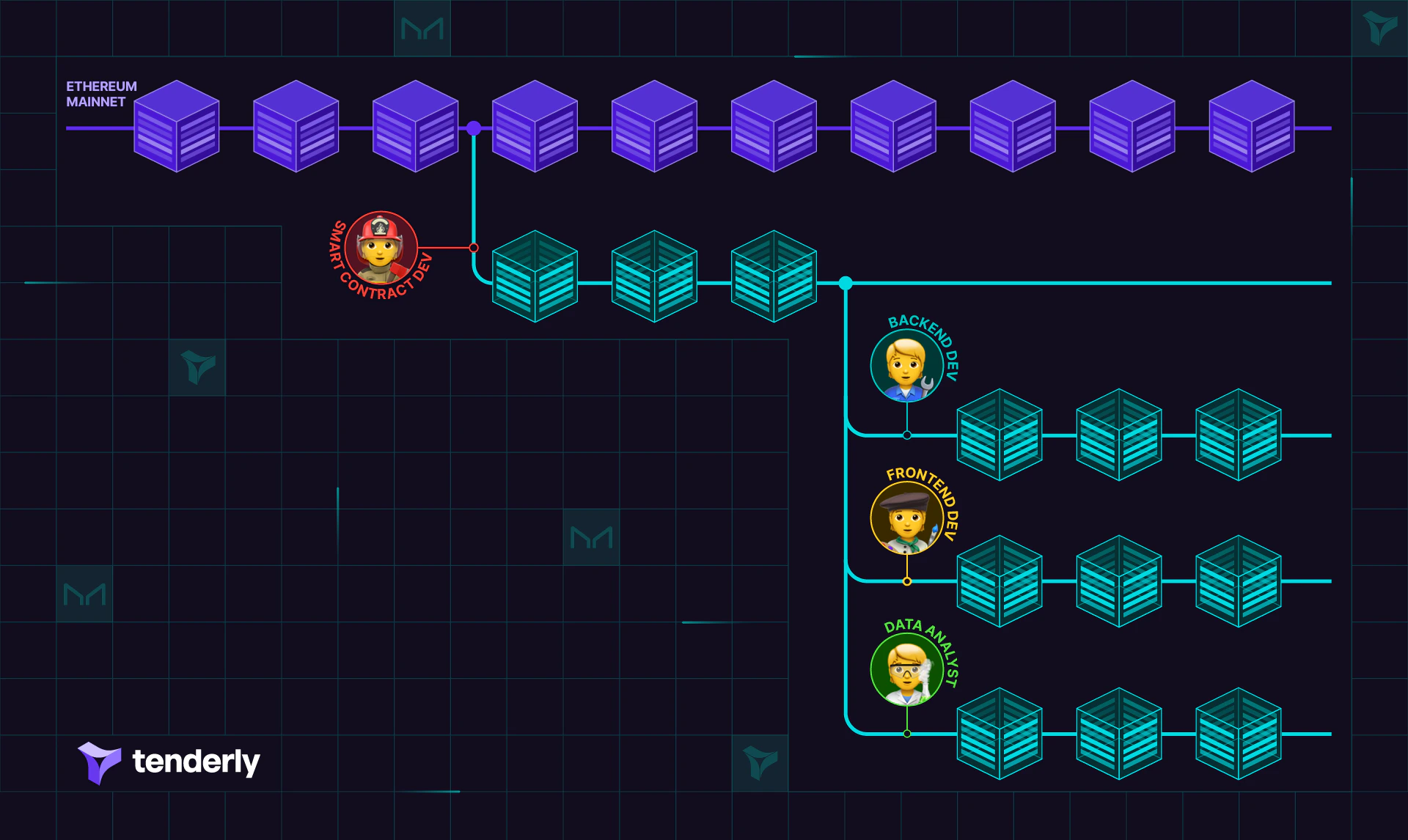
Forking a Virtual Environment creates an exact snapshot of its state at a specific moment. The new Virtual Environment inherits all contracts, balances, and transactions from the source network. This allows your team to develop in iterations with minimal interference while working on an accurate, disposable working copy. After staging smart contracts, and setting up the state by sending transactions or funding accounts, your team members can create personal working copies of the staging Virtual Environment. This way, tests don’t impact the original Virtual Environment’s state, and each team can perform their own tests with no test-data noise and interference. To Fork a Virtual Environment:
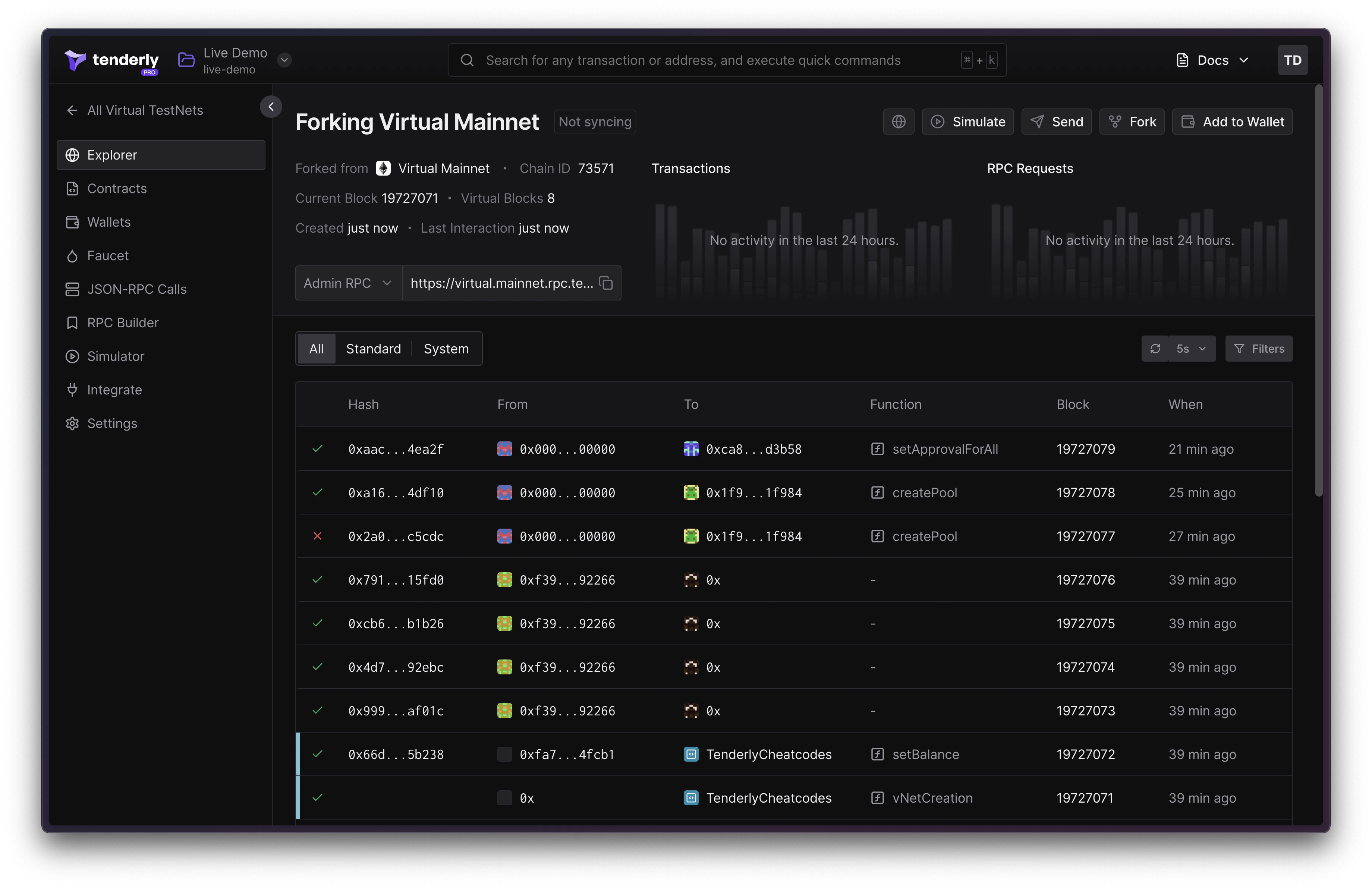
  • Click the Fork button located in the top right corner.
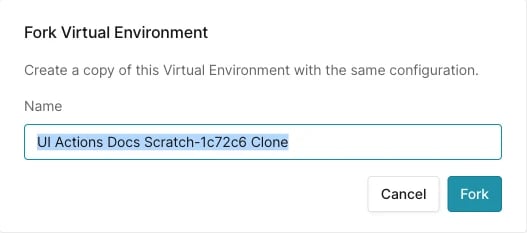
  • Choose the project where the new Virtual Environment will reside and give it a name.
You can verify the origin of a forked Virtual Environment by checking the details section, which displays the source network from which the Virtual Environment was forked.

Next Steps

  • Stage dapps: Learn how to connect the Virtual Environment to your dapp’s UI.
  • Revert state: Revert Virtual Environment state if testing steps aren’t repeatable otherwise.