Make an executed Tenderly simulation viewable by anyone with the link, copy the public URL, and turn public access off from the dashboard or the API.
Sharing a simulation makes its result page (call trace, events, state changes, fund flow, and gas profile) viewable through a public URL. Viewers don’t need a Tenderly account. To share a Simulator setup that the recipient runs themselves, use a draft link instead.
In Simulator, open a simulation from the list, or run a new one.
2
Open the Share menu
Click Share next to the Simulation title. While the simulation is private, Share shows a lock icon.
3
Enable public access
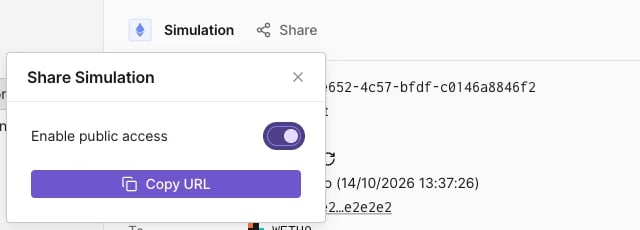
Turn on Enable public access, then click Copy URL.
Share Simulation menu with public access enabled.
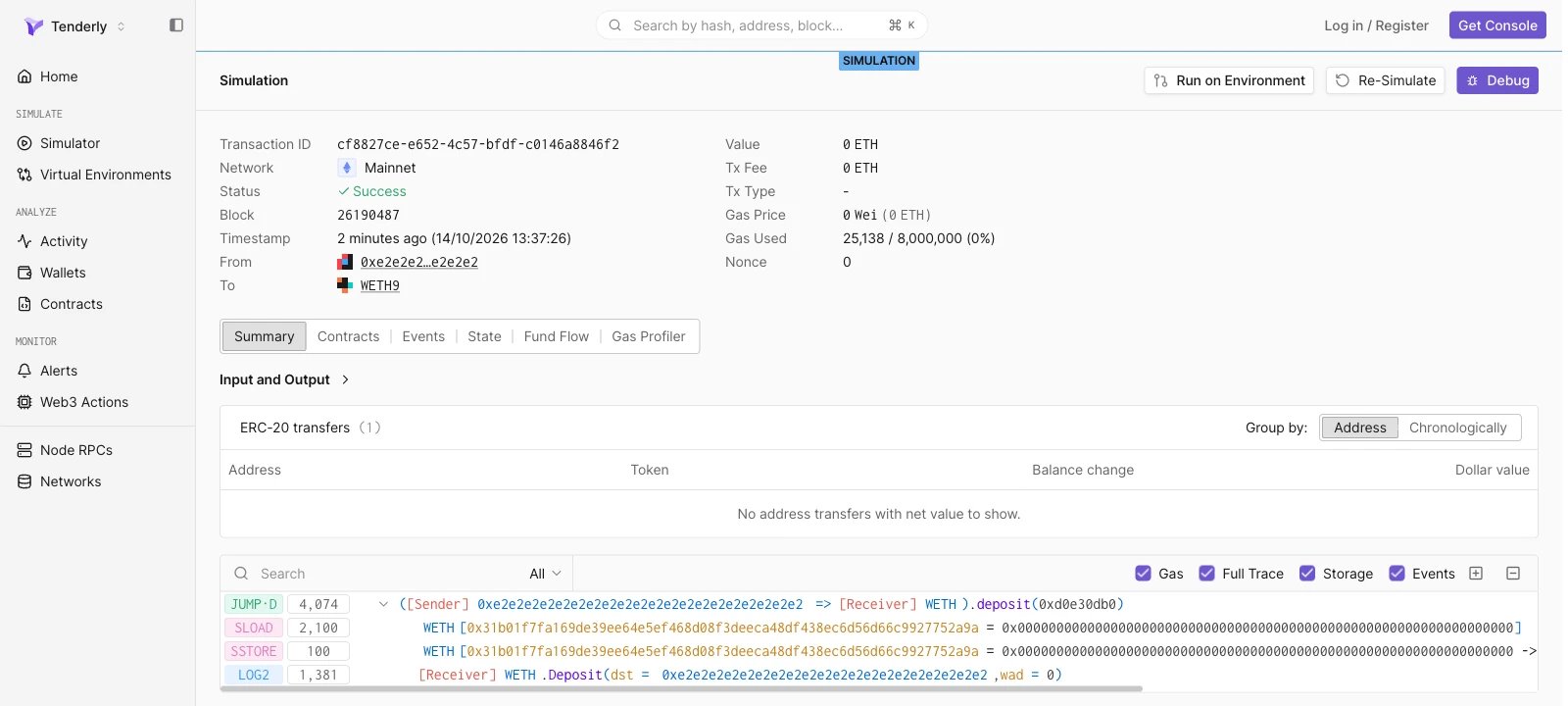
The copied URL has the form https://www.tdly.co/shared/simulation/<simulation-id> and redirects to https://dashboard.tenderly.co/shared/simulation/<simulation-id>. Signed-out viewers see the full result page under a SIMULATION label.
Enable and disable public access with the Enable simulation sharing and Disable simulation sharing endpoints. Both take the simulation ID in the path, have no request body, and return 204 No Content on success.
share-simulation.sh
curl -X POST \
  "https://api.tenderly.co/api/v1/account/$TENDERLY_ACCOUNT_SLUG/project/$TENDERLY_PROJECT_SLUG/simulations/$SIMULATION_ID/share" \
  -H "X-Access-Key: $TENDERLY_ACCESS_KEY"
To stop sharing, send the same request to the /unshare path. The public URL is https://www.tdly.co/shared/simulation/$SIMULATION_ID.
Assistant
Responses are generated using AI and may contain mistakes.