

Header actions
The header above every tab of a Virtual Environment has these actions.
Virtual Environment header actions.
Sidebar tabs
Home
The Integrate Virtual RPC card at the top of Home lists the Admin RPC and Public RPC URLs and the chain ID, with a network selector for Multichain Virtual Environments and a protocol selector. Its actions:- Public explorer: opens the public explorer.
- Configure: opens Settings.
- Copy integration prompt: copies a setup prompt for an AI coding agent.
Activity
The list has these columns: Network, Status, Function, When, Block, Hash, From, To, Gas used, Gas price, and Block timestamp. Click a row to open the transaction page.
Transaction page
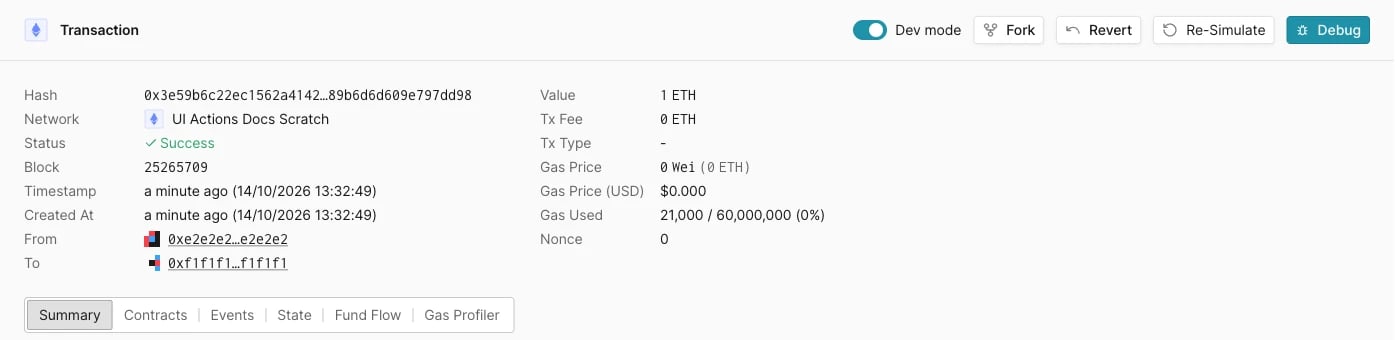
Transaction page header actions.
Settings
Click the button below the Advanced section to apply changes.